
Import A Portfolio From Binance
Import a portfolio from Binance (Premium feature) Follow the steps below 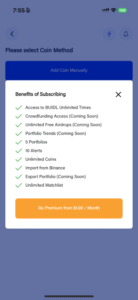
- Login to your Binance Account
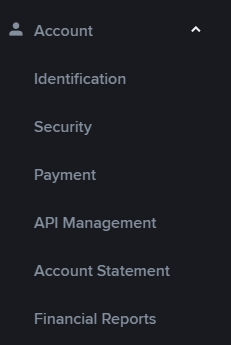
Click on the profile icon  Then click on settings In the settings screen click on account and API Management
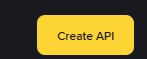
  Click on Create API
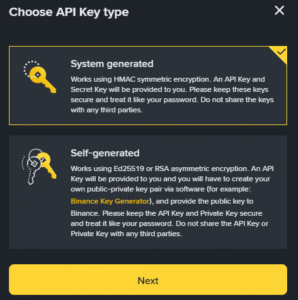
  Click on system generated and click NEXT
  Give your Key a name
 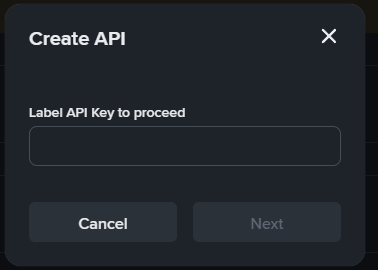 Verify by email or authenticator app
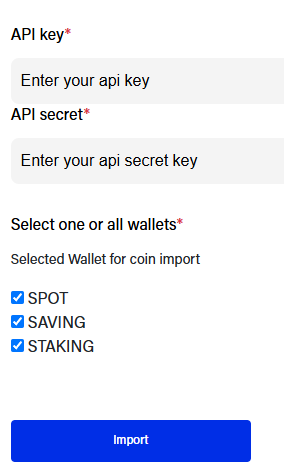
 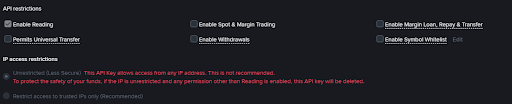 From the next screen, copy your API Key and Secret Key Ensure that only “Enable reading” is ticked, every other option should be unticked Come back to the Moonrig section to Import from Binance and enter the API key along with the API secret Select which sections of Binance you want to read data from (SPOT, Saving and Staking) and hit ‘Import’
  From the following screen you can select which coins you wish to import from a list of all your coins that exist on Binance.
 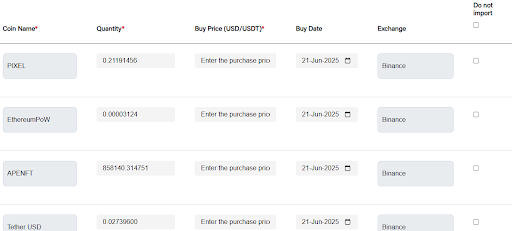 Click Import Coins and they will now be populated into your HODL portfolio