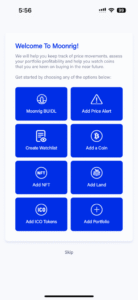
Register your free account
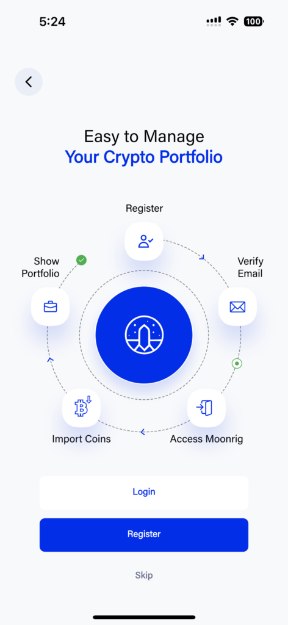
Splash Screen (Blue with Moonrig logo) Click on the ‘Get Started’ button 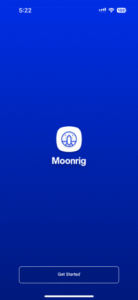 Choose to ‘Login’, ’Register’ or ‘Skip’ If this is your first time go ahead and register by clicking on the Register button You can also skip this section by clicking on the ‘Skip’ button or ‘Login’ in you already have an account
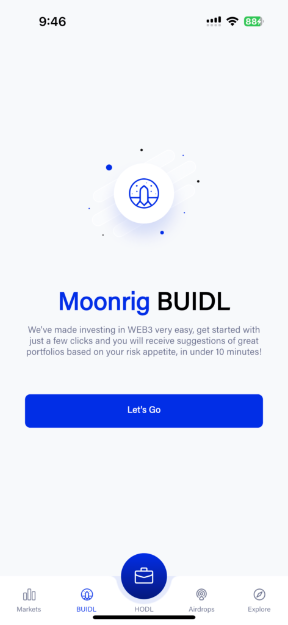
  If you click on the ‘Skip’ button, you will be taken to the ‘BUIDL’ section of the app.
  Enter your Name, email address, password (twice for verification) - all fields are mandatory Click on the checkbox to the right of the ‘Agree to Moonrig’s Terms of Use, EULA & Privacy Policy’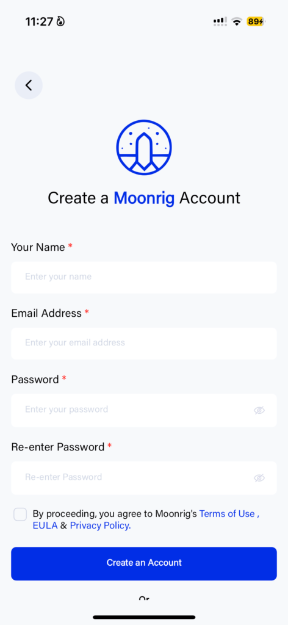
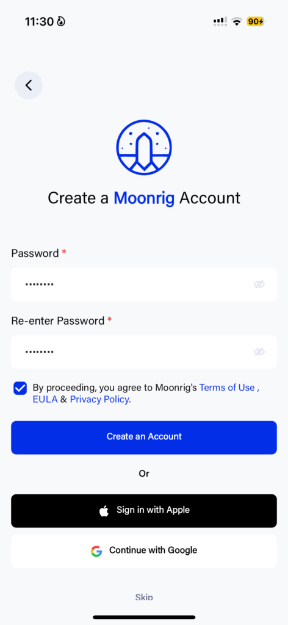
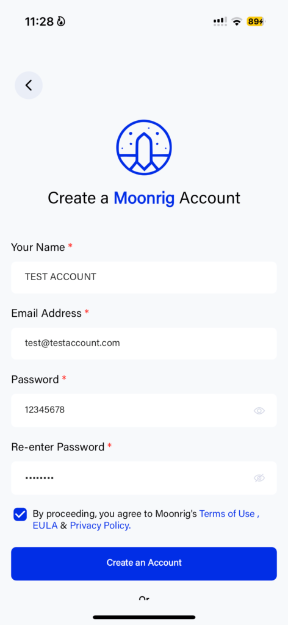 Click on the ‘Create an Account’ button OR Sign in with an Apple or Google account
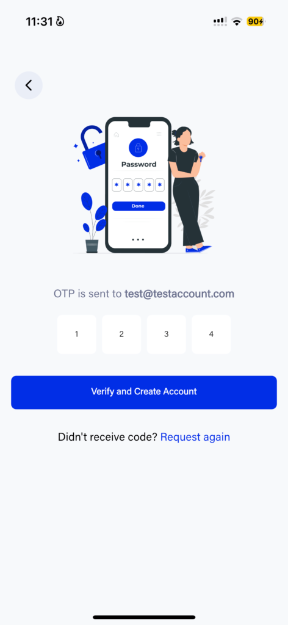
  If creating a new account, you will be be taken to the next screen in which you will be asked to enter an OTP which has been sent to the entered email address Enter the OTP and click on ‘Verify and Create Account’
  Once verified, you will be directed to the next screen where you will see a small pop-up that says ‘Success’
 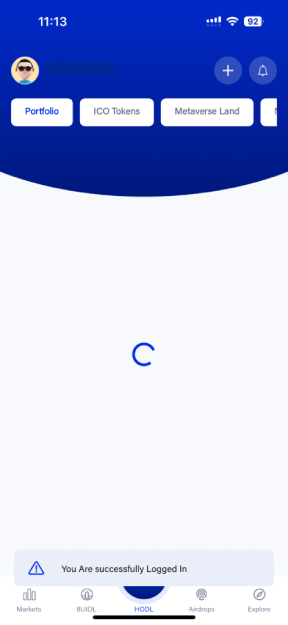 Now, you can choose what you want to do in the app.