Import Coin From Wallet Address
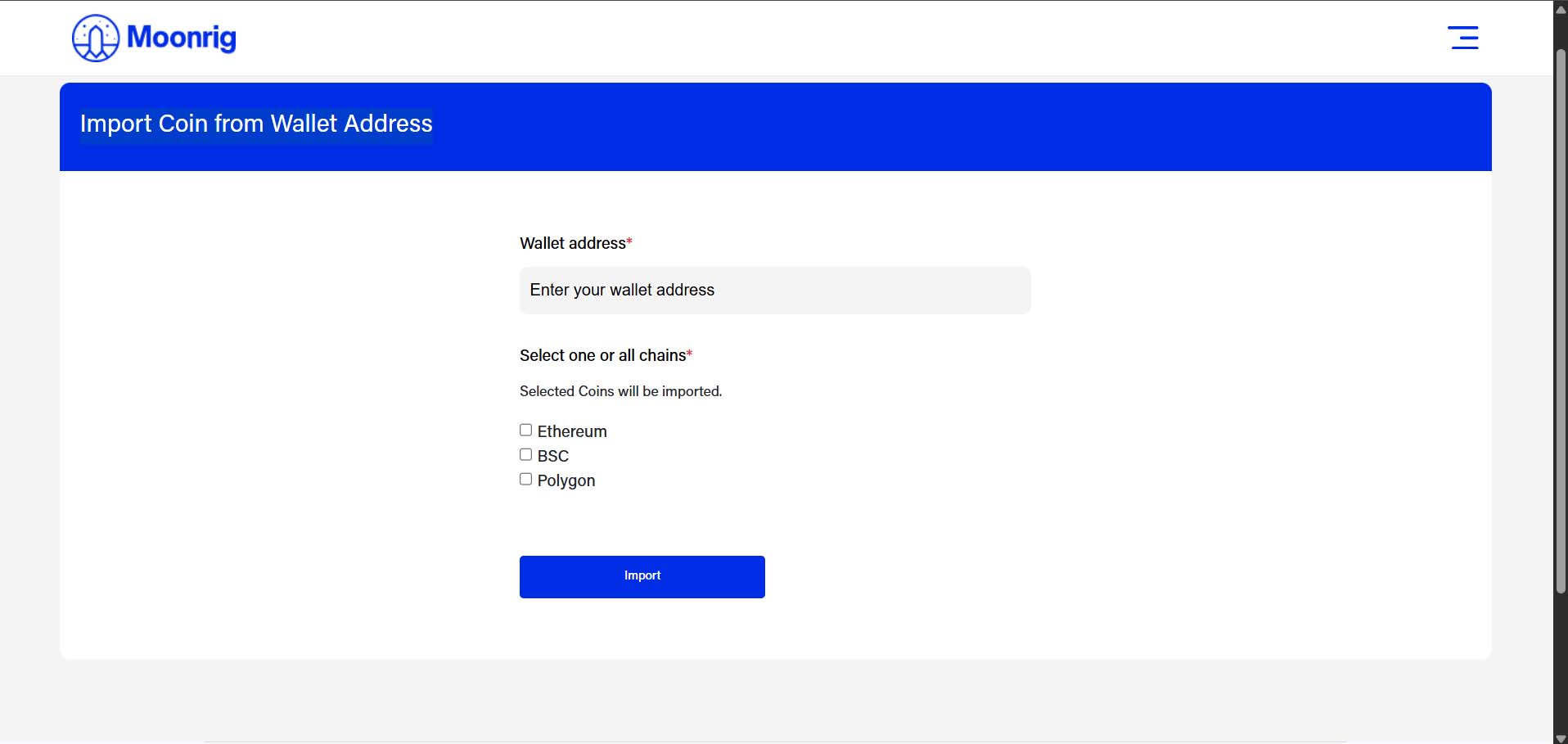
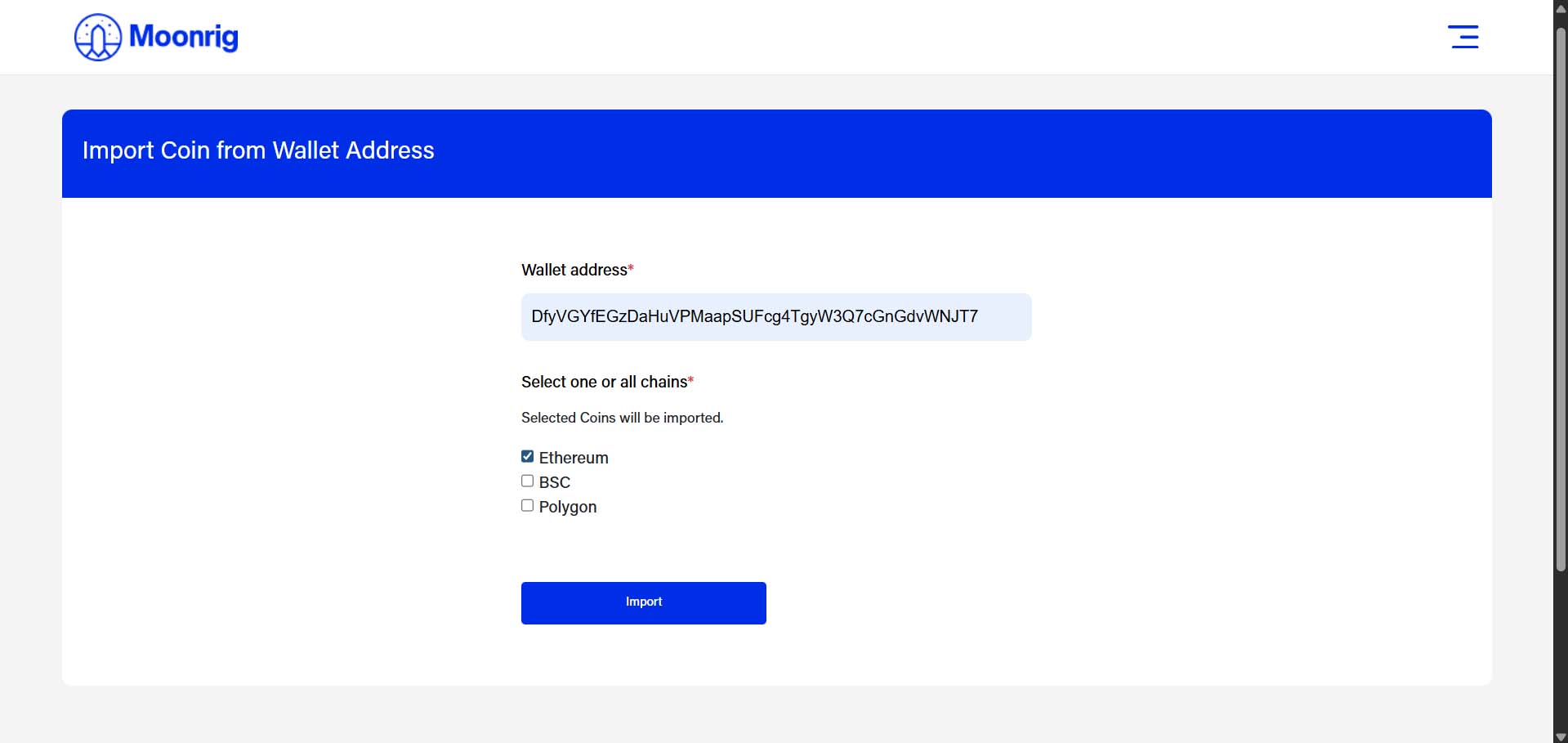
IMPORT COIN FROM WALLET ADDRESS Import your tokens using your wallet address:
- Enter your Wallet Address Paste your public wallet address (from MetaMask, Trust Wallet, etc.) into the field.
- Select the Blockchain Network(s) Tick one or more chains from the options:
- Ethereum
- BSC (Binance Smart Chain)
- Polygon
- Click the “Import” button Moonrig will scan the selected chains and show you a list of detected coins.
Your selected coins will now be added to your Moonrig portfolio.