Portfolio Builder Steps
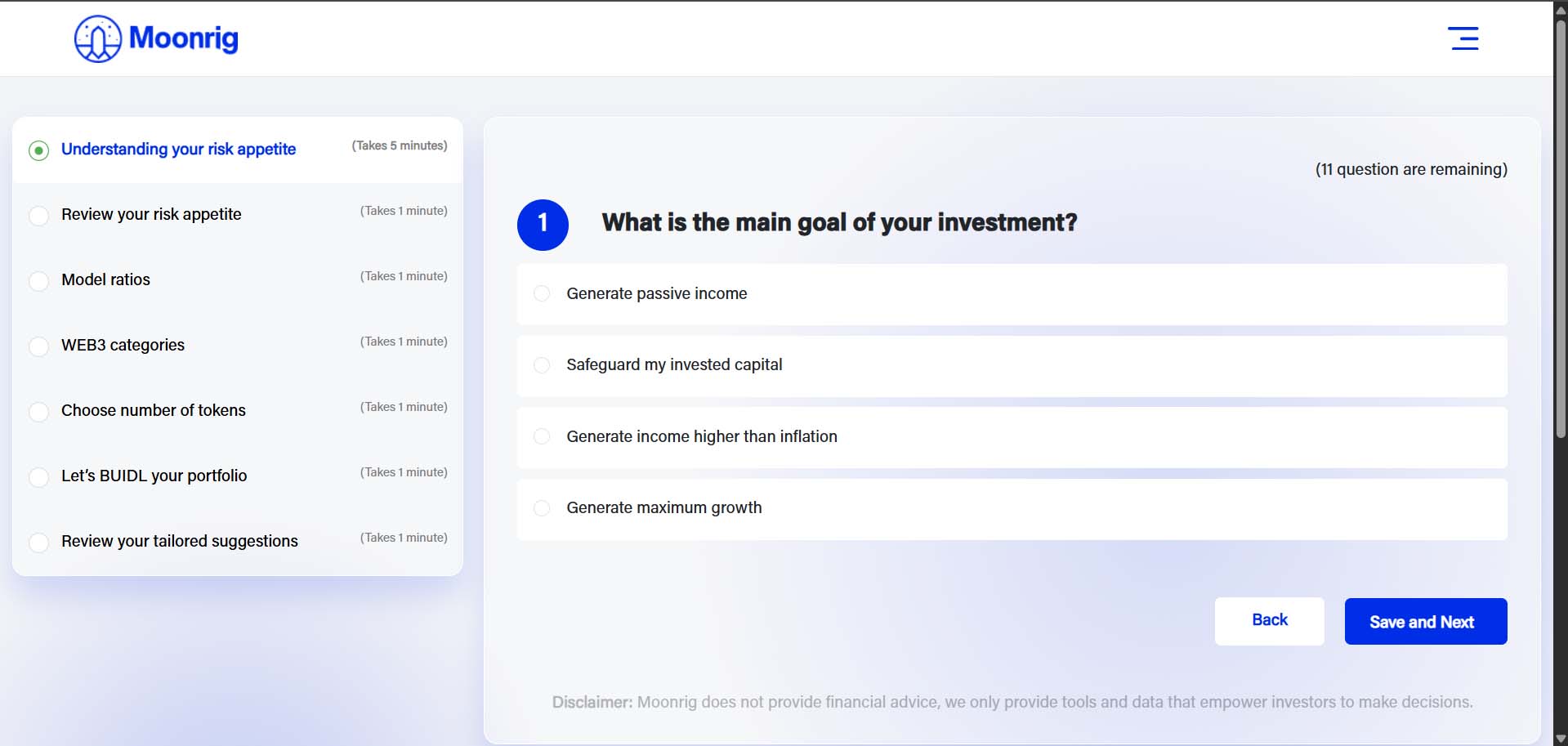
BUIDL - PORTFOLIO BUILDER STEPS When clicked, you will see a small description about BUIDL and click the ‘Let’s Go’ button 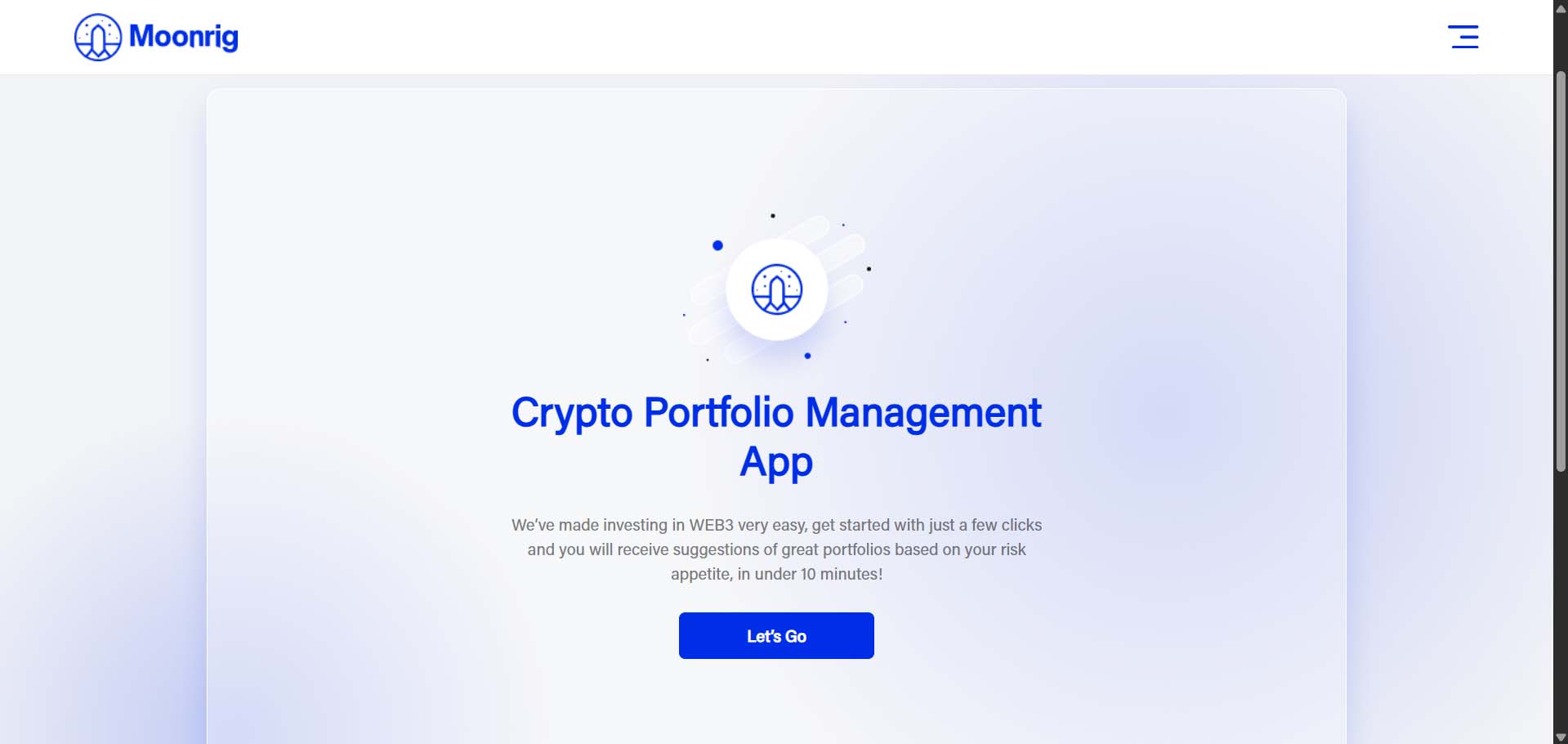 Moonrig will first attempt to assess your risk appetite by asking you 11 questions. (there are an additional 10 questions in this process like the image below)
  Moonrig has now determined your risk appetite based on the responses to the 11 questions. You may choose to change your risk appetite by moving the slider either to the left or right. Click on ‘Agree and Continue’ to proceed… …or the ‘Back’ button if you wish to change any of your previous chosen selections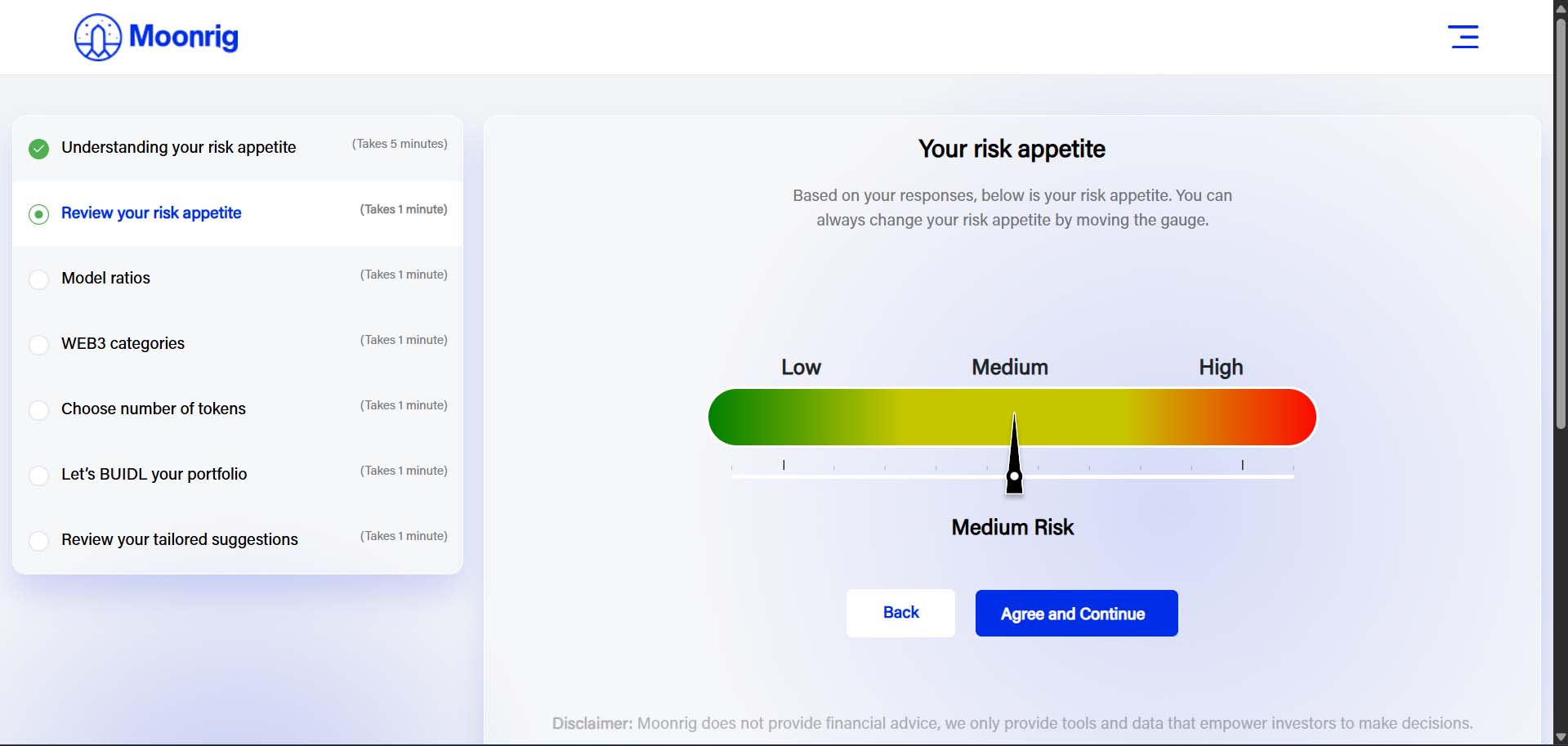
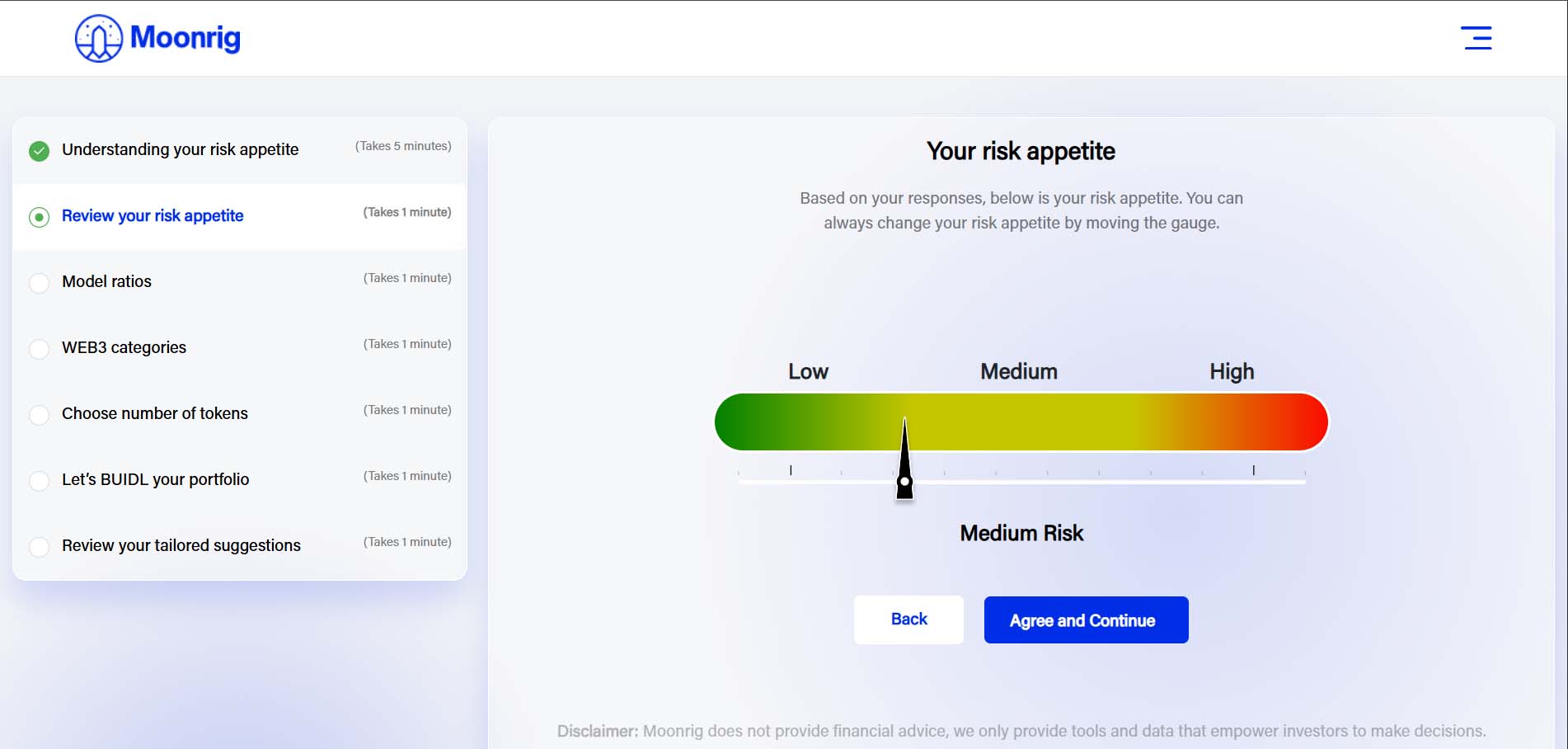 You can also create your custom model ratio by using the third option ‘Create Your Own Ratio’
 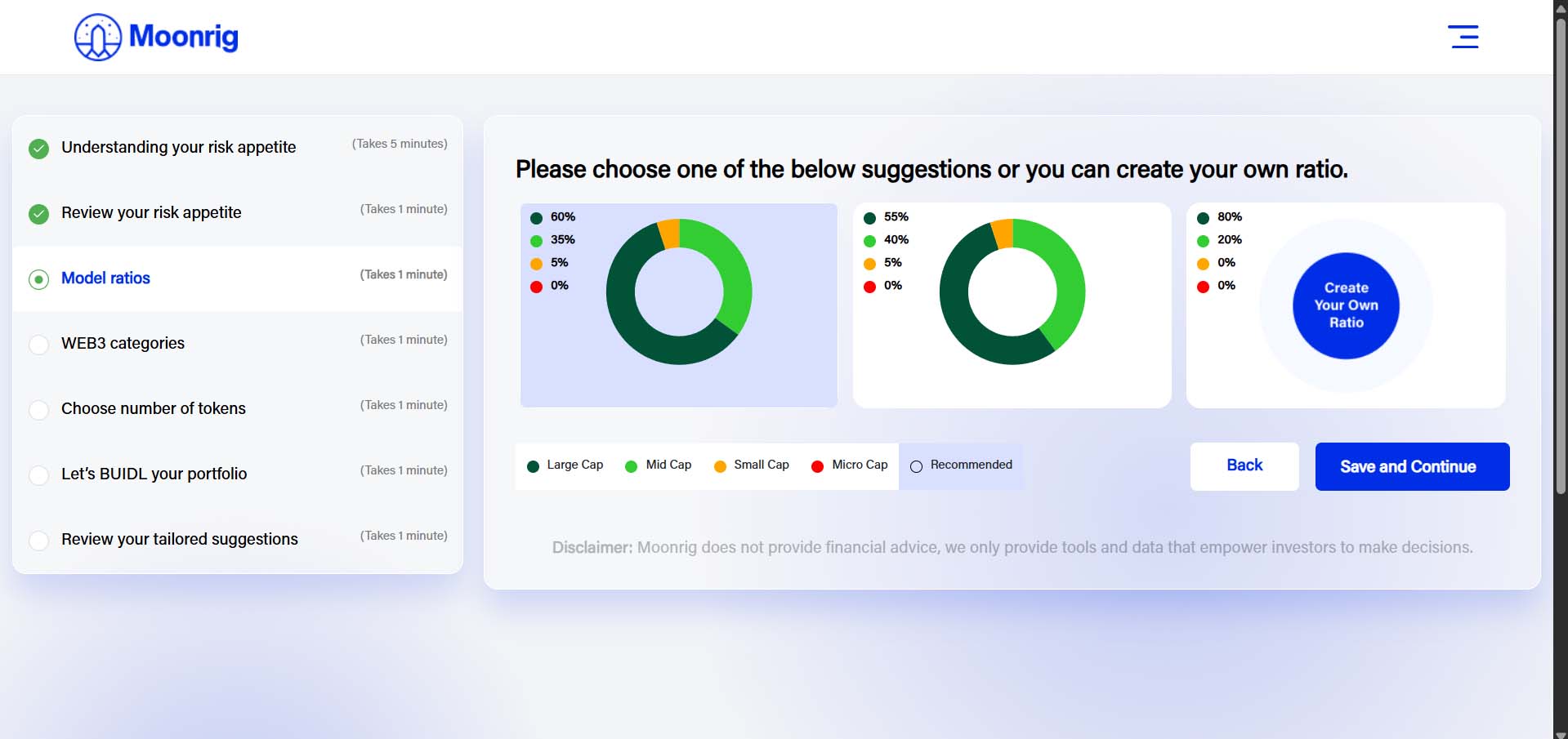 You are then taken to the web3 categories section. Here you can select or deselect types of coins in the various categories which Moonrig has pre-selected based on all the information you have shared.
 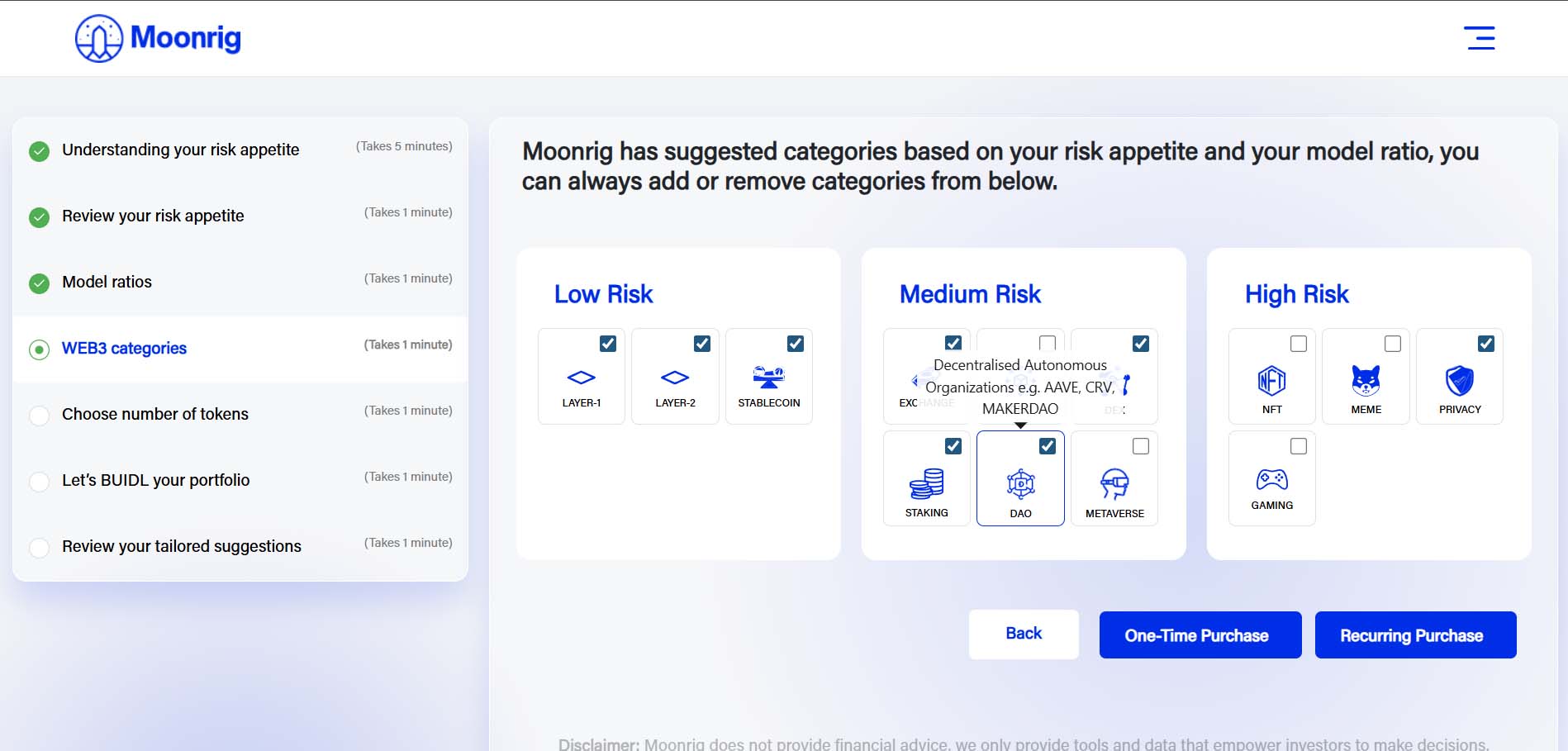 Next, choose whether you wish to do ‘One-Time Purchase’ or ‘Recurring Purchase’. If you choose ‘One-Time Purchase’ you will be asked to enter the amount (in USD)
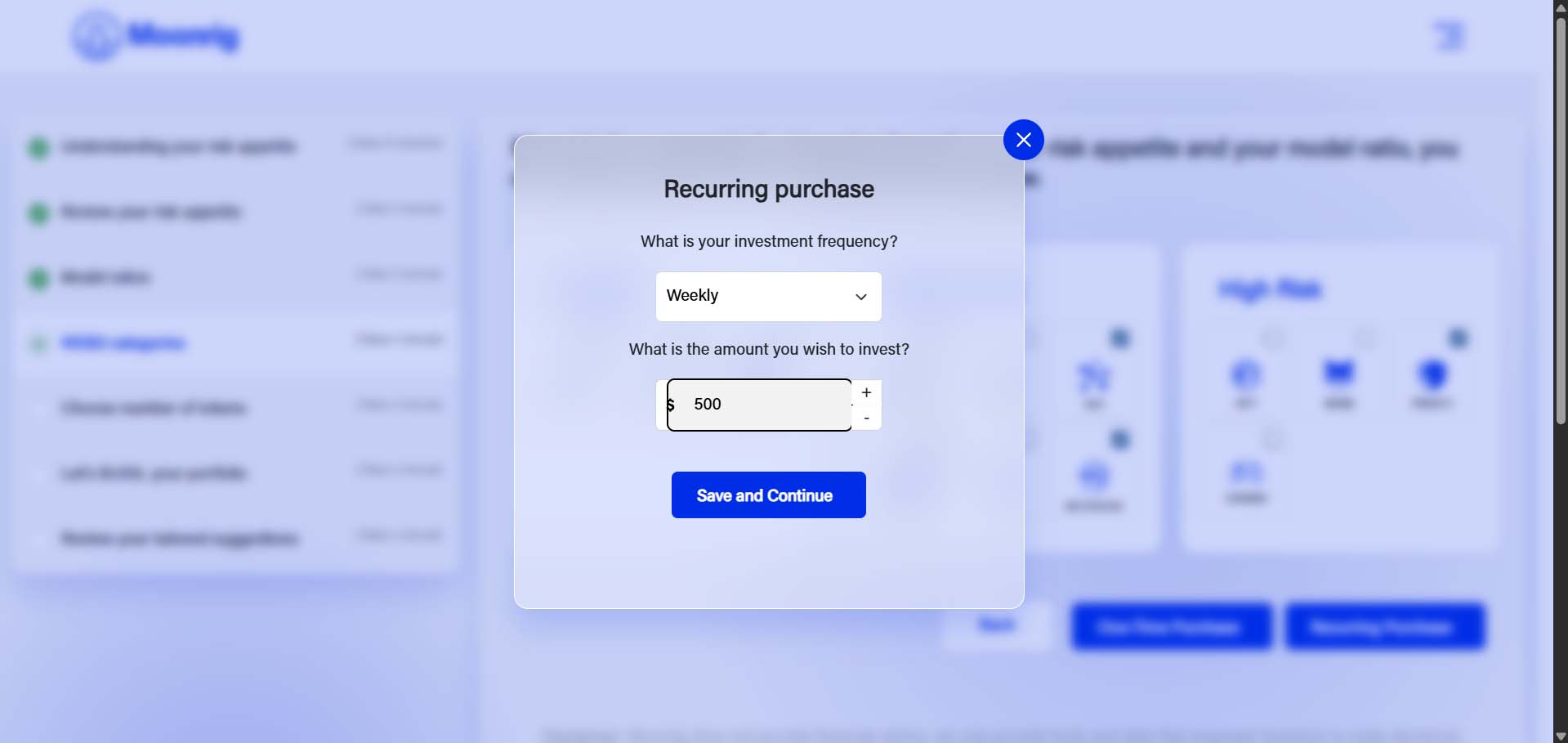
 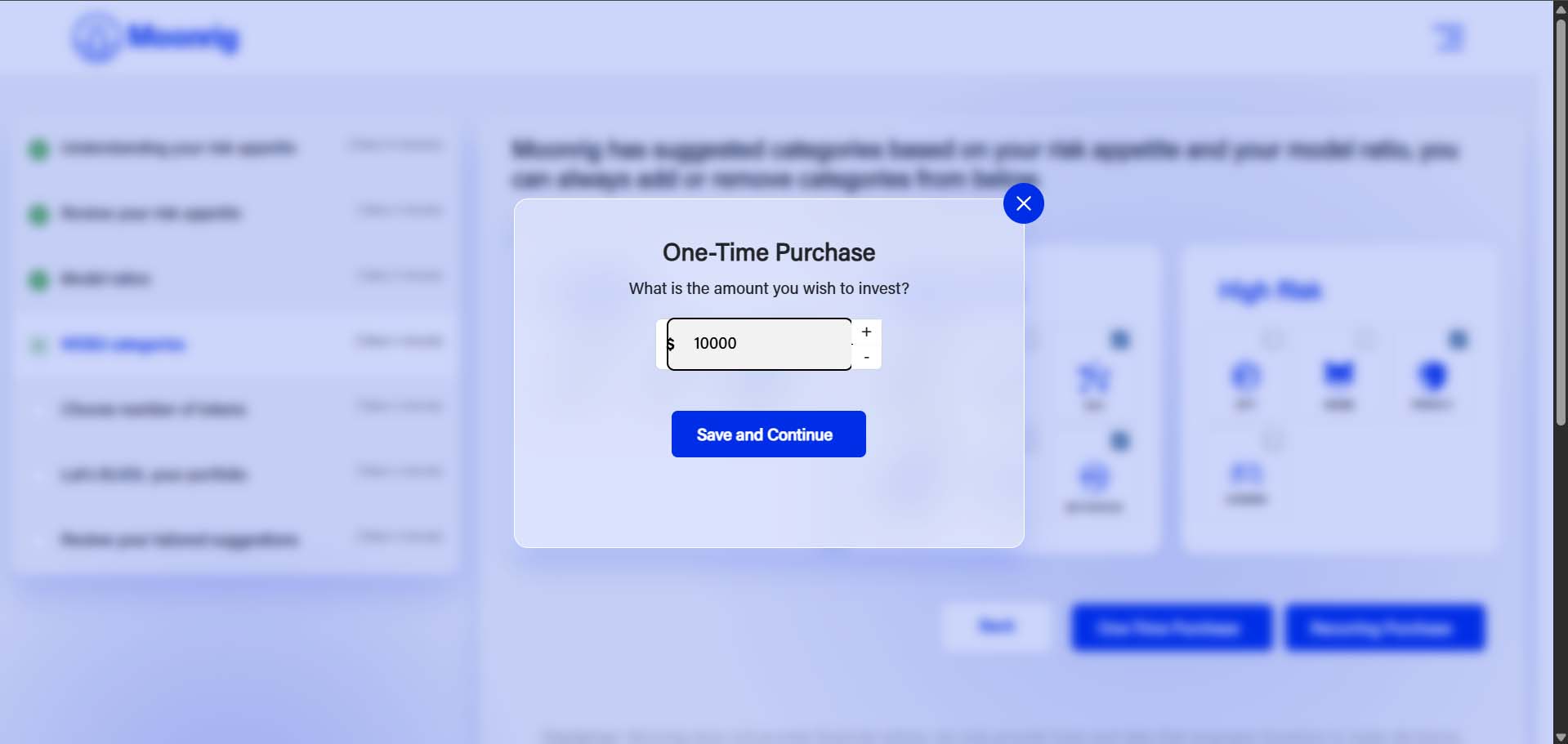 If you choose ‘Recurring Purchase’ you will be asked to choose the frequency (fortnightly, weekly or monthly) and the amount (in USD) you wish to invest.
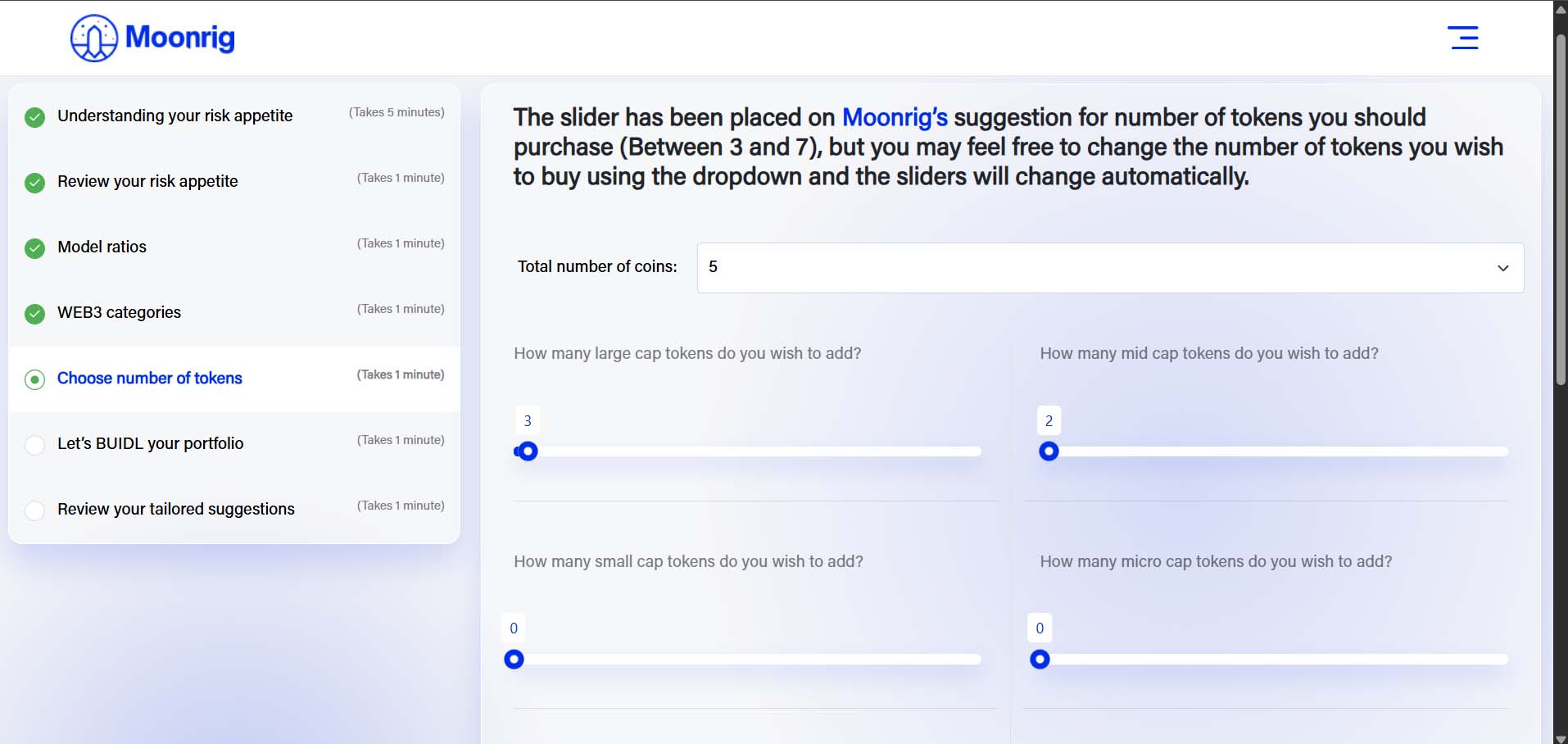
  Next, you can use the sliders and set your own ratios of large, mid, small & micro cap coins. NOTE: Keep in mind the sliders will only allow you to move them in a manner which will not override your original risk appetite. Click on ‘Save and Next’ to continue to the next stage
  Moonrig now crunches all the information provided by you and will present you with 3 portfolio options.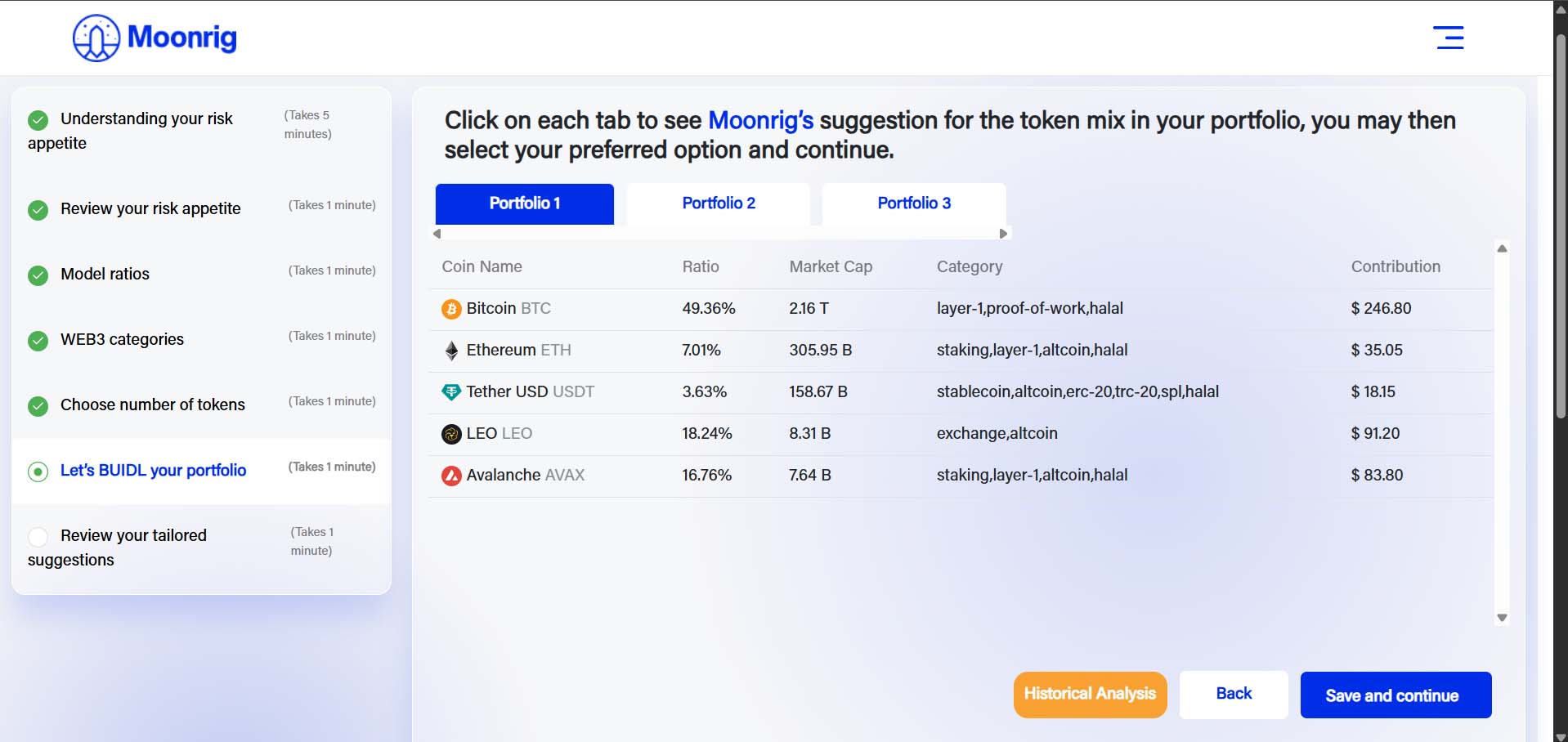
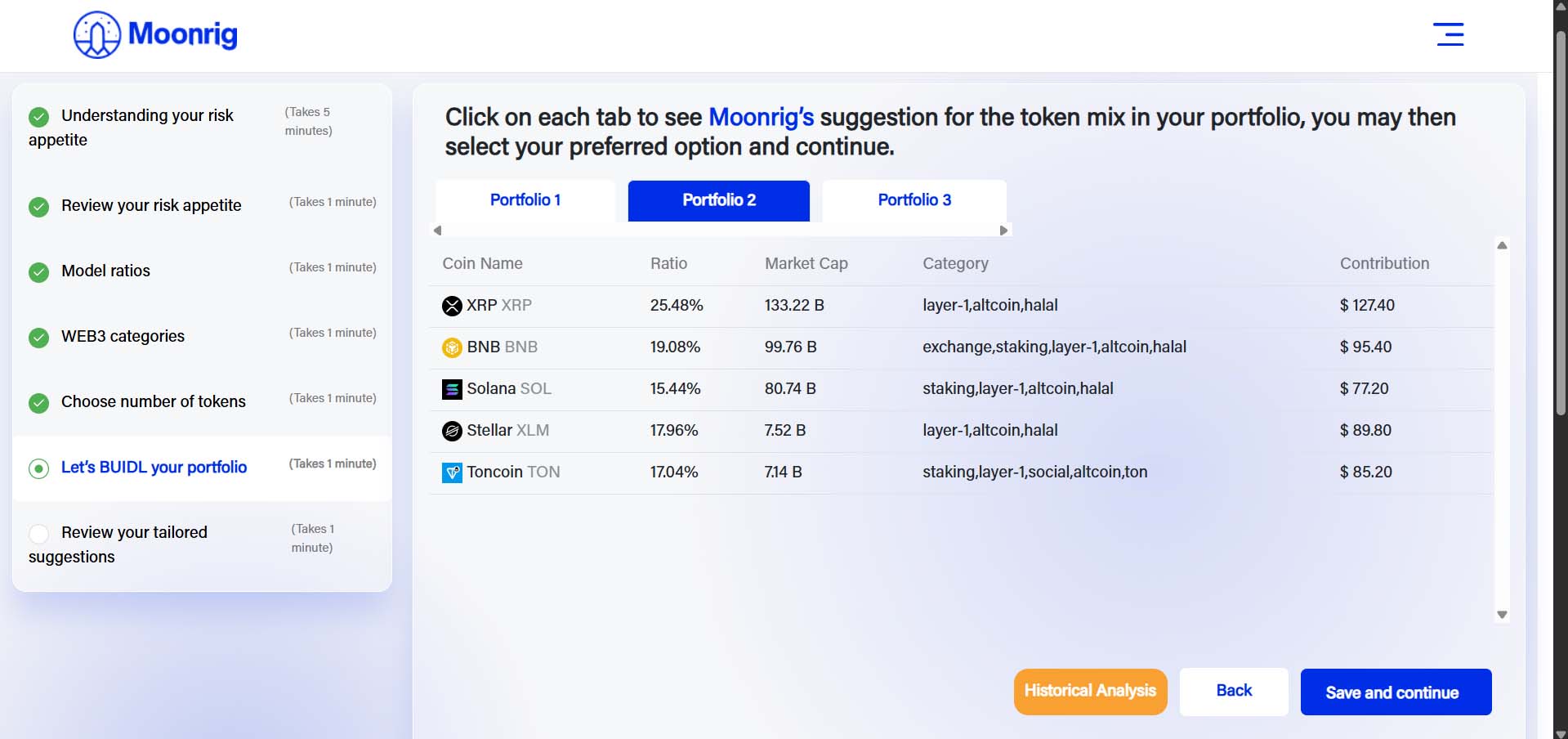 You can then choose between Portfolio 1, 2 & 3. Then click on ‘Save and Next’ to continue. NOTE: To help you select one of the 3, we have a unique filtration method. Moonrig has a feature called ‘Historical Analysis’
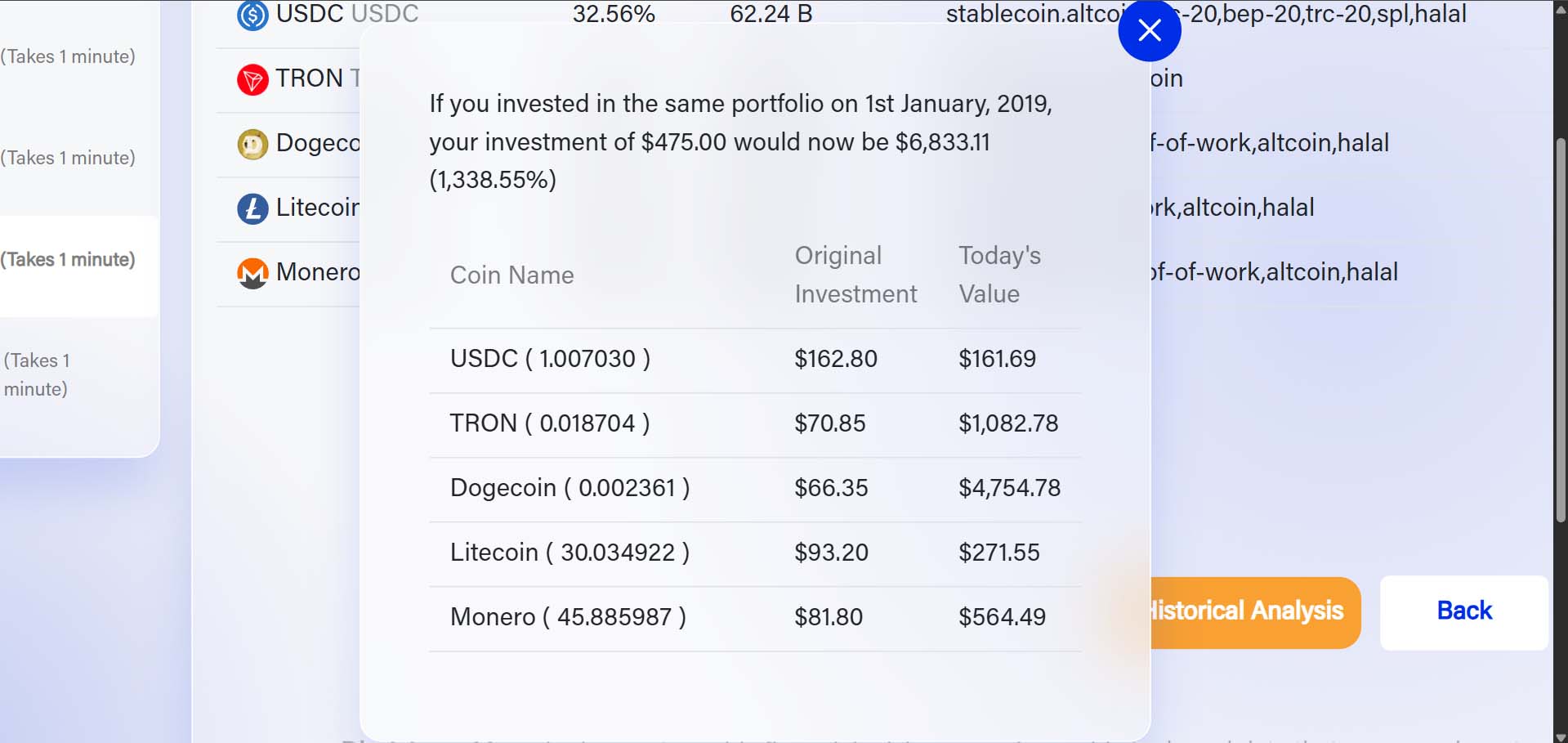
 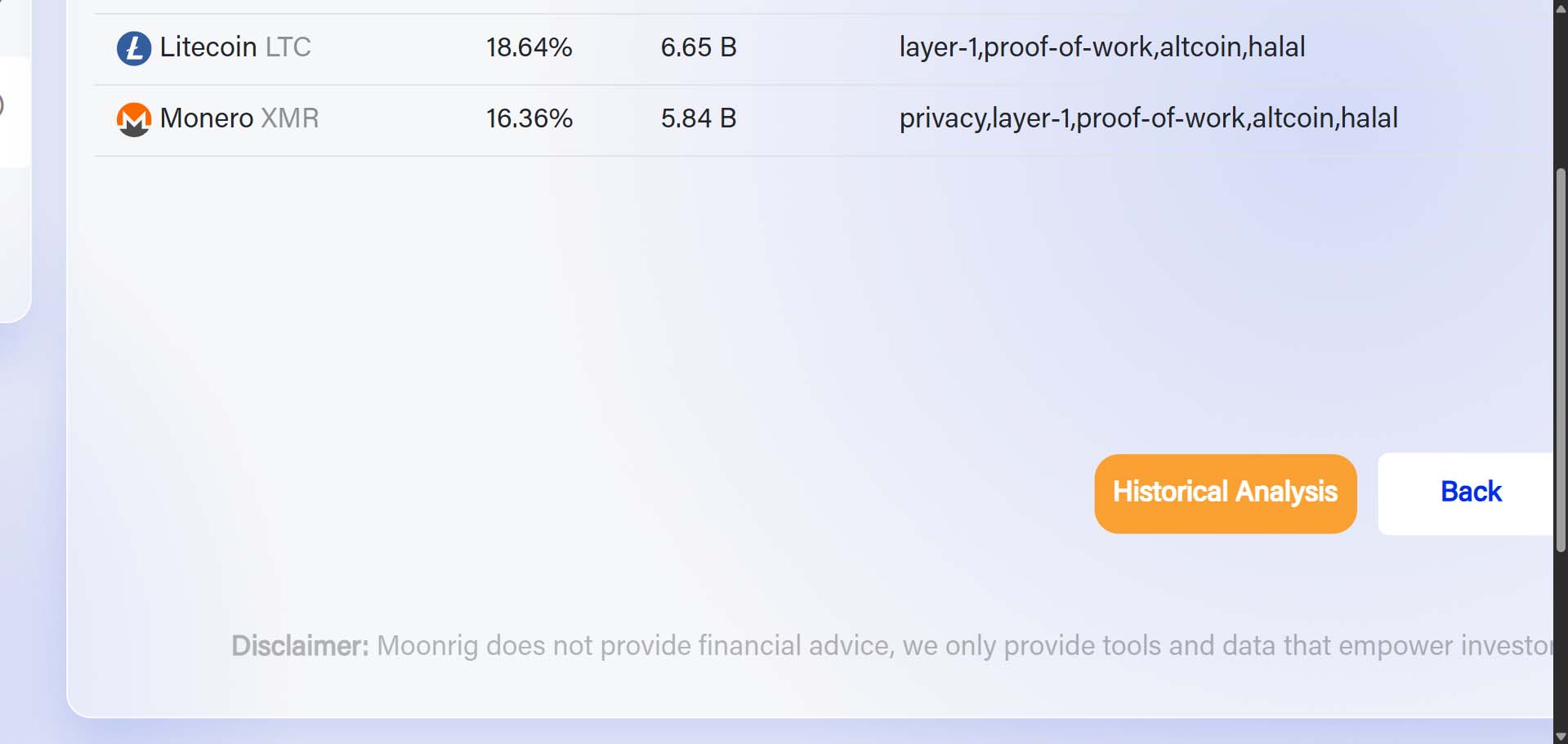 Moonrig will present you with profitability for each of the 3 portfolios in a simulation which shows you how it would look if you were to have invested in this same portfolio in 2019. Click on Historical Analysis: Portfolio X (1/2/3)
 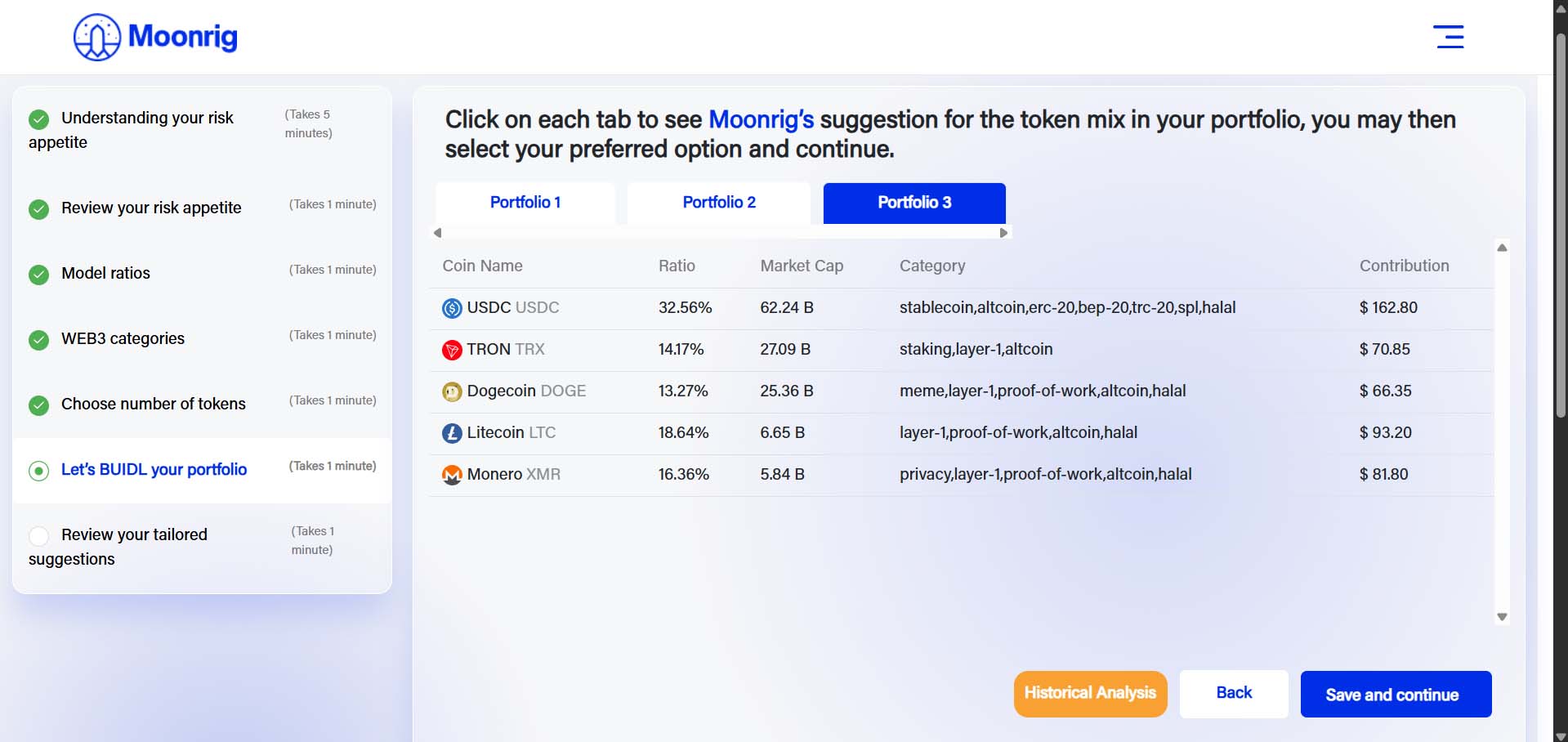 Choose between Portfolio 1, 2 & 3 and then click on the ‘Historical Analysis’ button.
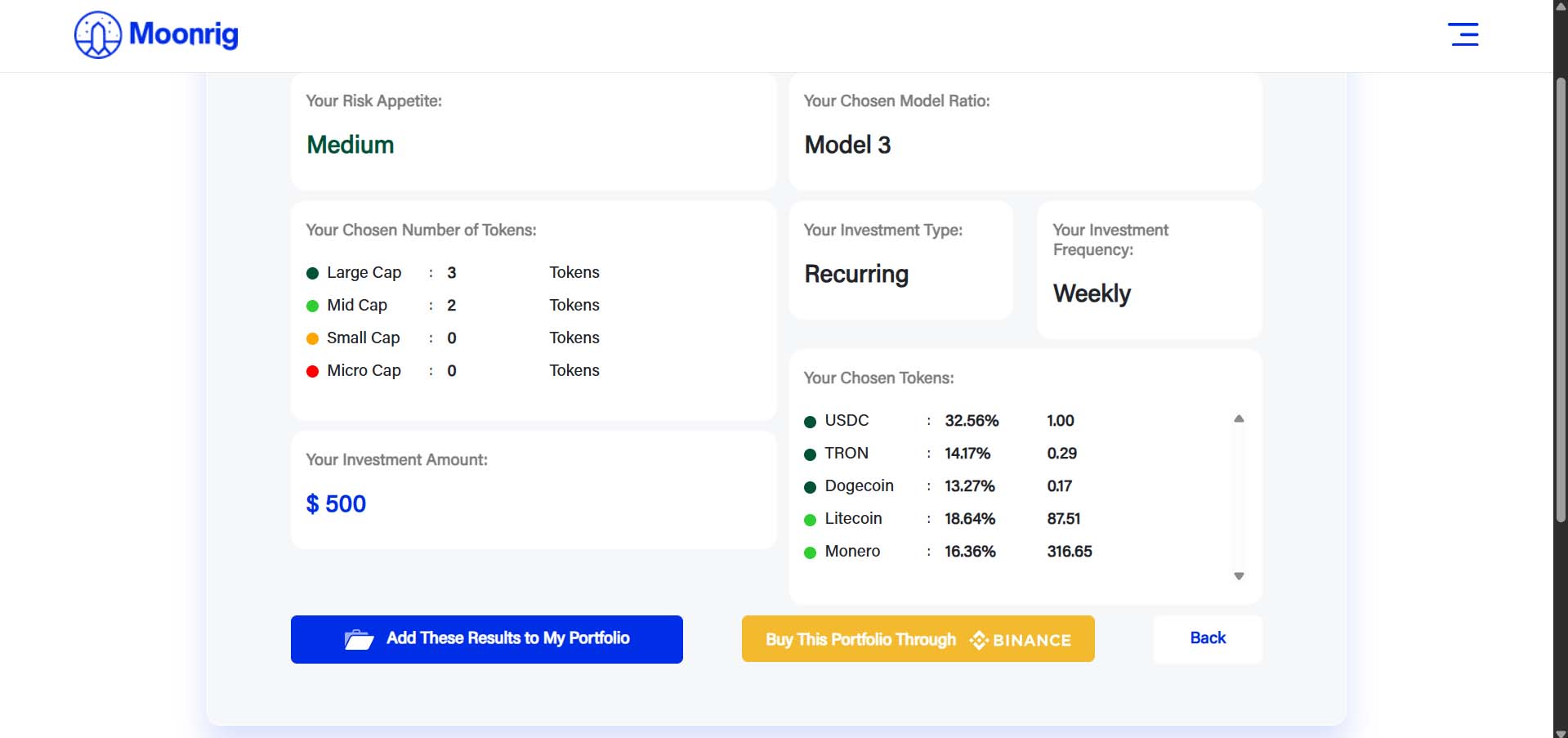
  Once satisfied with the 3 BUIDL portfolio choices, you can select one of these portfolios. Click on ‘Save and Continue’. You are then taken to the summary screen. If you scroll down, you are given the breakdown of coins, ratios and the amounts associated with it.
 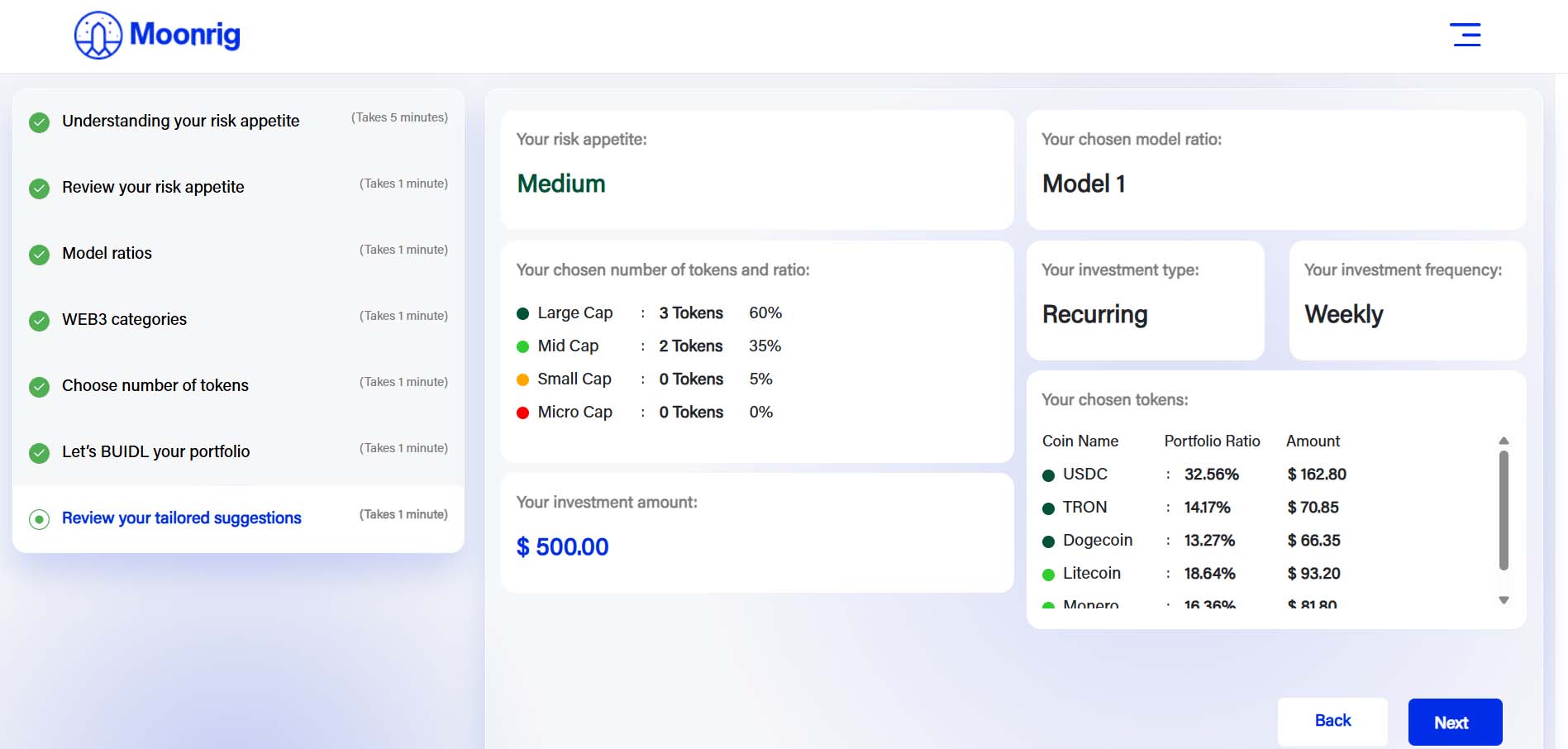 Click on ‘Next’ to proceed. At this point you can choose to
- Save the results,
- Subscribe to Moonrig’s premium service or
- Add the created results to your portfolio in Moonrig (HODL)
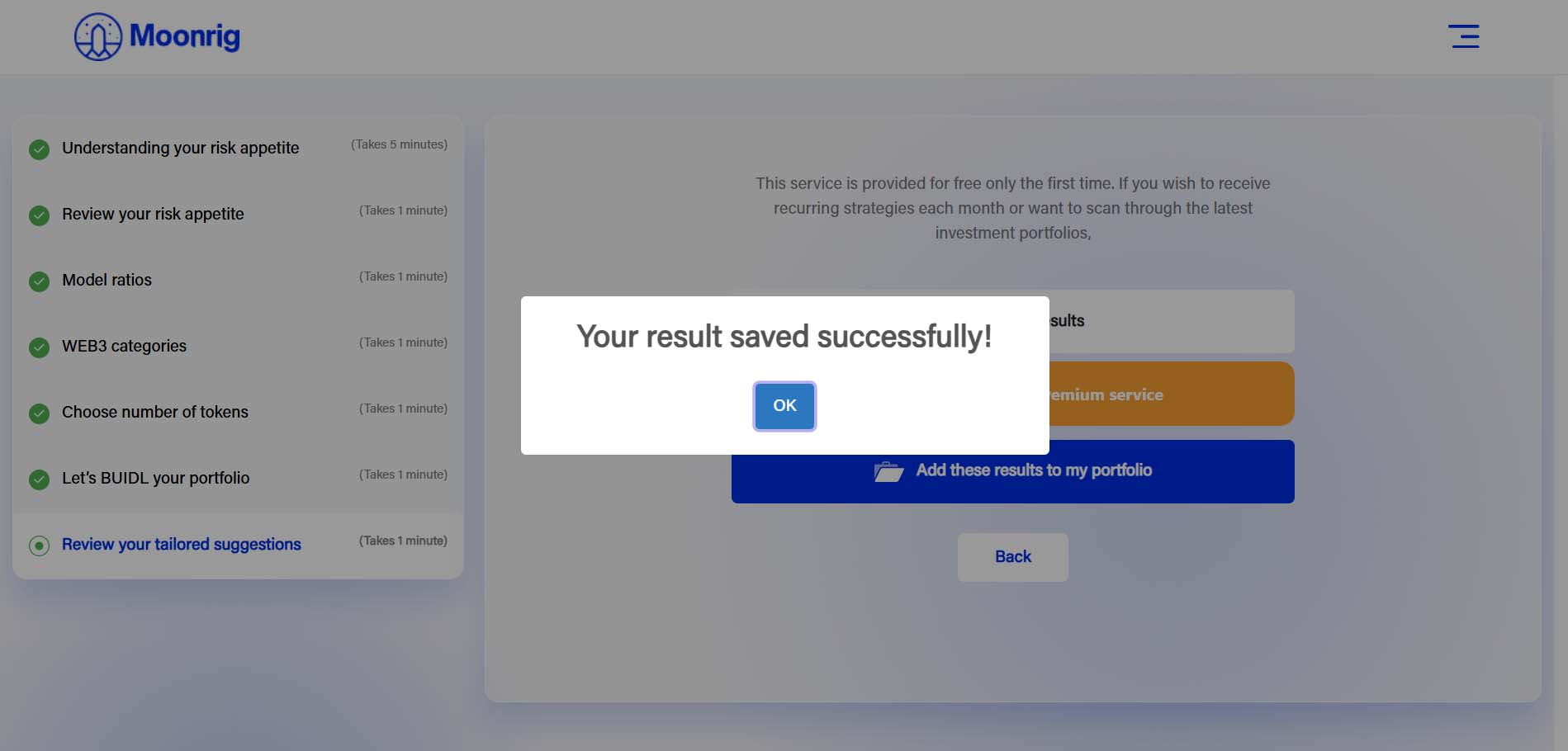
If you choose the first option, you can just save all the results within BUIDL itself for future reference. Click on “Save my results” and it will save instantly. 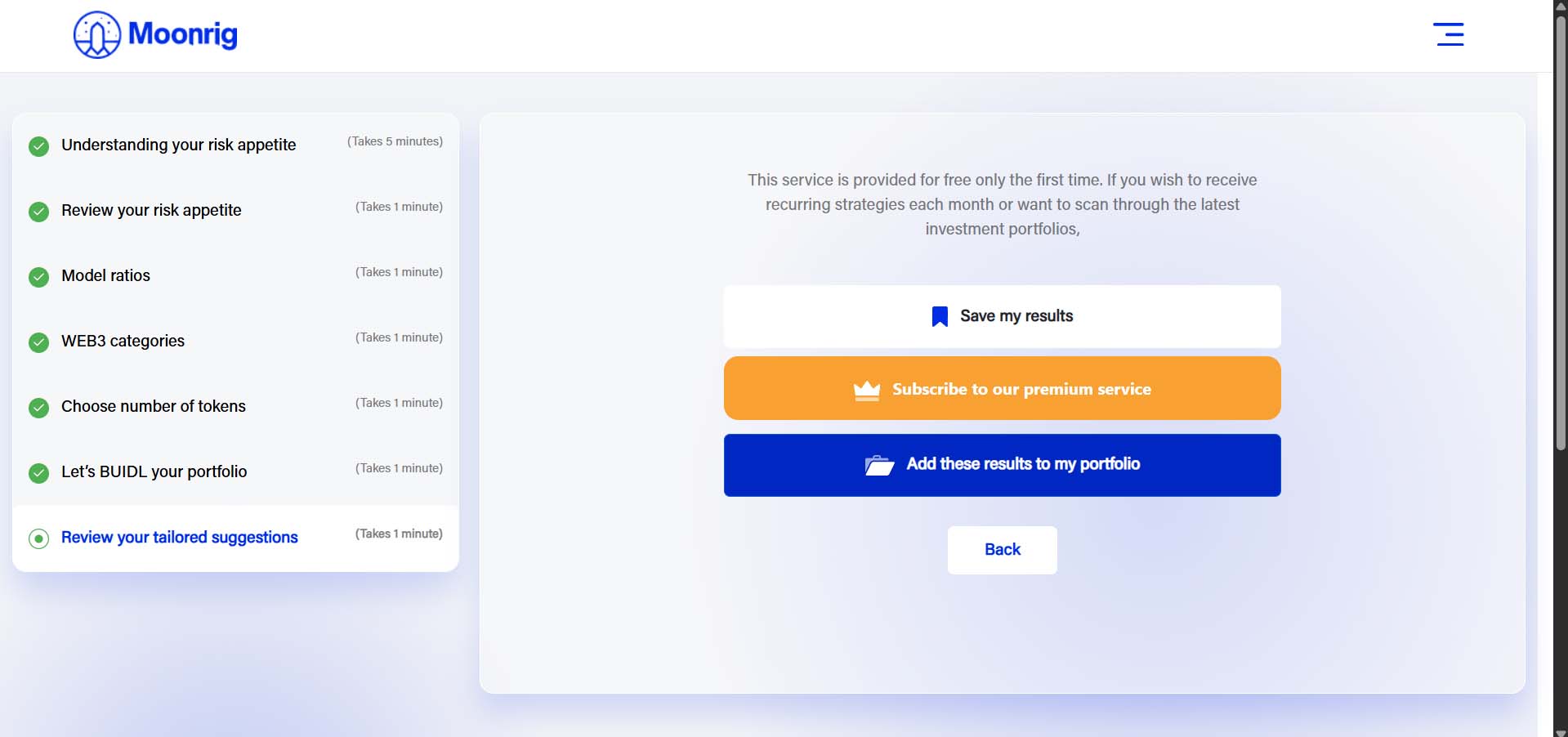
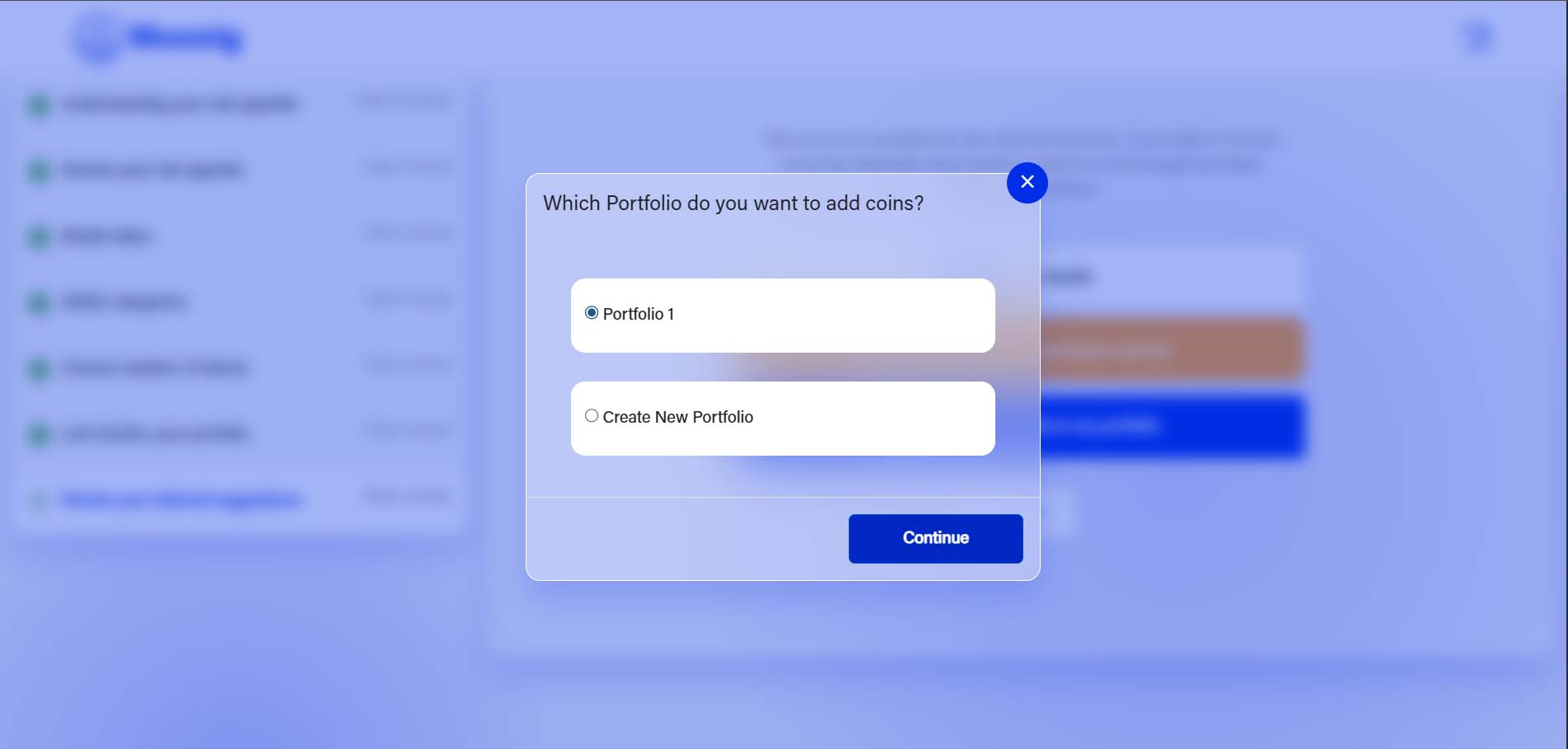
 If you choose to add one of the model portfolio’s to HODL you will be asked if you want to add it to an existing portfolio or new one. Click on “Add these results to my portfolio” If you already have a HODL portfolio, just select one of the existing portfolio’s, it will add the new tokens to that portfolio. If it is a new portfolio, create a new one by just adding a name, your shiny new portfolio will be created and these coins will be added into that portfolio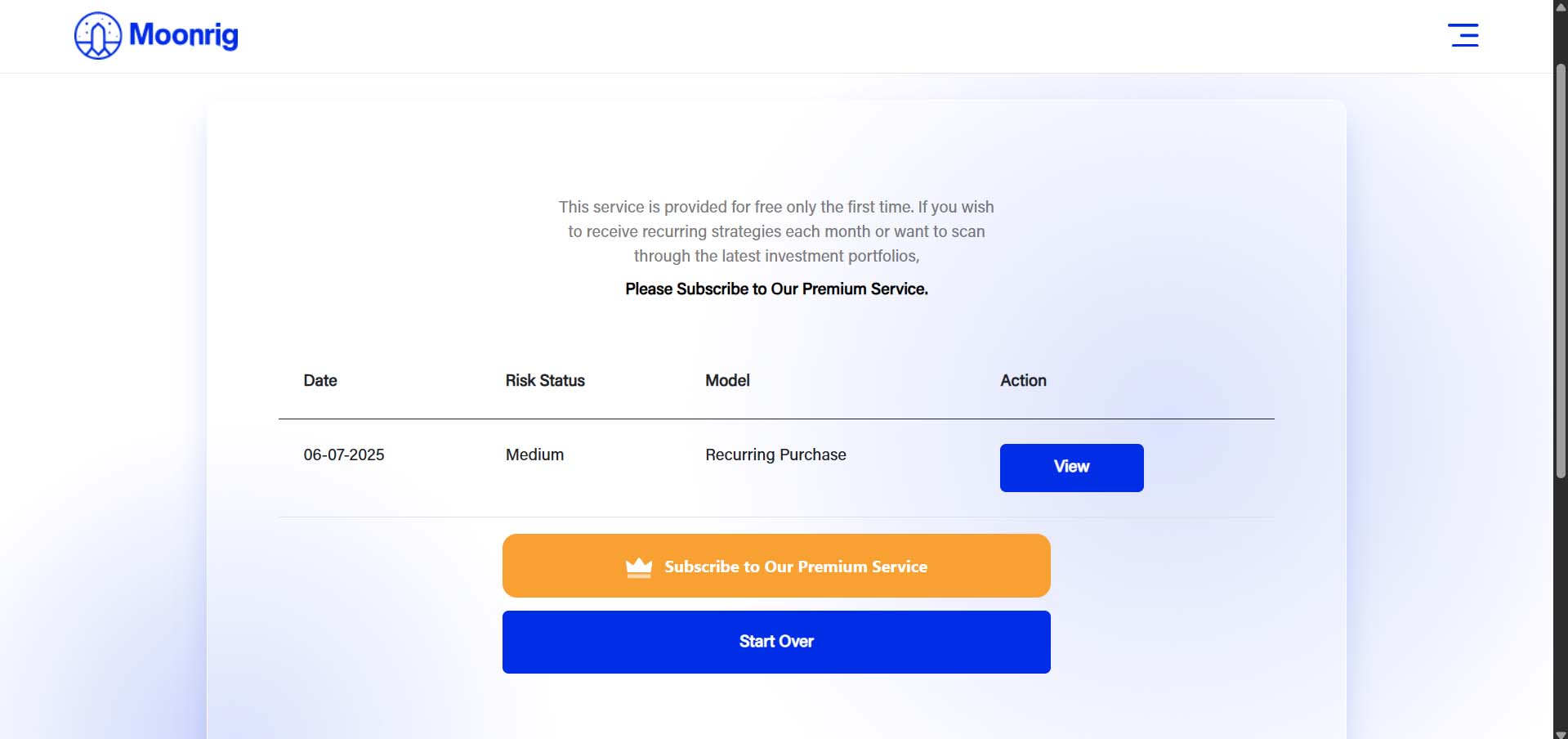
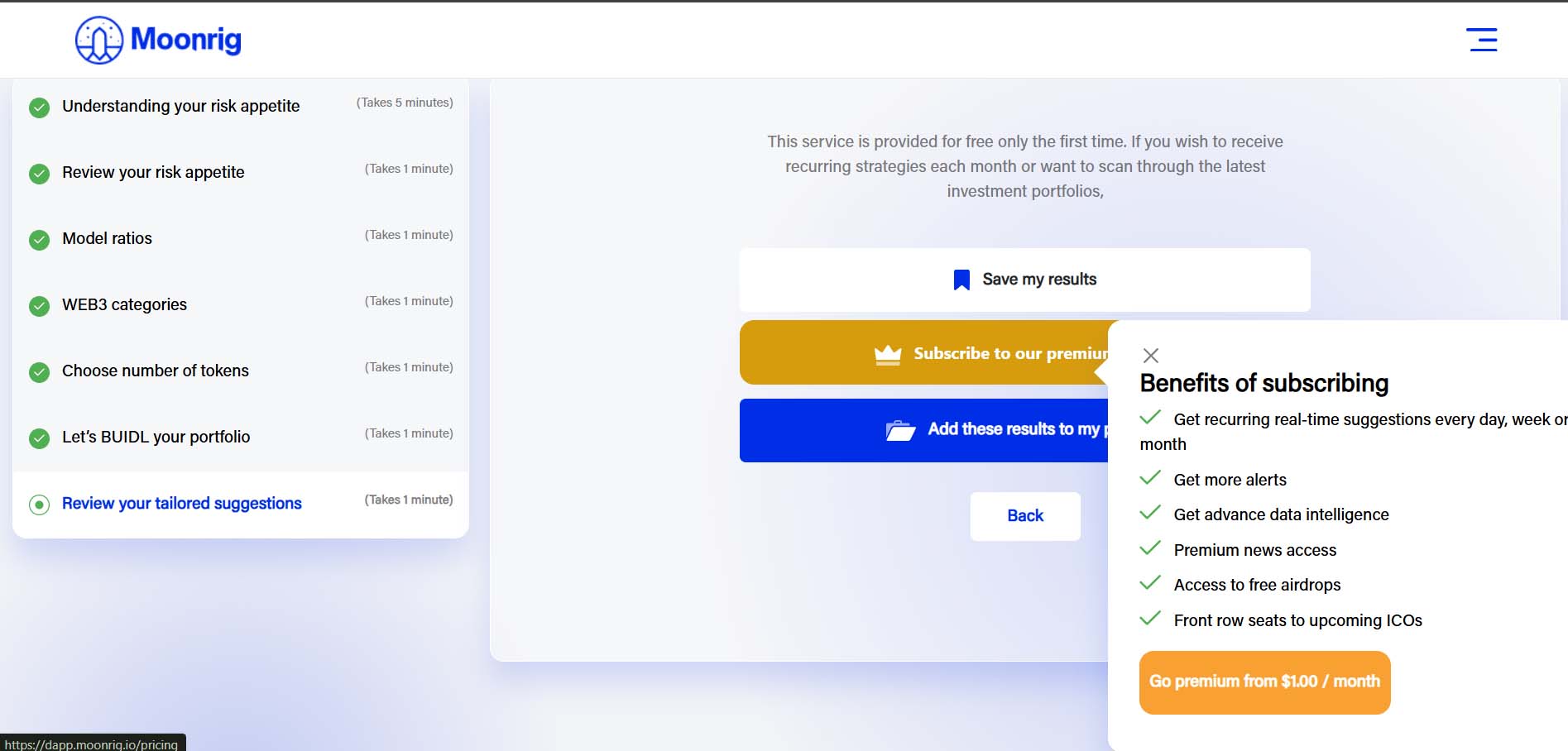
 You can choose to upgrade to a paid service and enjoy all the features and benefits of the dApp, by clicking on “Subscribe to our premium service”. Benefits include:
- Access to BUIDL unlimited times
- Crowdfunding Access (Coming soon)
- Unlimited free airdrops
- Portfolio trends
- 5 Portfolios
- 10 Alerts
- Unlimited coins
- Import from Binance
- Export Portfolio
- Unlimited Watchlist
- Get recurring, real-time suggestions everyday, week or month
- Get advance data intelligence
- Premium news access
- Access to airdrops
- Front row seats to upcoming ICOs
 You will get a notification window at the bottom indicating that your ‘BUIDL results saved successfully!’
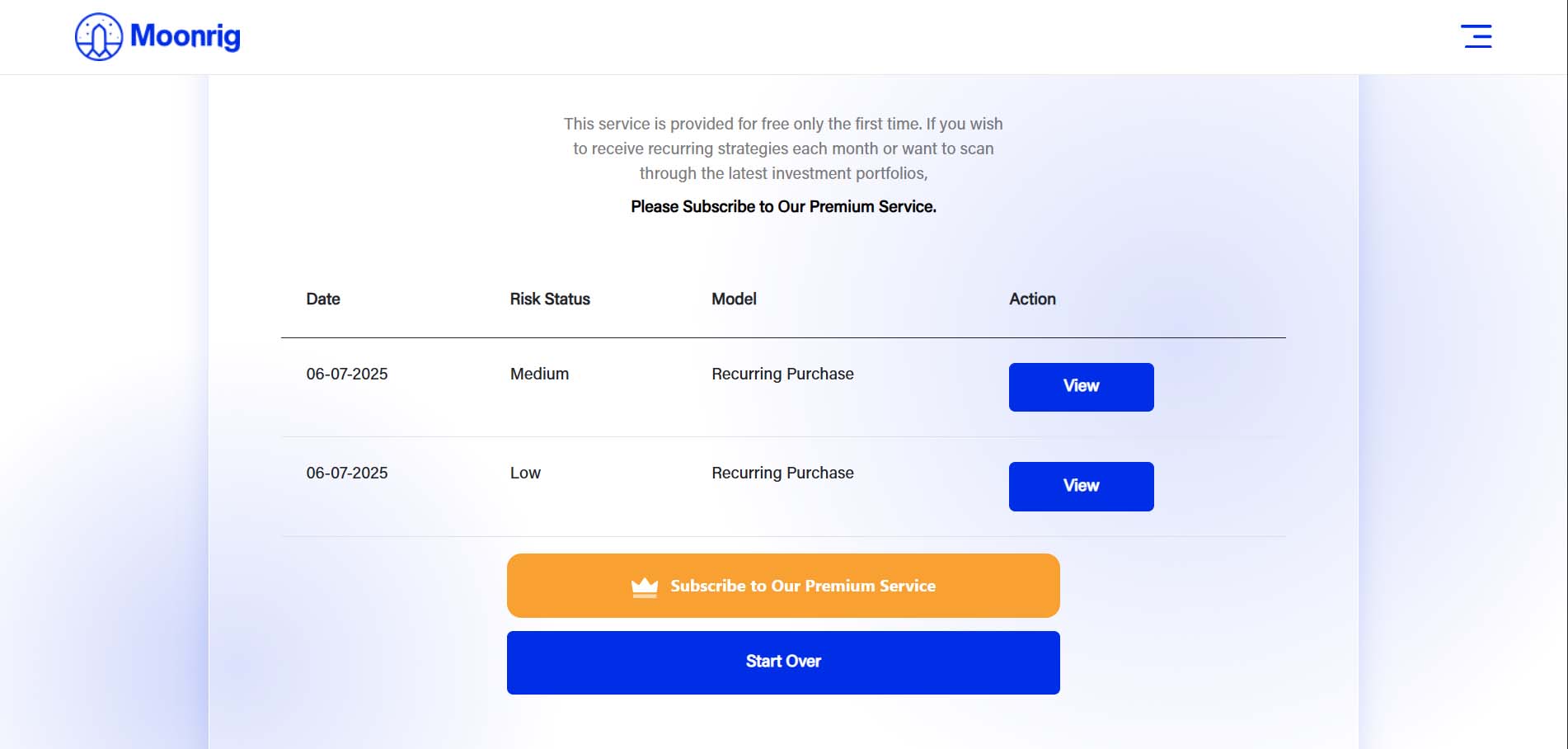
 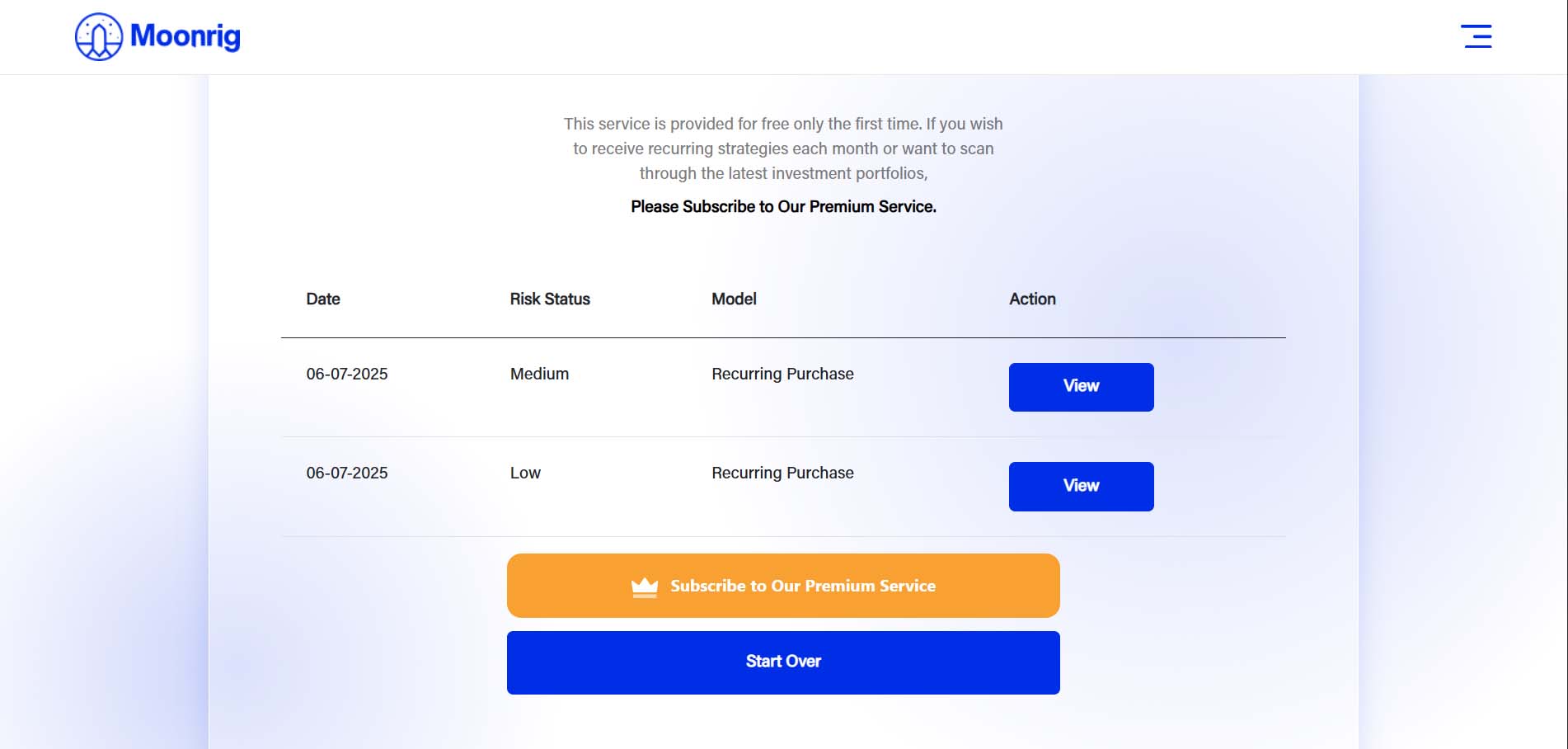 NOTE: This feature is free for a first time user. To use the BUIDL portfolio creator again, you will need to subscribe to our premium service.