Import Tokens From Partisia Wallet
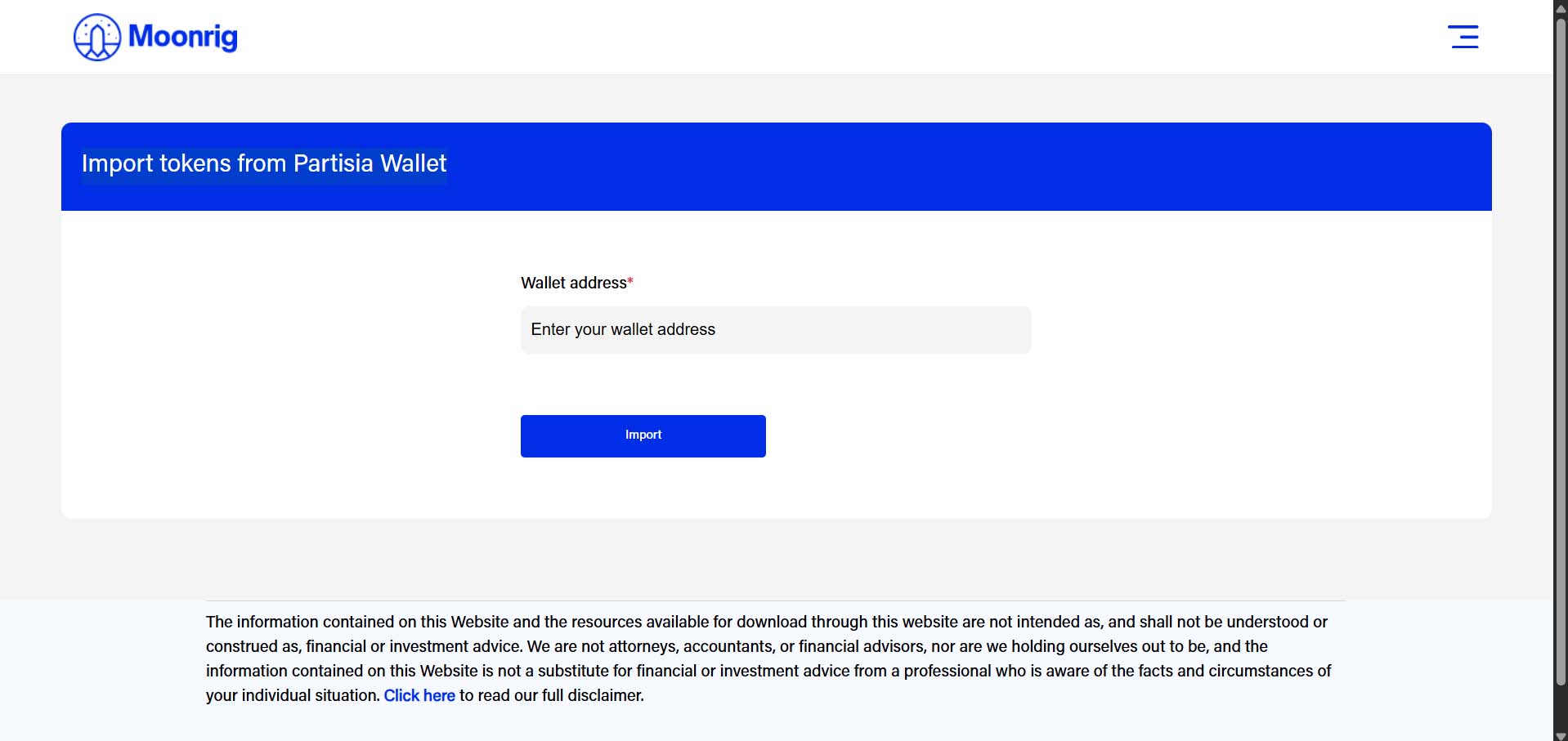
IMPORT TOKENS FROM PARTISIA WALLET To import your tokens from your Partisia wallet:
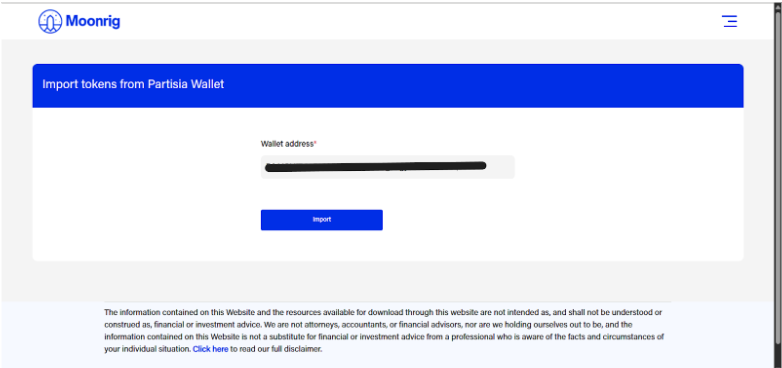
- Enter your Wallet Address Paste your Partisia wallet address into the field.
- Click on “Import” This will pull in any supported tokens linked to the provided wallet address.
Once completed, your Partisia-based tokens will be added to your Moonrig portfolio. Ensure your wallet address is accurate to avoid any errors or missing tokens.