Alerts
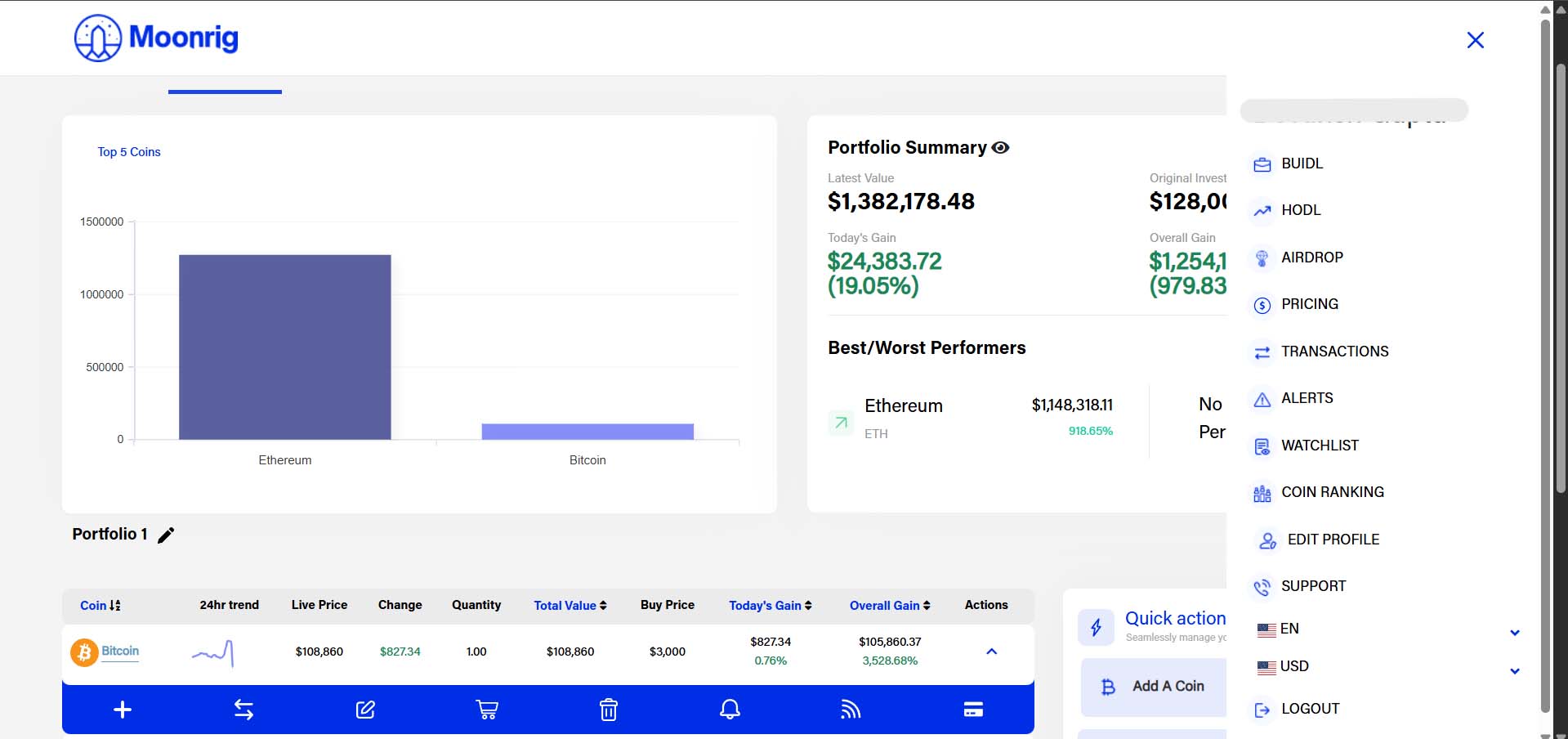
HODL - ALERTS When clicked, the expanded view shows a graph of the previous 24hr pricing trend followed by the coin’s
- ‘Change’,
- ‘Buy Price’,
- ‘Today’s Gain and
- Overall Gain’.
Below this a menu slides out which allows you to….
- Add Coin
- View (My) Transactions
- Edit Coin
- Sell Coin
- Delete Coin
- Create Alert &
- News
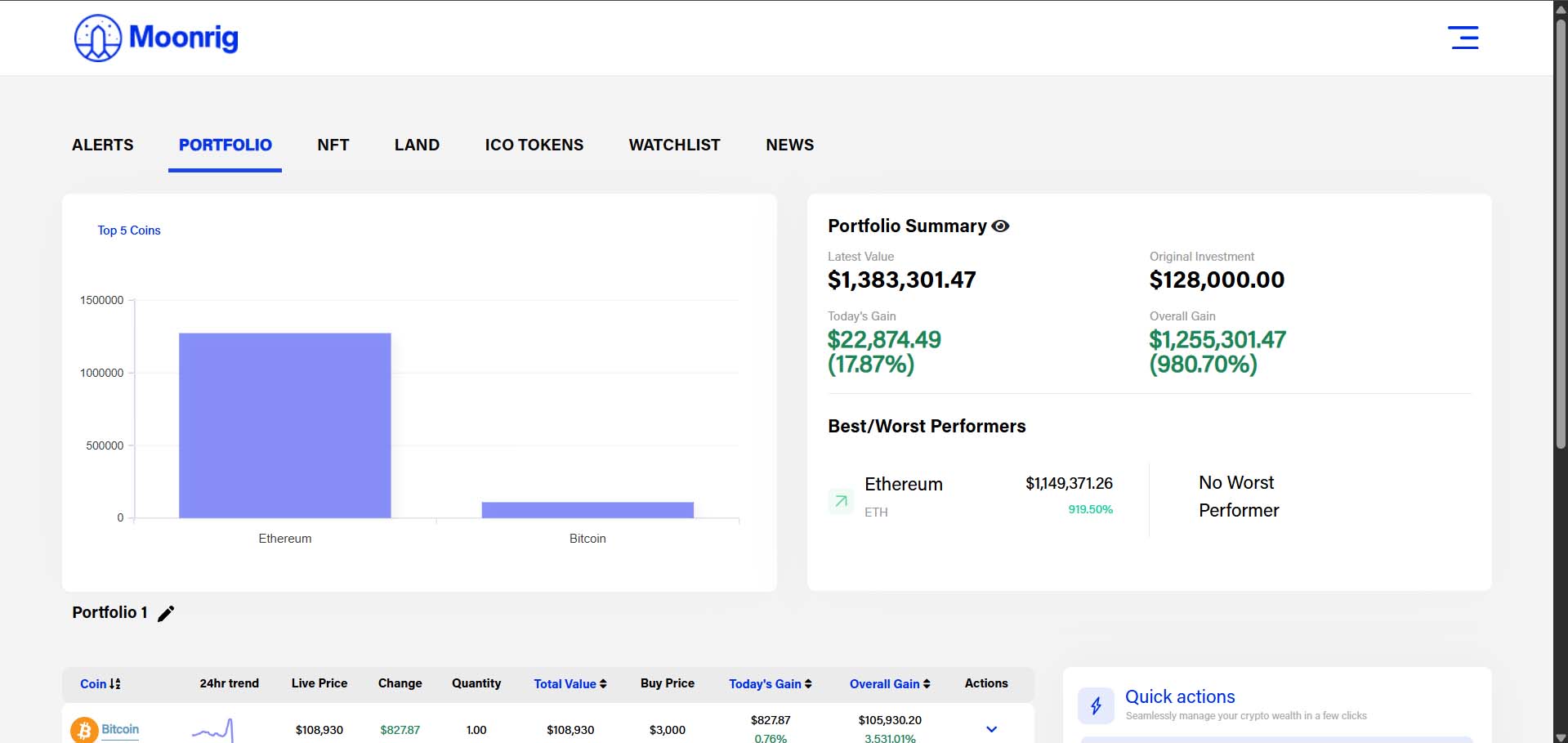 If you haven’t added this (chosen/selected/added) coin In this section, you can also choose to add the coin to your portfolio by selecting the ‘Do you want to add this coin to your portfolio?’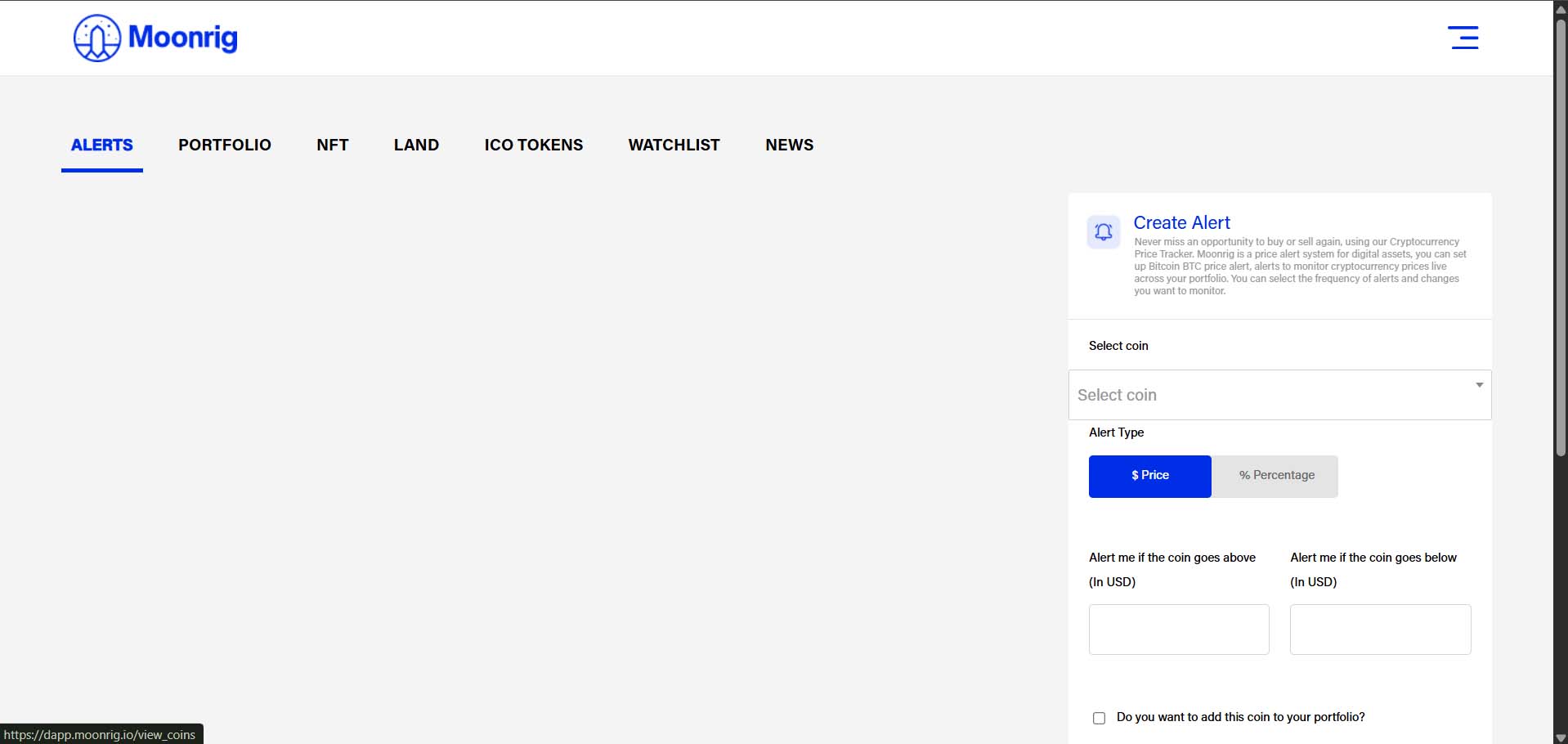
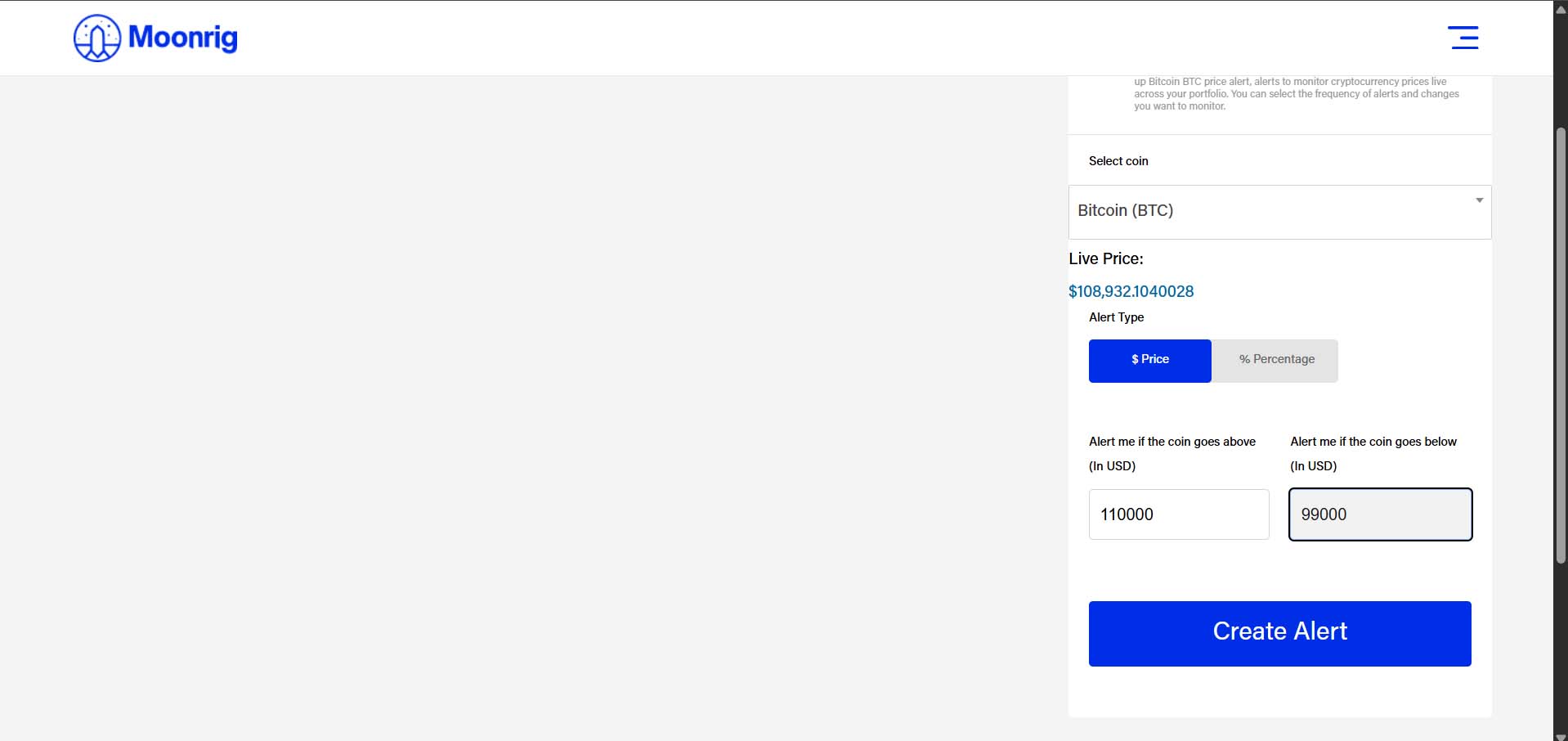 Create an Alert (or alarm) for the selected coin. An alert/alarm is triggered when certain conditions (that you set in this section). You can set the trigger to activate if it goes above a certain value (in USD) or below a certain value (in USD)
 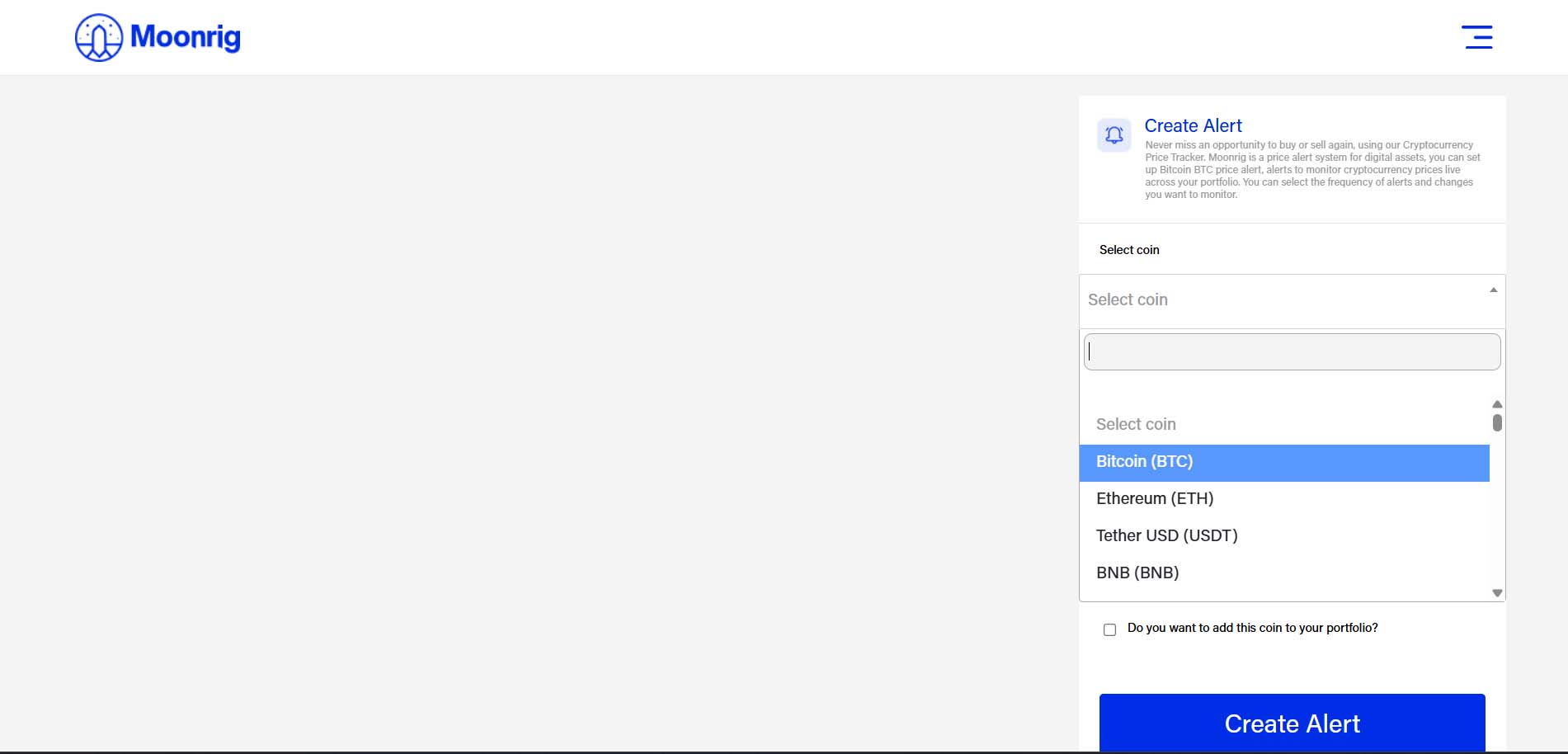 This section also allows you to set an alert by Percentage as well. Here you can enter a percentage value (without entering the ﹪ symbol) and create an alert. The alert is triggered when the coin increases/decreases by that percentage of the current price value.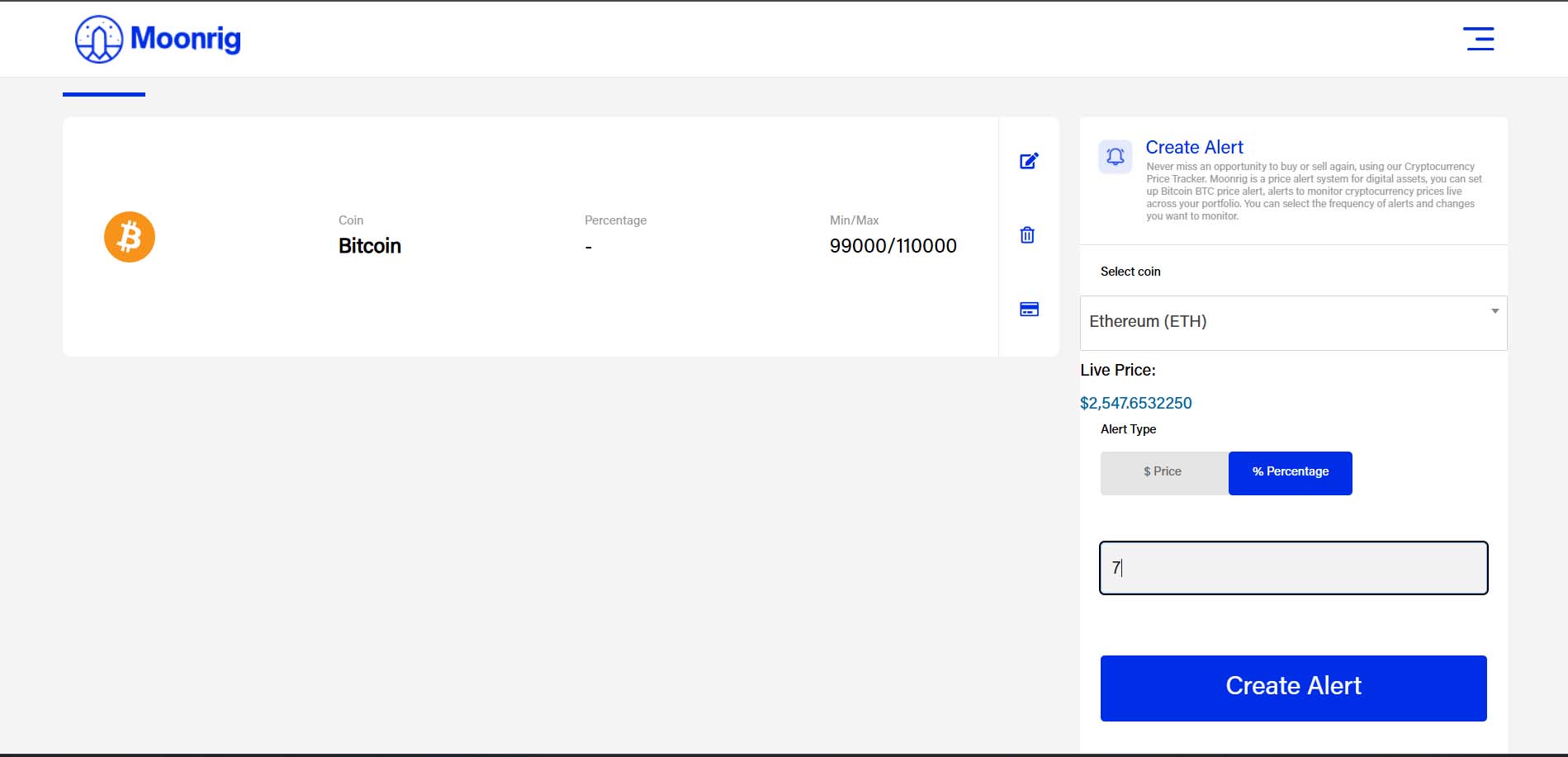
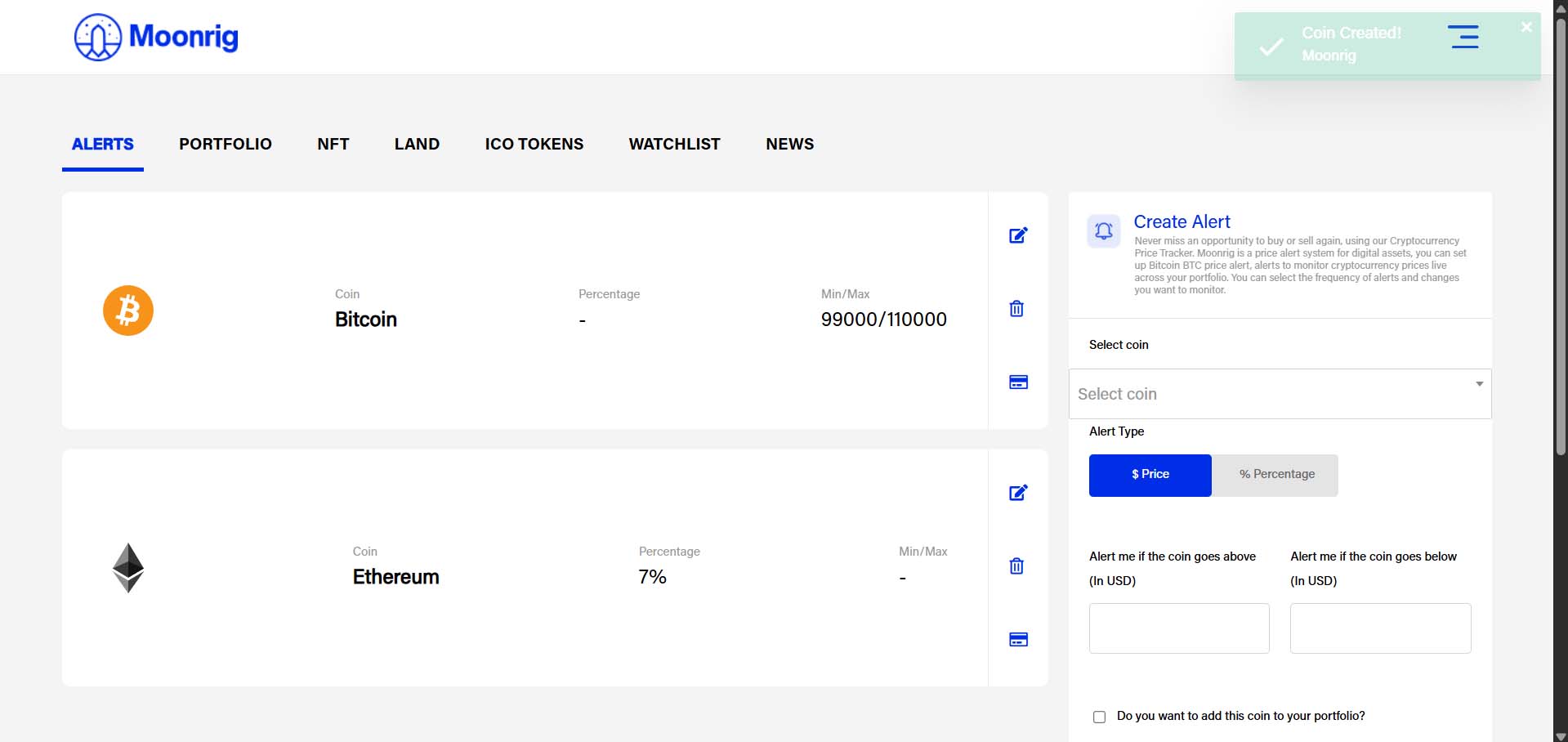
- On the home screen, your portfolio is displayed by default.
- Find the coin you want to set an alert for (e.g., Bitcoin).
- Tap on the "Actions" button near the coin.
- In the pop-up menu, tap the bell iconthis is the third option from the right.
- You can now set an alert based on price or percentage change.
Repeat this process for any other coins in your portfolio. 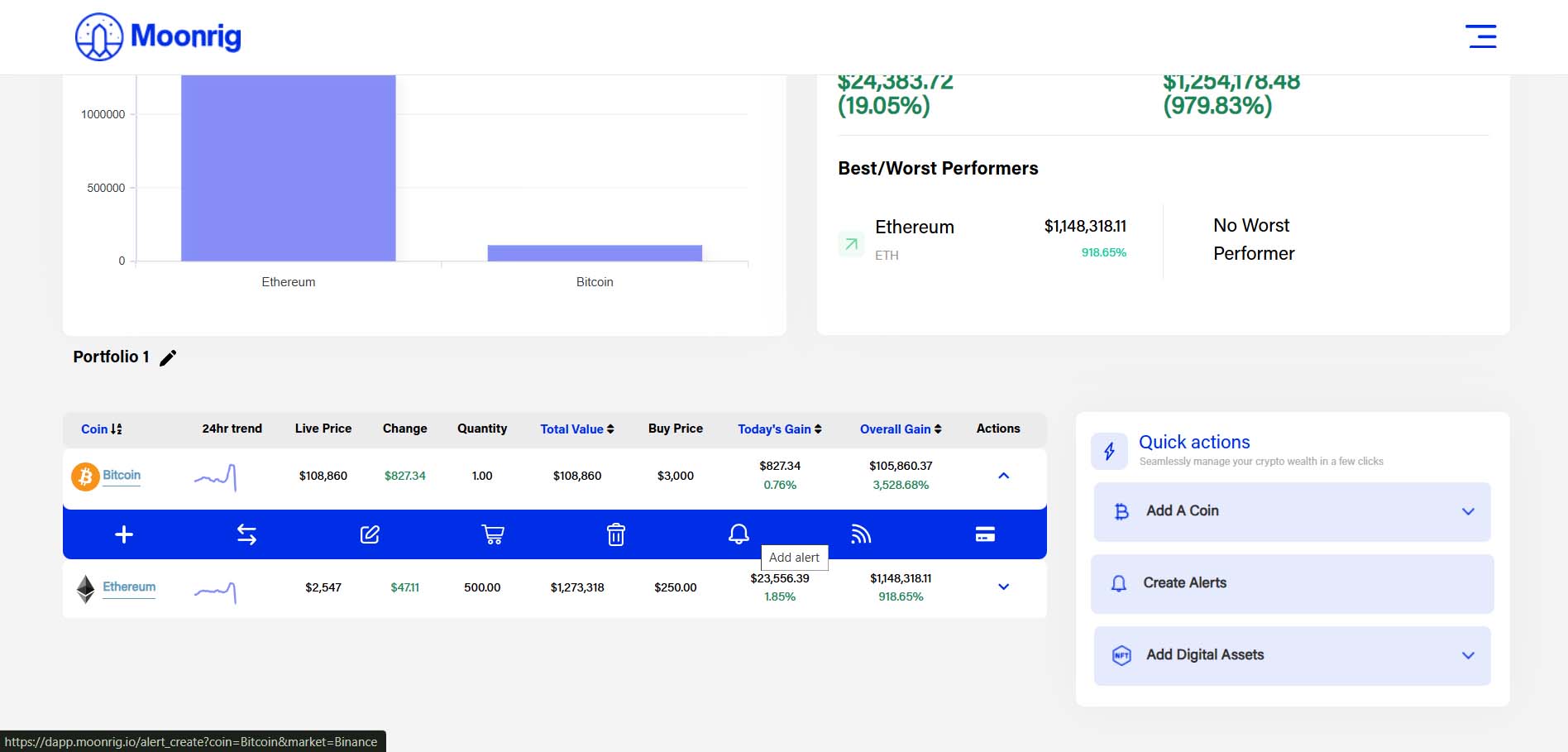 In Quick Action
- the lightning icon in the right to open Quick Actions.
- You’ll see a menu with shortcut options.
- Tap on the second option – “Create Alert”.
- Choose the coin, set your condition (above/below price or % change), and save it.
Quick Actions are designed for fast navigation and easy portfolio management. 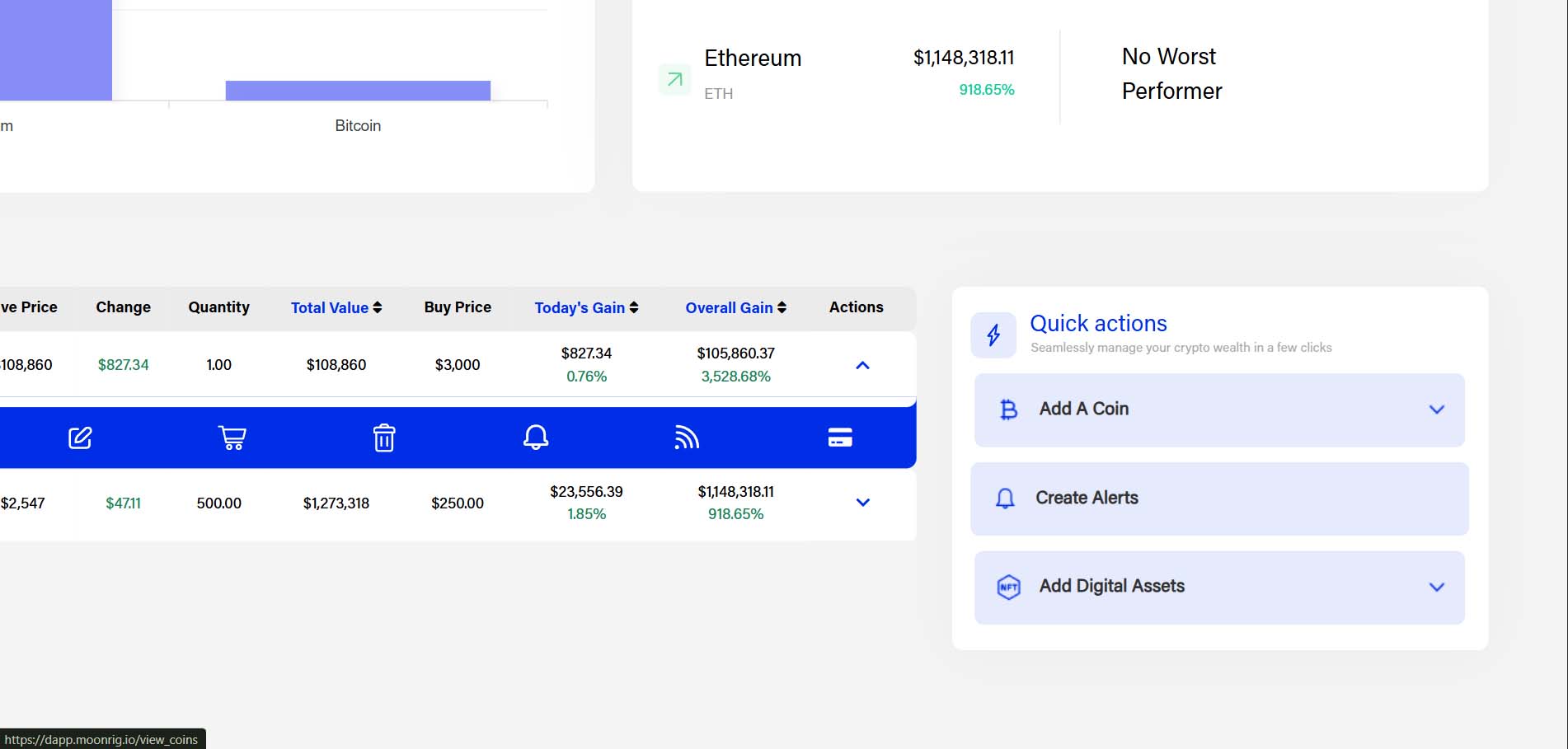
- On the home page, tap the three-line menu icon (☰) in the top-right corner.
- A dropdown menu will appear.
- Scroll down and tap on the 6th option – “Alert”.
- From here, you can create, edit, or delete alerts for any of your portfolio coins.
This option works the same way as the other alert setups but is great if you want to manage all alerts in one place.