Import From CSV
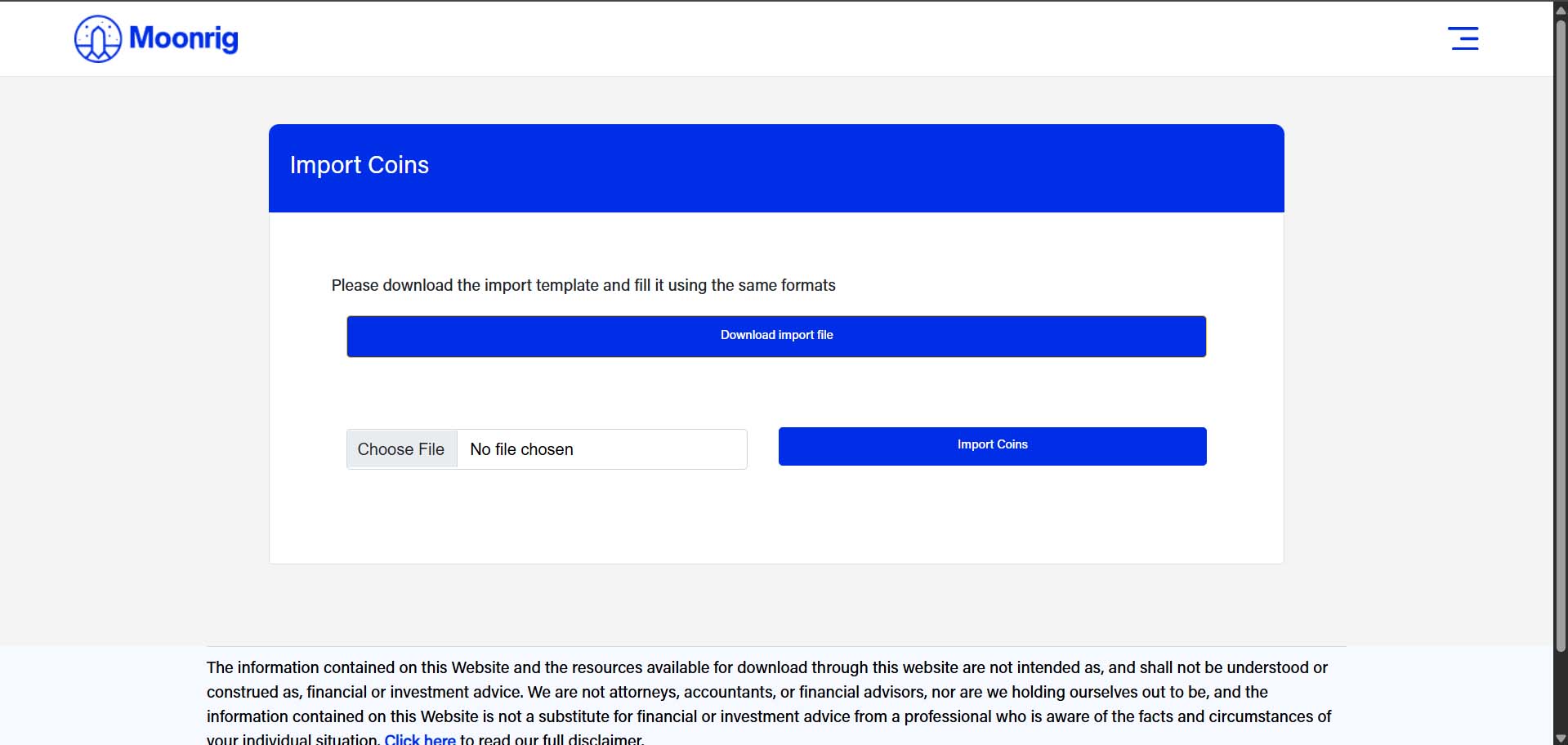
IMPORT FROM CSV Use this method to upload multiple coins at once using a CSV file:
- Download the Template Click “Download import file” to get the required format.
- Open and Fill the File Using This Format:
symbol
buy_price
buy_date
how_many
exchange
ADA
1.0463976
18-07-2021
999.62
Binance
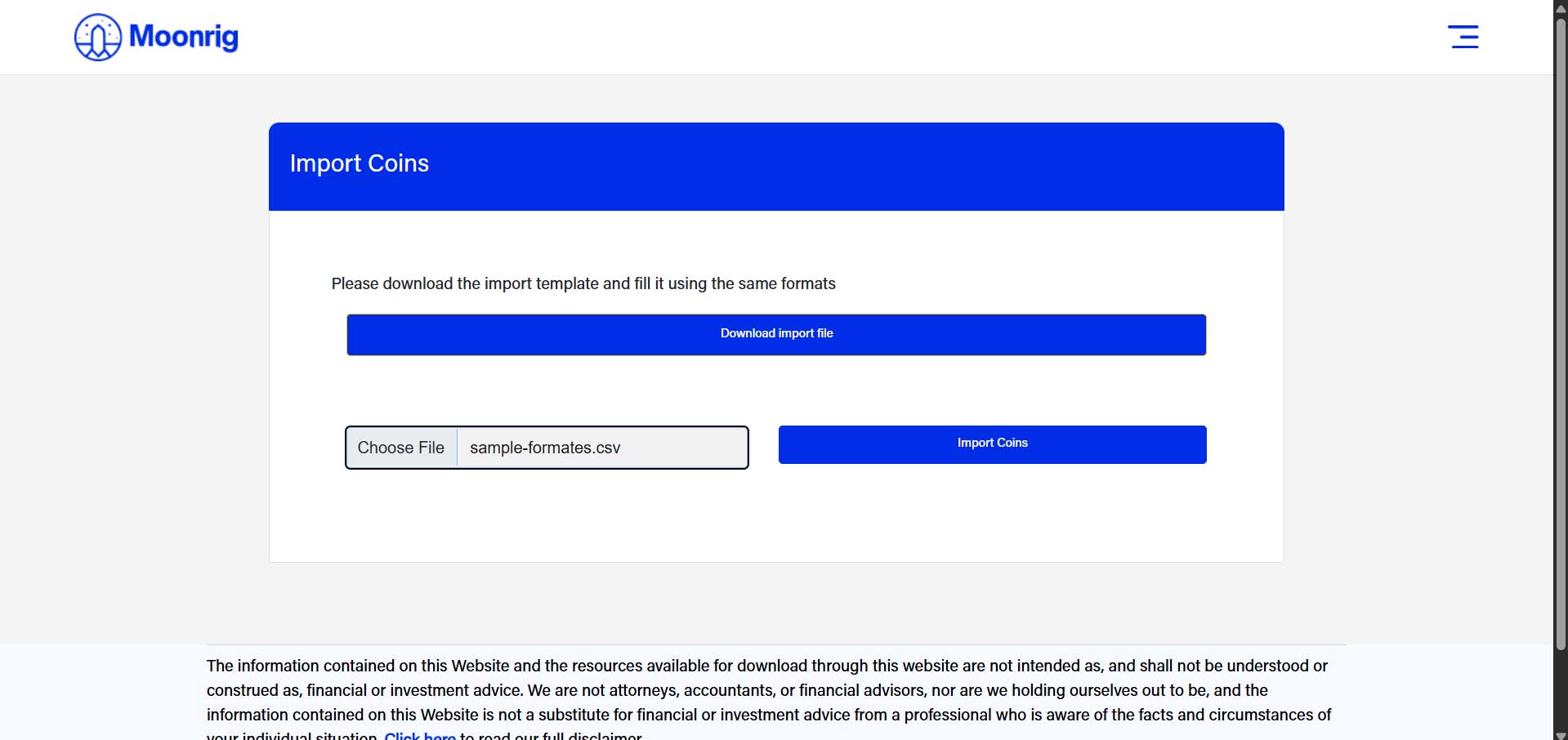
Make sure the headers are exactly as shown: symbol, buy_price, buy_date, how_many, exchange Use date format as dd-mm-yyyy. 3. Save the File Save it as a .csv file (Comma-Separated Values). 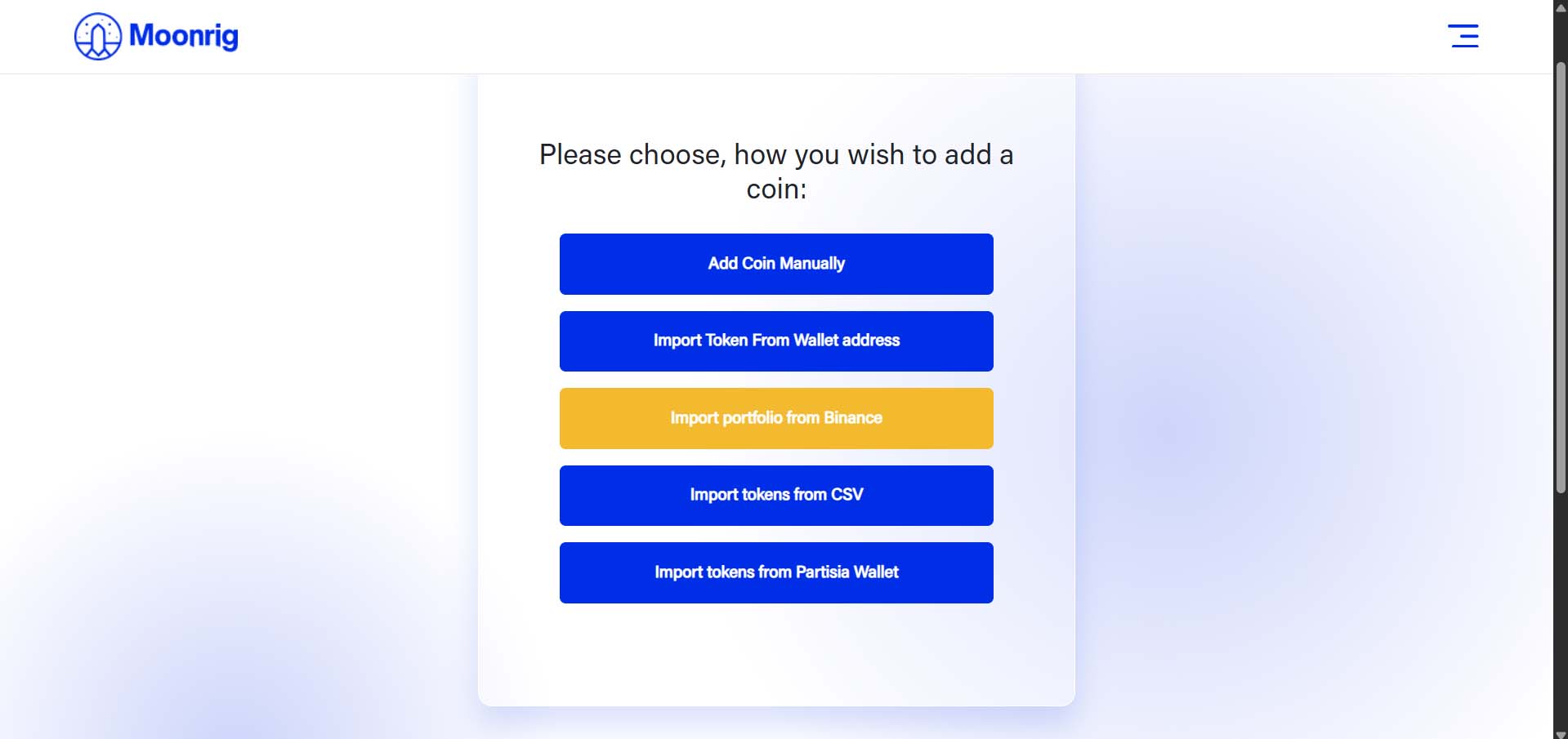 4. Upload and Import Click “Choose File” to select your CSV file. Then click “Import Coins” to upload. Your coin entries will now be added to your Moonrig portfolio.