WATCHLIST
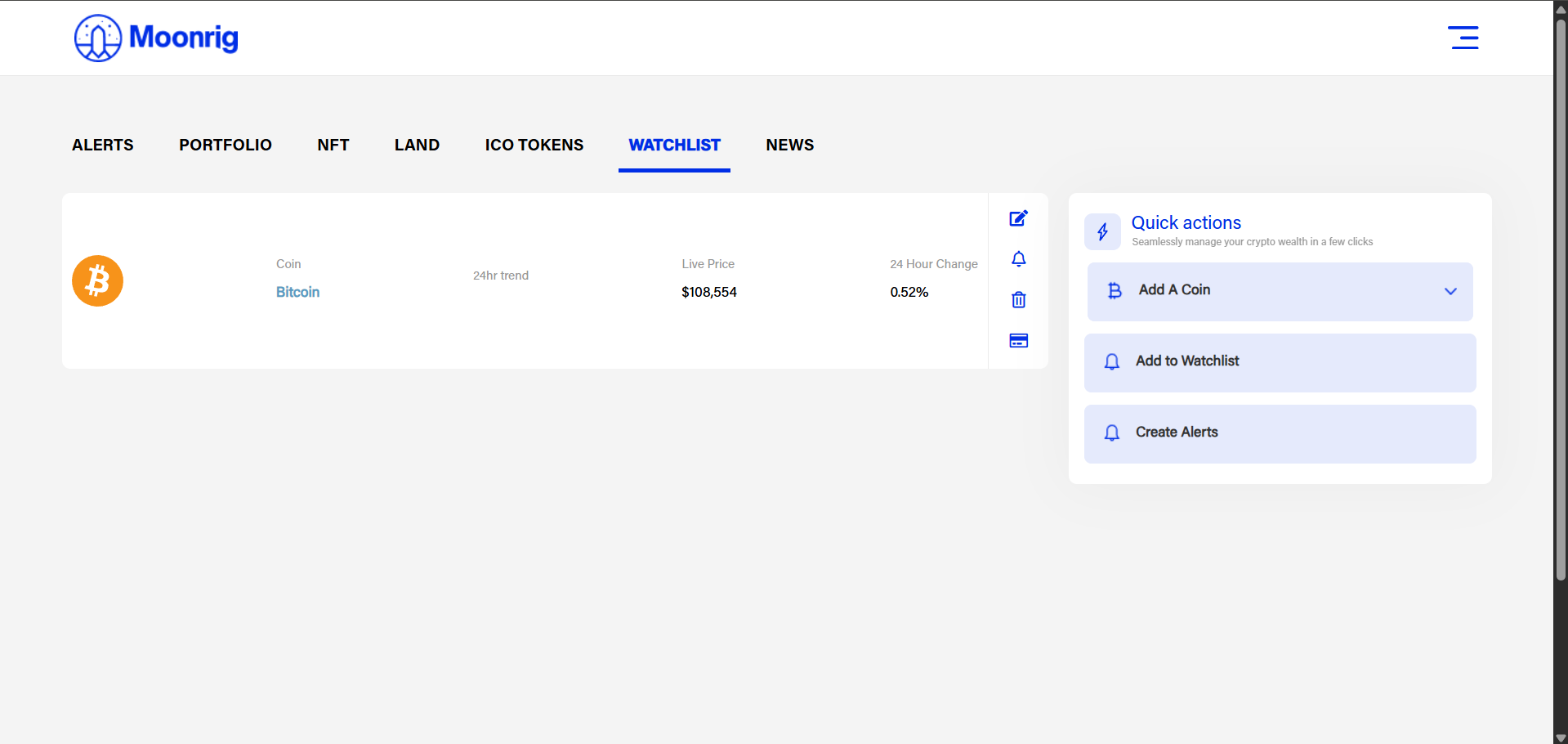
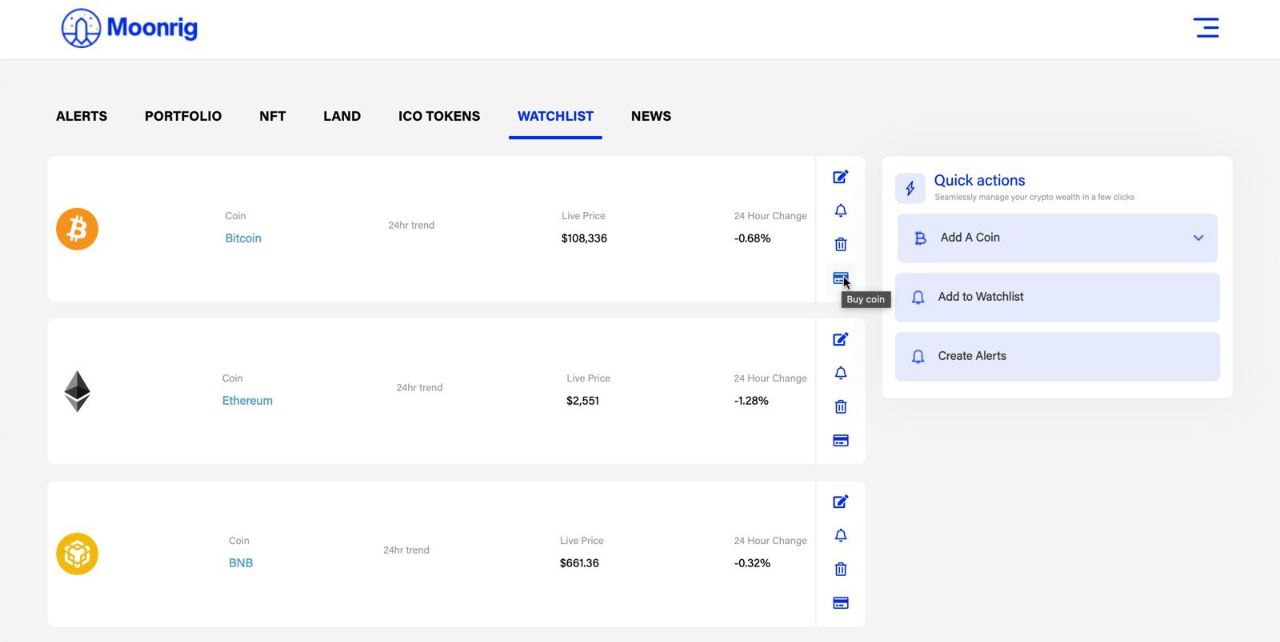
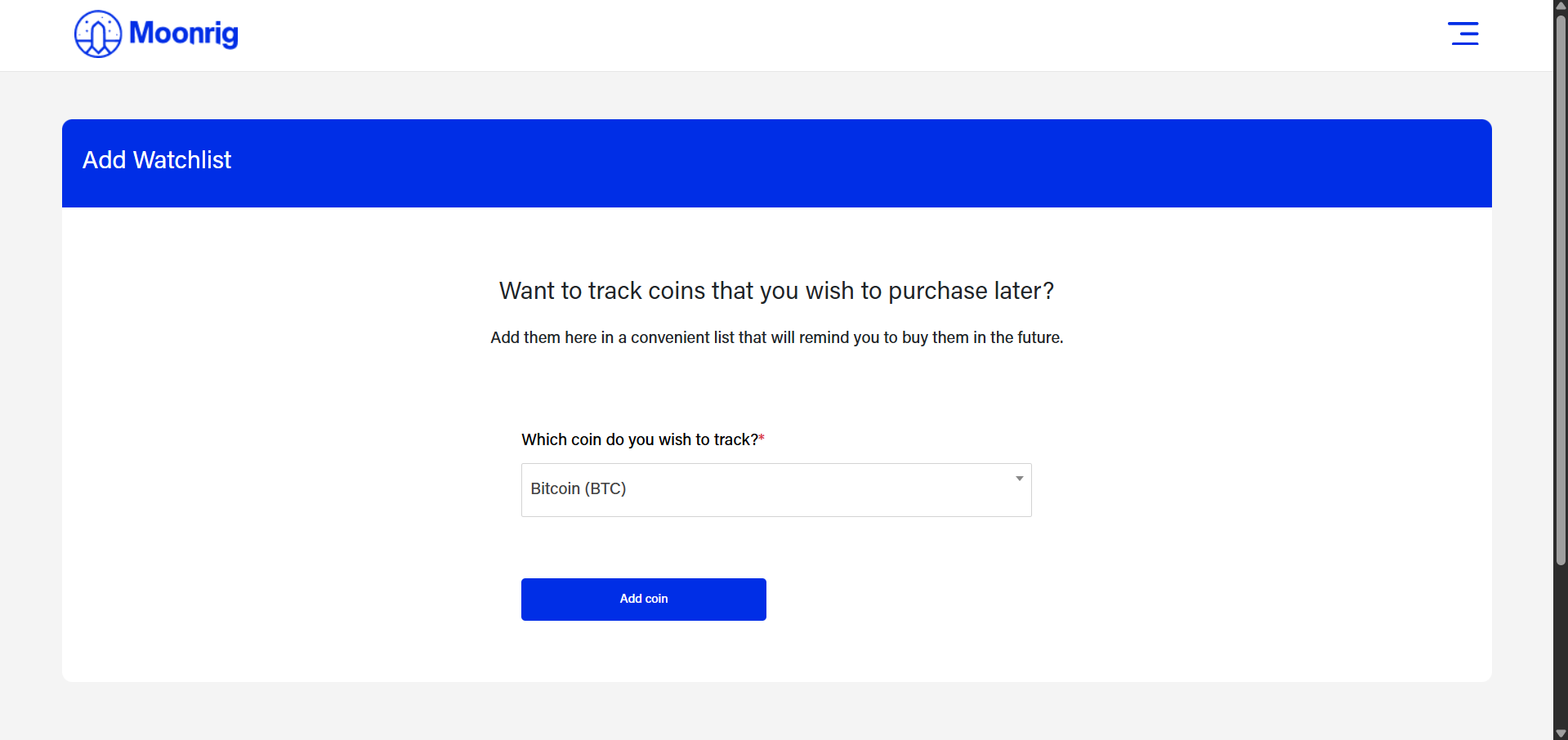
WATCHLIST A Watchlist is like a set of favourite coins/tokens you wish to quickly see information on. Coins/Tokens in your watchlist, will have a solid gold star to the left of the coin/token listing in the HODL or Portfolio page. If you click on the ‘Watchlist’ button you can see a list of coins that are on your watchlist If you don’t have coins added here (first time use), you will be presented with this screen. Click on ‘Add Coin’ to add it to the watchlist. 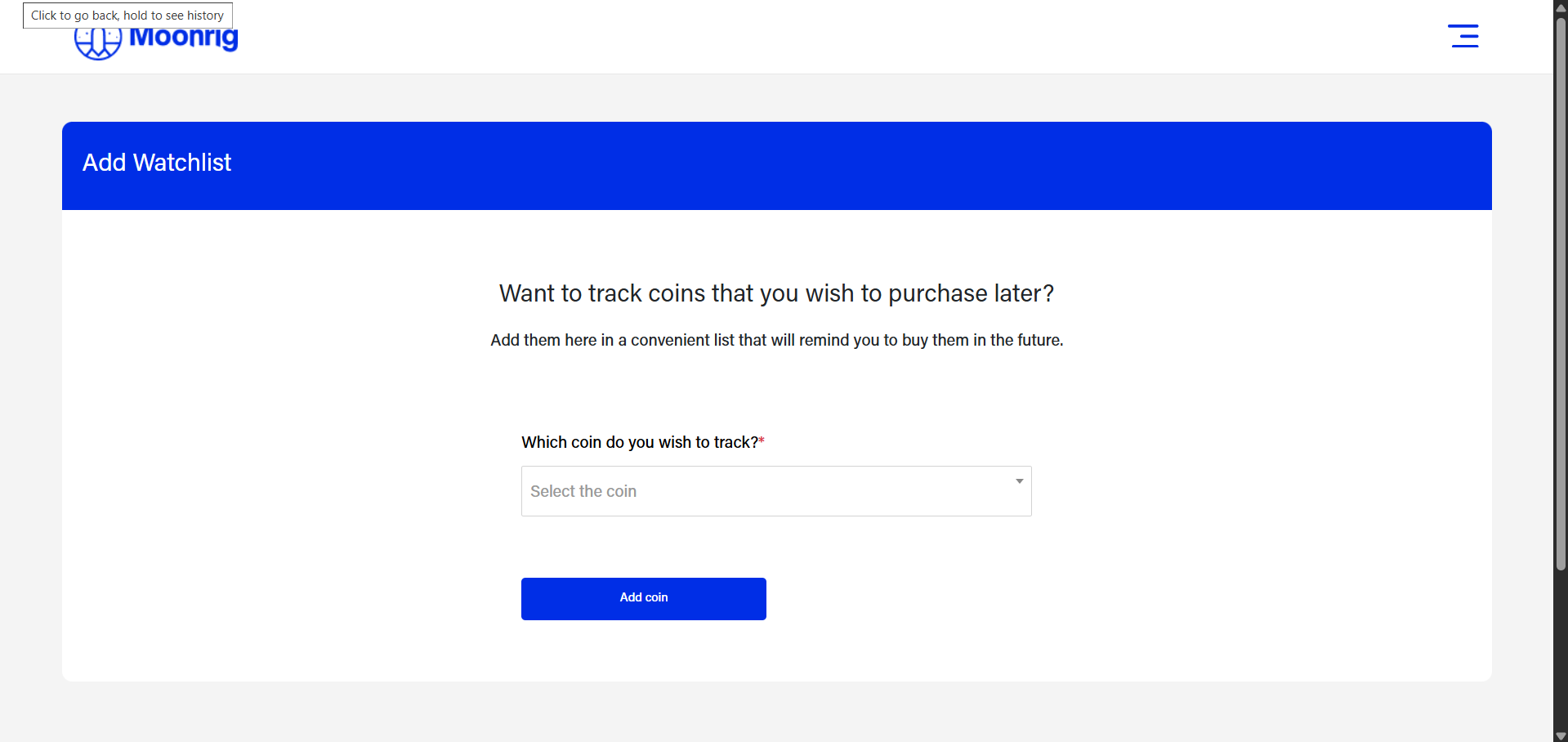 Here you can click on the space below the ‘Which coin do you wish to track ? *’. A drop down menu shows up with a list of coins (starting with the most popular at the top). You can scroll down to find the coins you wish to add to your watchlist or you could start typing the name of the coin and it will start to populate accordingly.
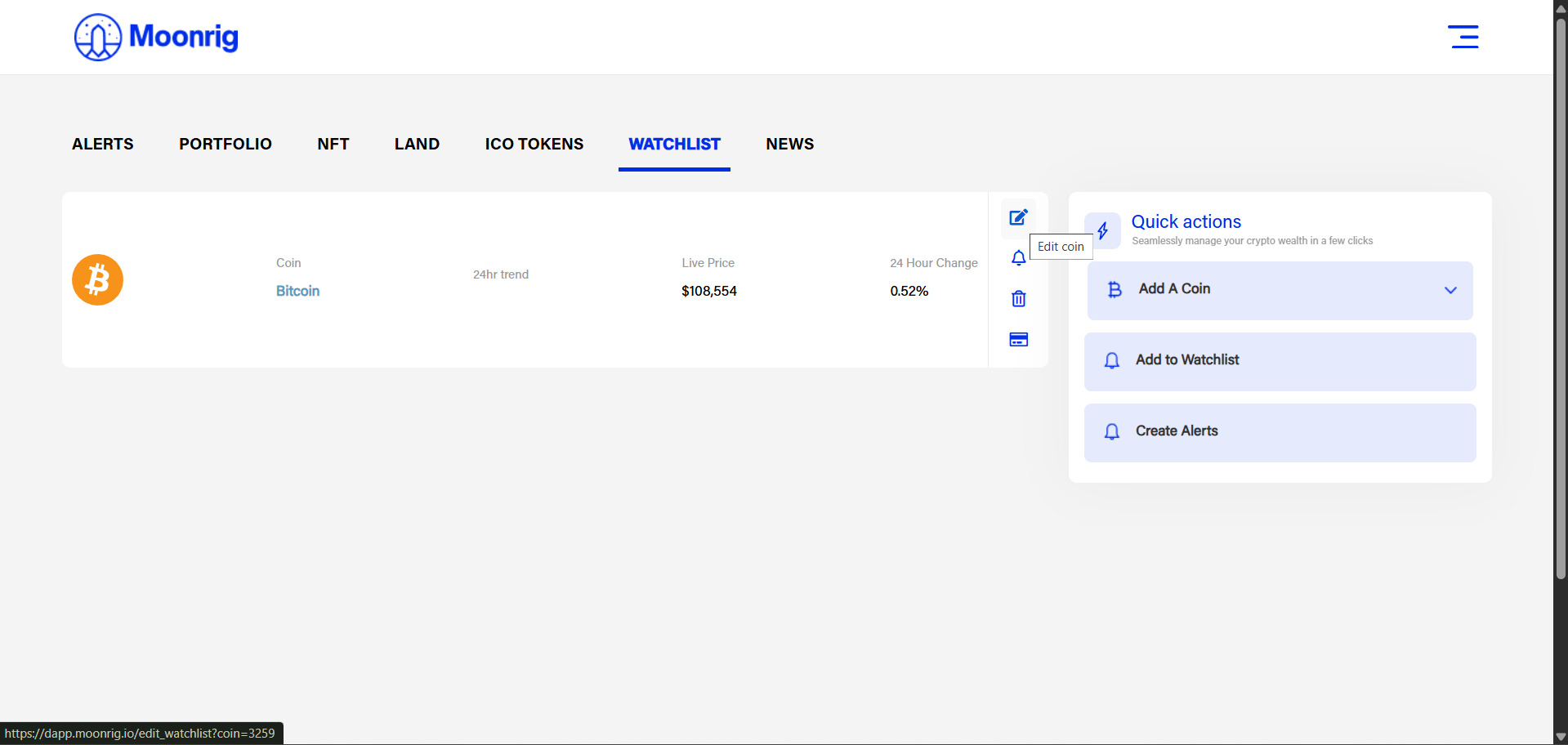
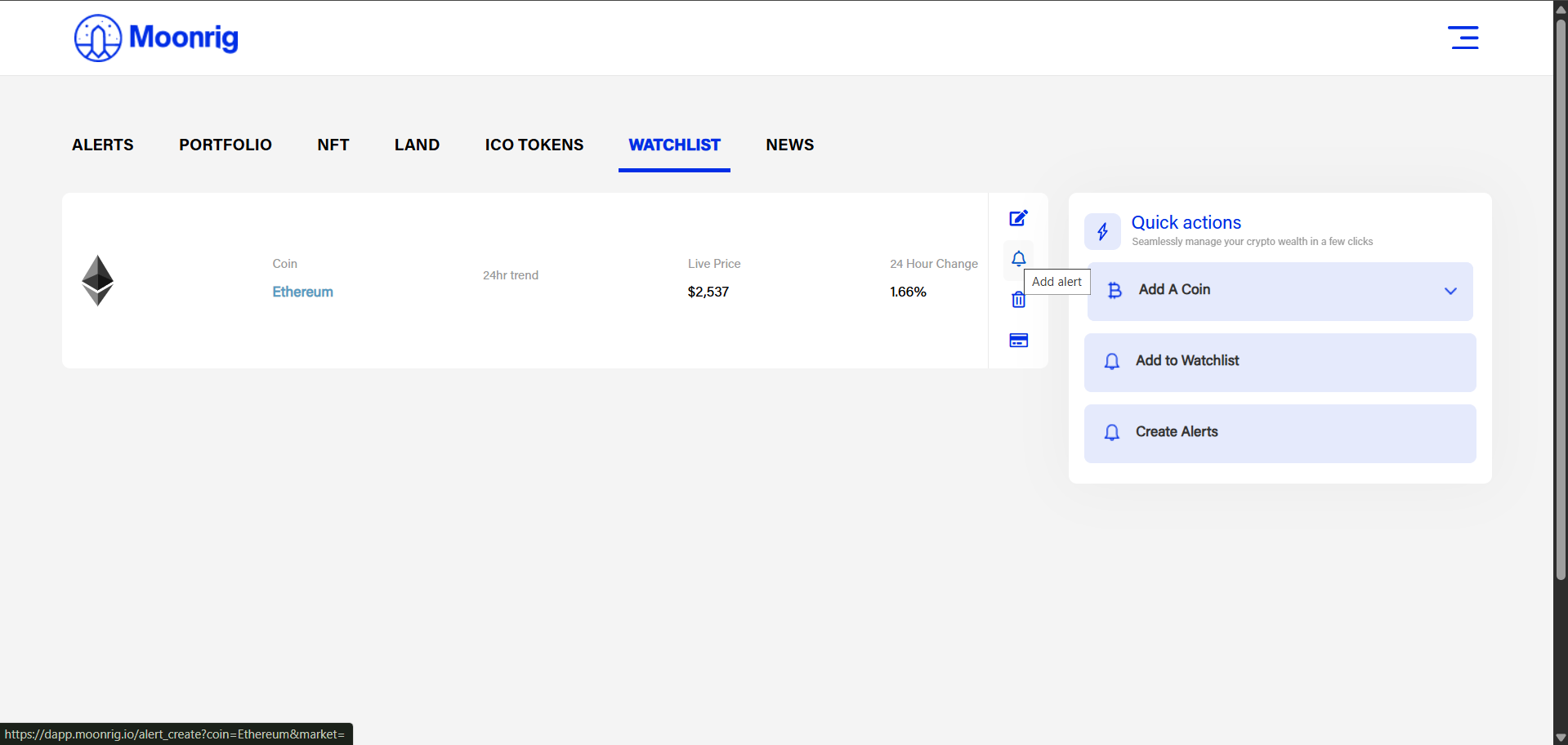
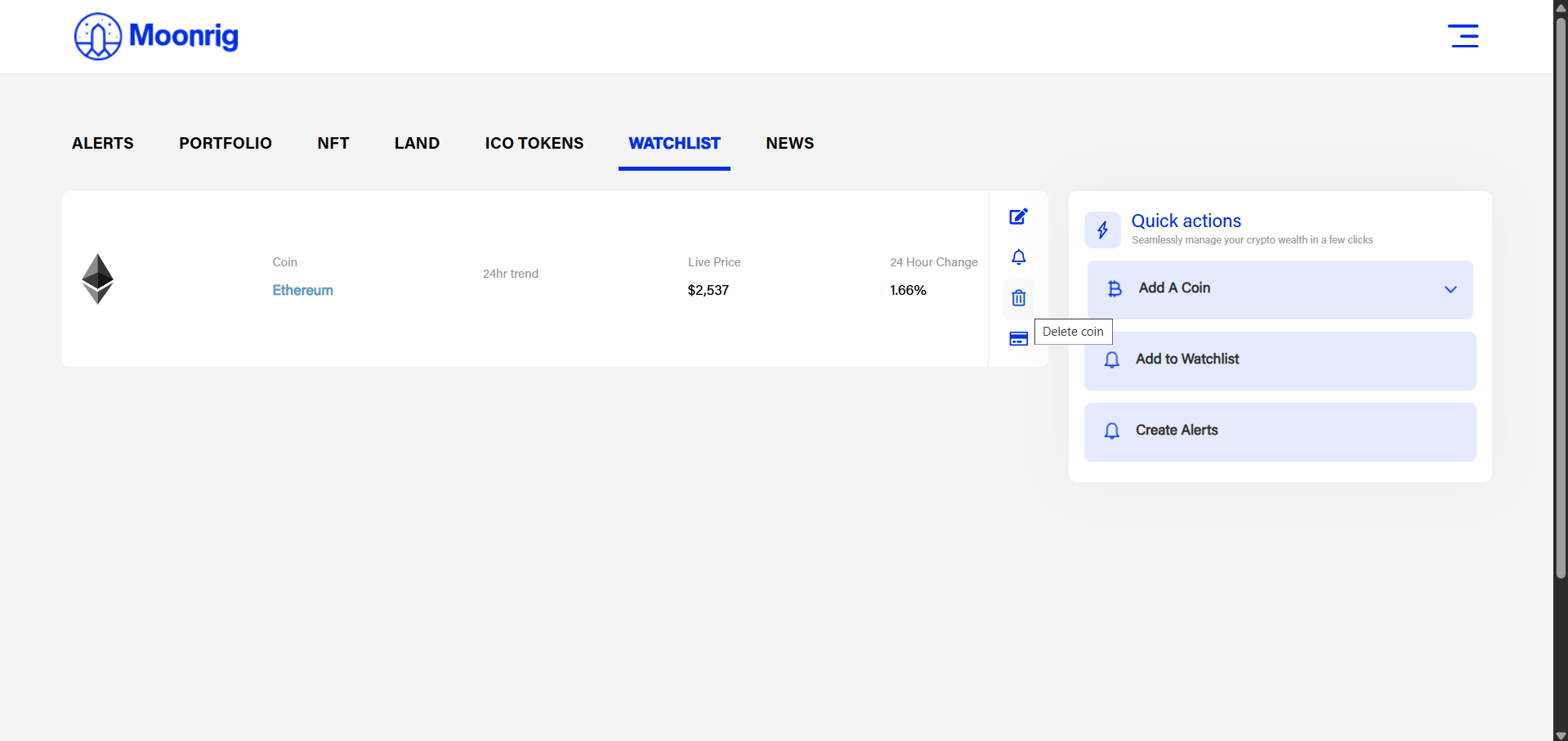
  Once you have created a watchlist, you can also edit a chosen coin. simply click on it. A drop-down menu shows up where you can
- Edit (the coin)
- (Create an) Alert
- Delete (the coin) or
- Buy (the coin on Binance)