Alert
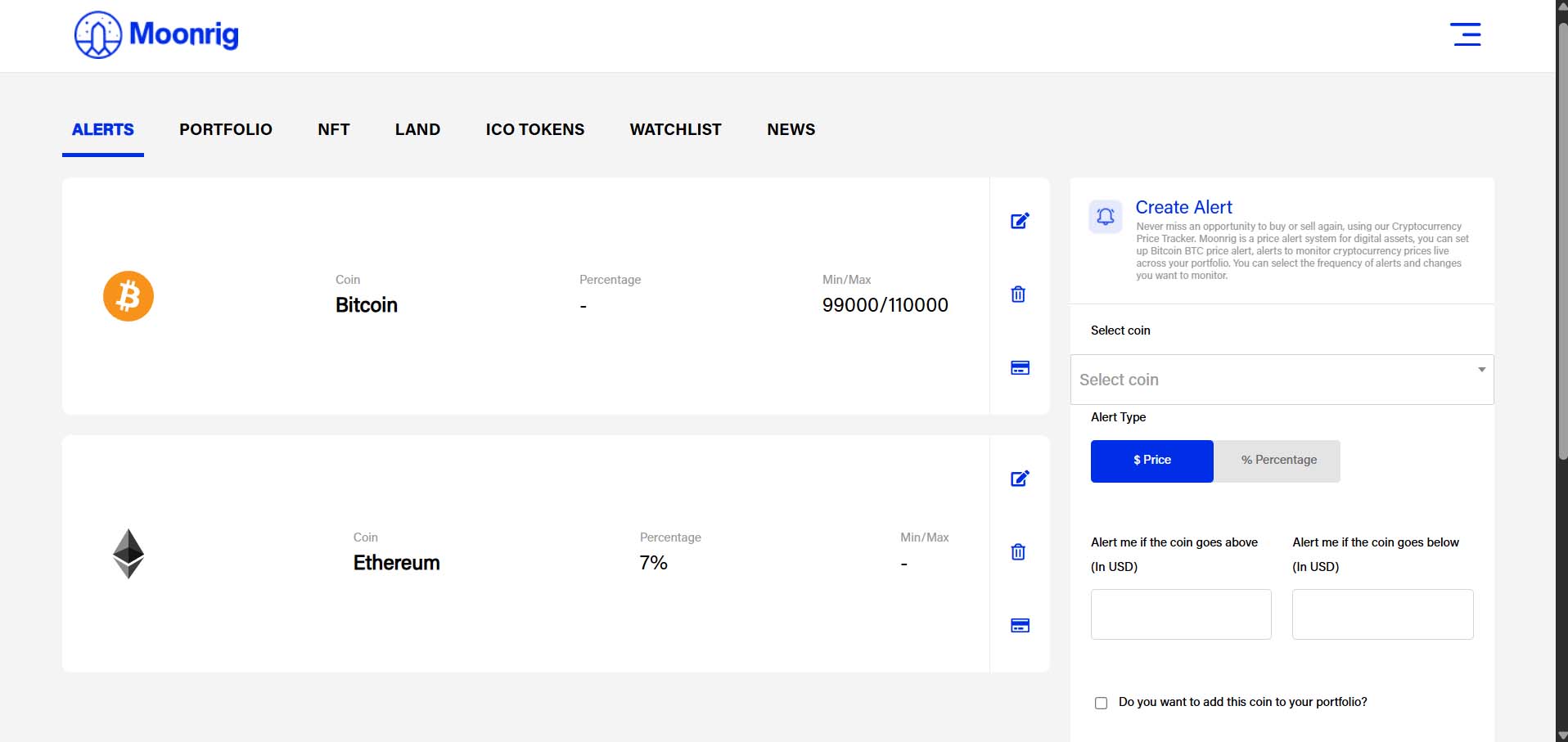
ALERT Use this feature to create an alert for a coin when it either goes past a certain price point or increases/decreases by a specific percentage from the current (at the time of setting the alert) price.
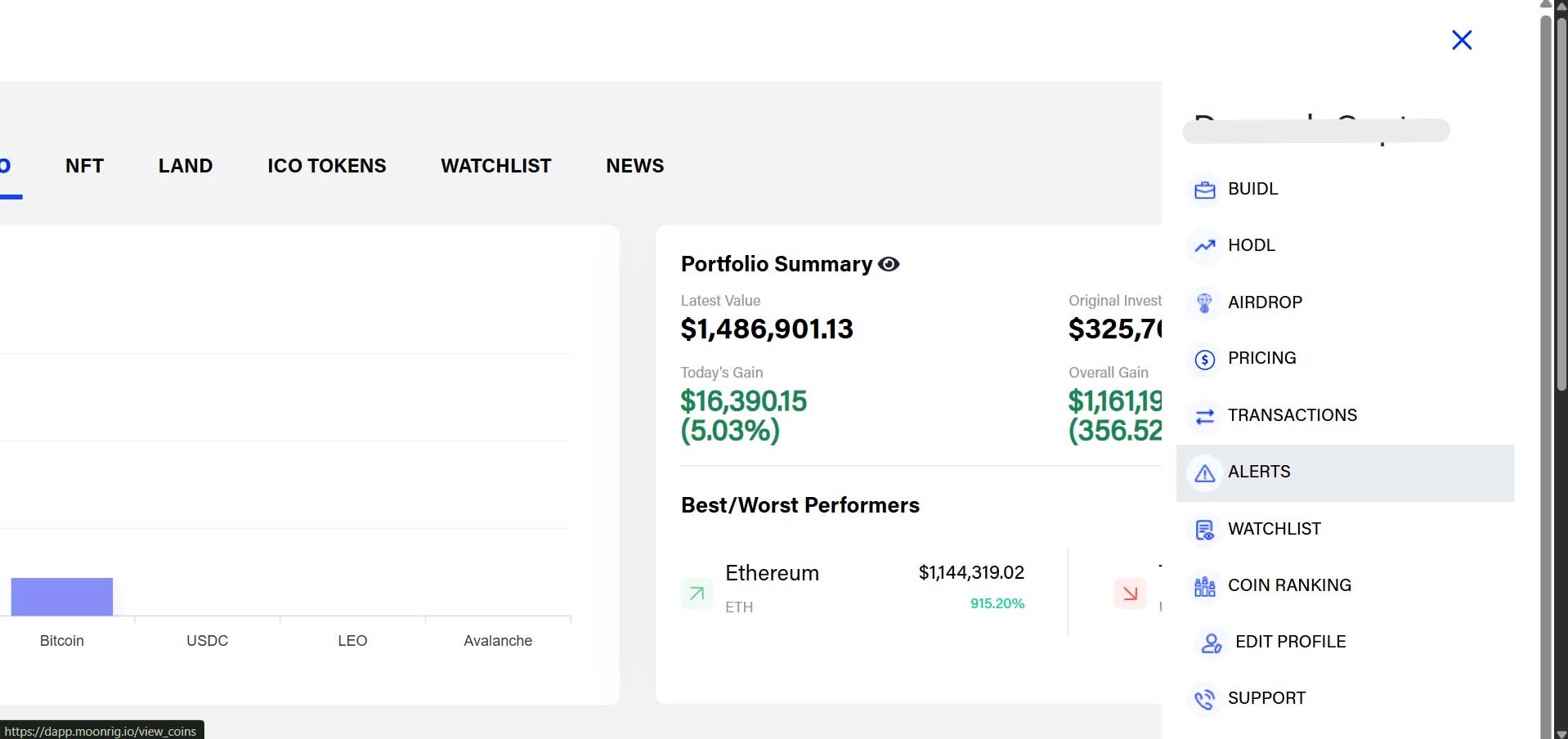
- Click on Alerts in the menu or Create Alerts from the Quick Actions panel.
- Select the coin you want to set the alert for.
- Choose the alert type:
- Price above
- Price below
- % change
- Enter the value and click Save Alert.
You’ll get notified when the condition is met.