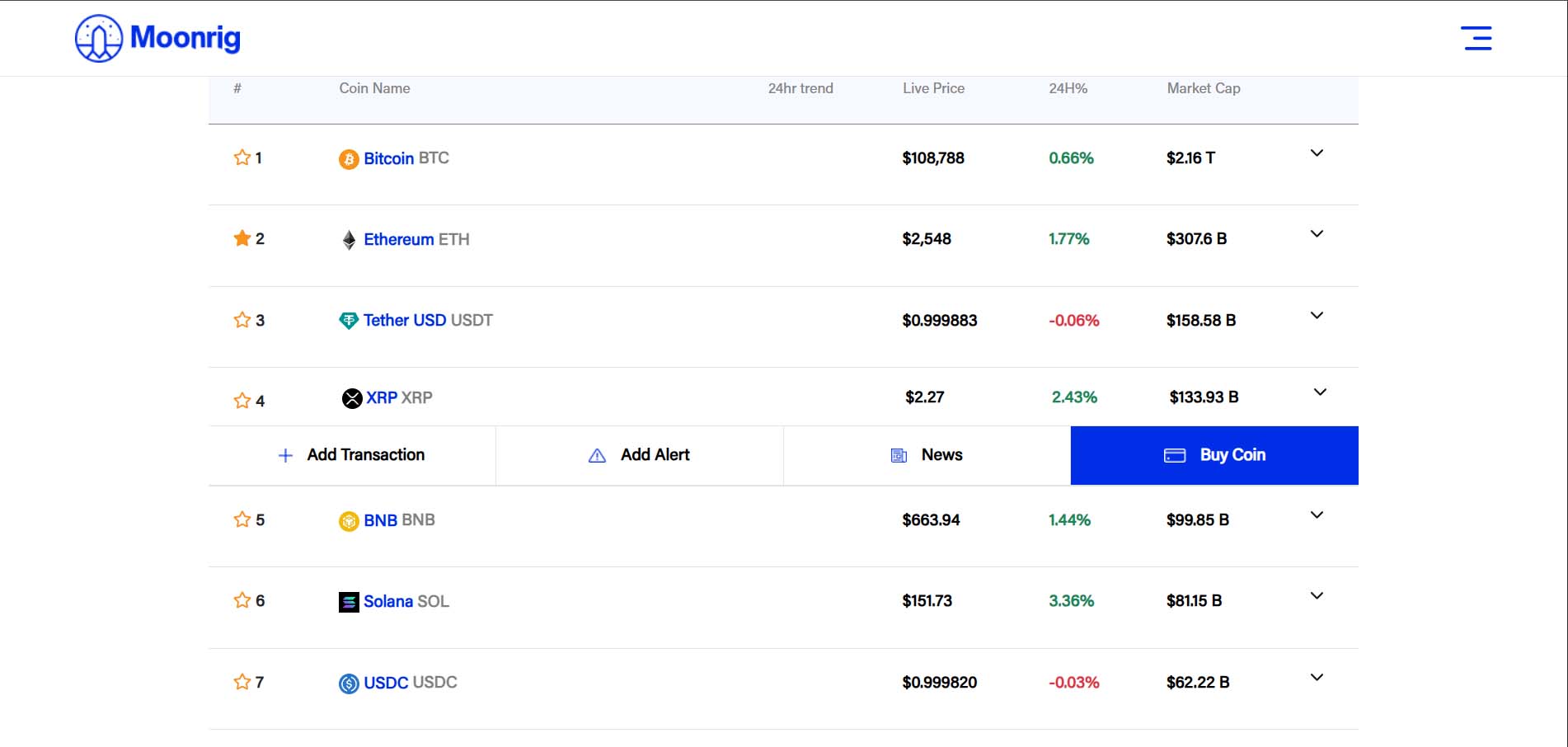
Coin Ranking
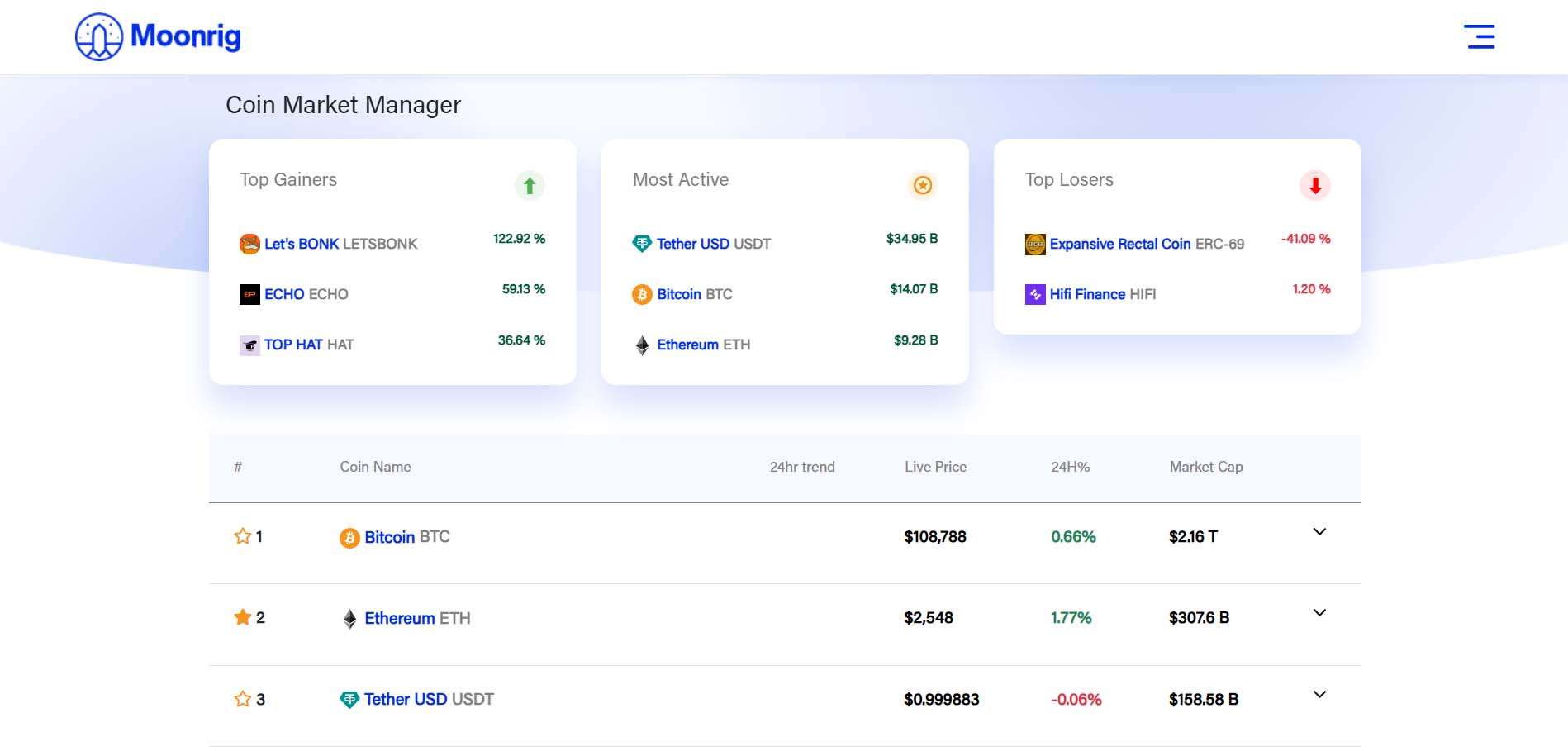
COIN RANKING ‘Coin Ranking’ has the listing of coins by ranking. This can be sorted by coin name, time period, price movement and market cap. At the top of the screen, you will see some tips which link to our YouTube channel videos on how to perform certain actions when using our platform 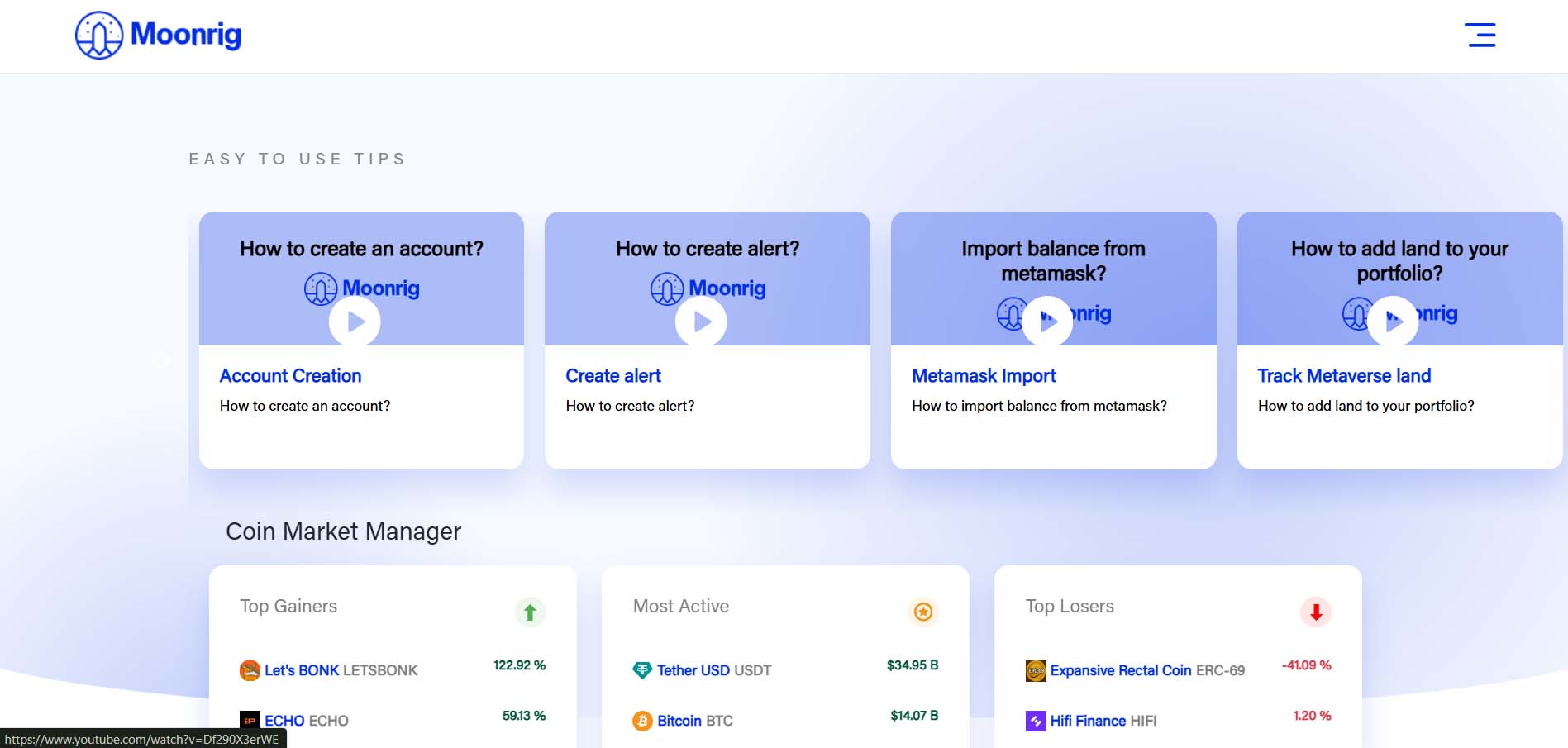 Above the listing a section that has sliding windows to view
- Top Gainers,
- Most Active and
- Top Losers
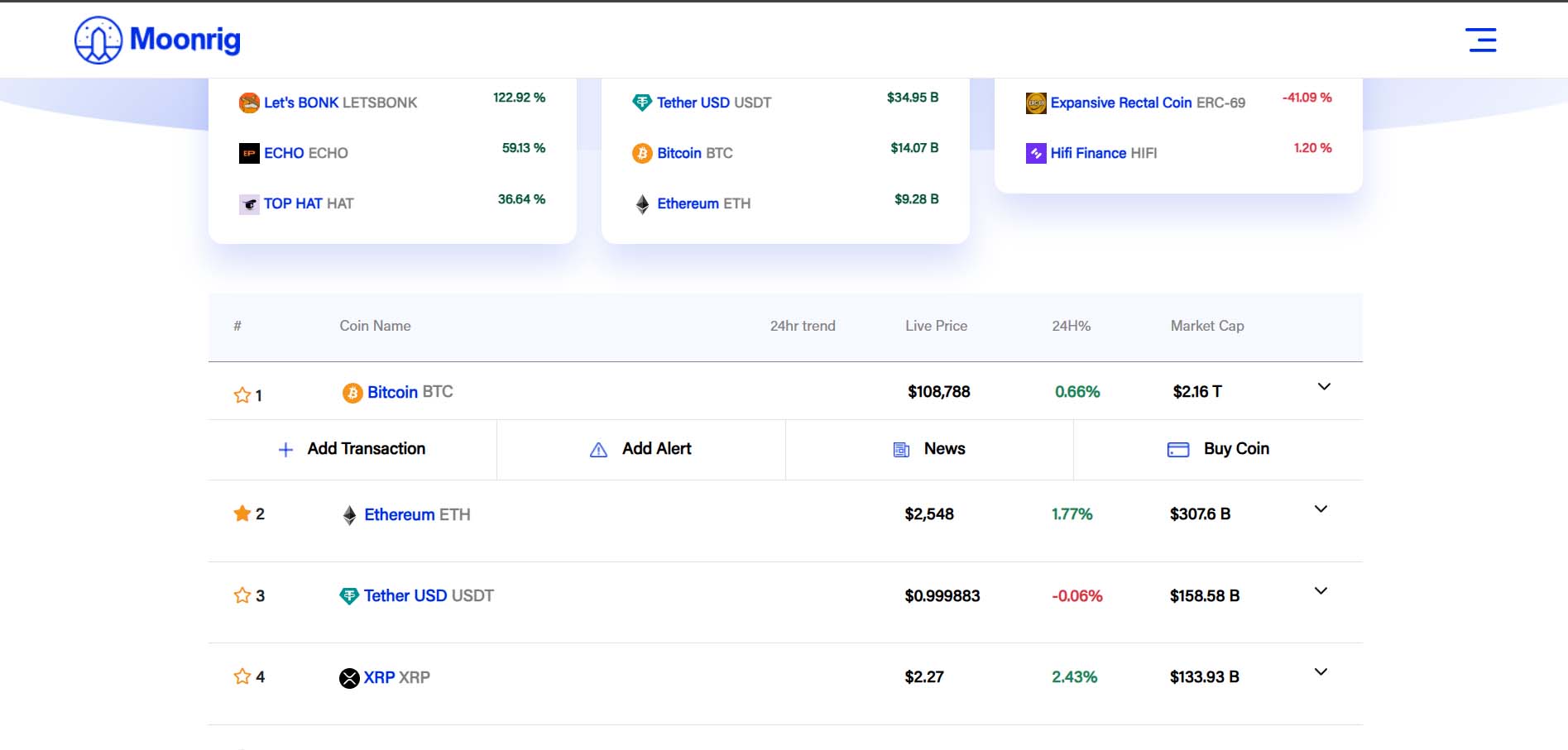 TIP: You can add or remove a coin to/from the watchlist quickly by clicking on the star icon to the left of the coin in the market section (Coin Ranking list). When the star (outline only) is clicked, it changes to a golden (filled) star indicating that it has been added to the watchlist. A small alert pops up with the following message: ‘Successfully added to watchlist’ Click on OK to continue
 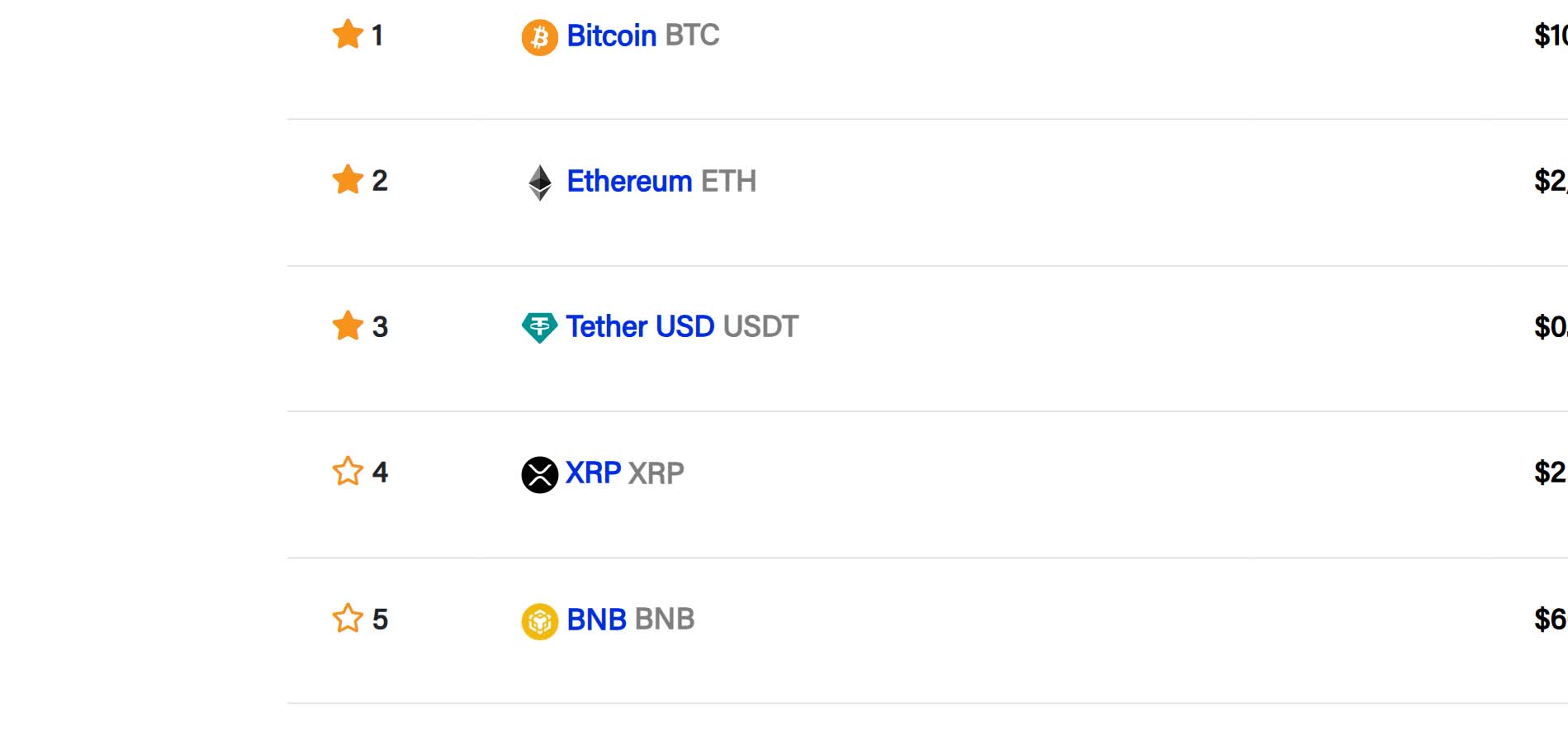 To remove a coin from the watchlist, simply click on a coin which has a golden star to its left. When the star (golden filled) is clicked, it changes to a blank/empty (no filling / outline only) star indicating that it has been removed from the watchlist. A small alert also pops up at the bottom of the screen with the following message: Successfully removed from watchlist’ Click on OK to continue In the Coin Ranking list you will see following for each listed coin (from left to right):
- Star Icon – Marks the coin as favorite
- Coin Name – The name, logo and ticker symbol for each coin
- Price – Current market price of the coin (in your default chosen currency)
- % Change – 24-hour price change in percentage
- Market Cap – Total market cap of the coin (T - Trillion, B - Billion, M - Million, etc)
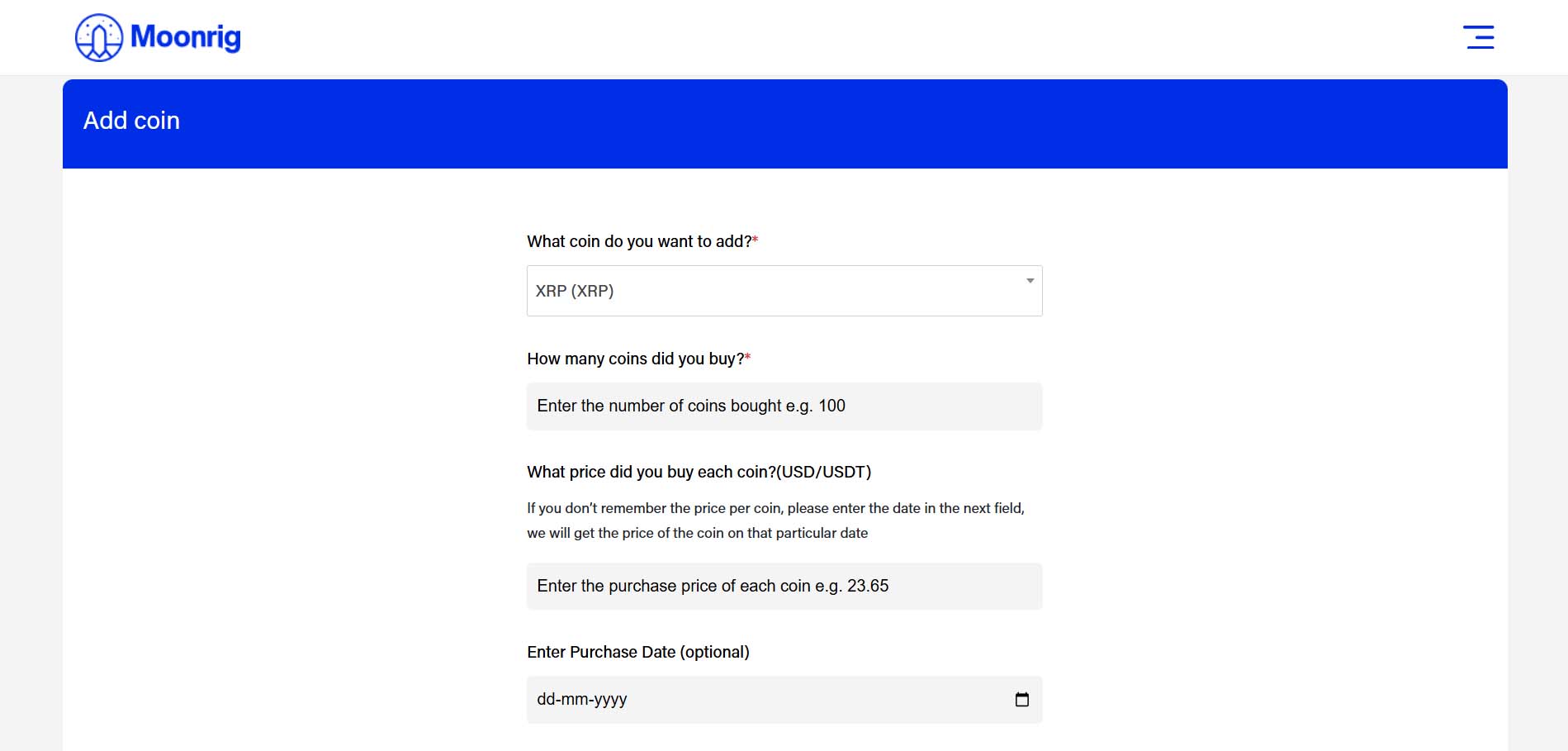
In the Coin Ranking list you will see a ‘down arrow’ to right each coin. 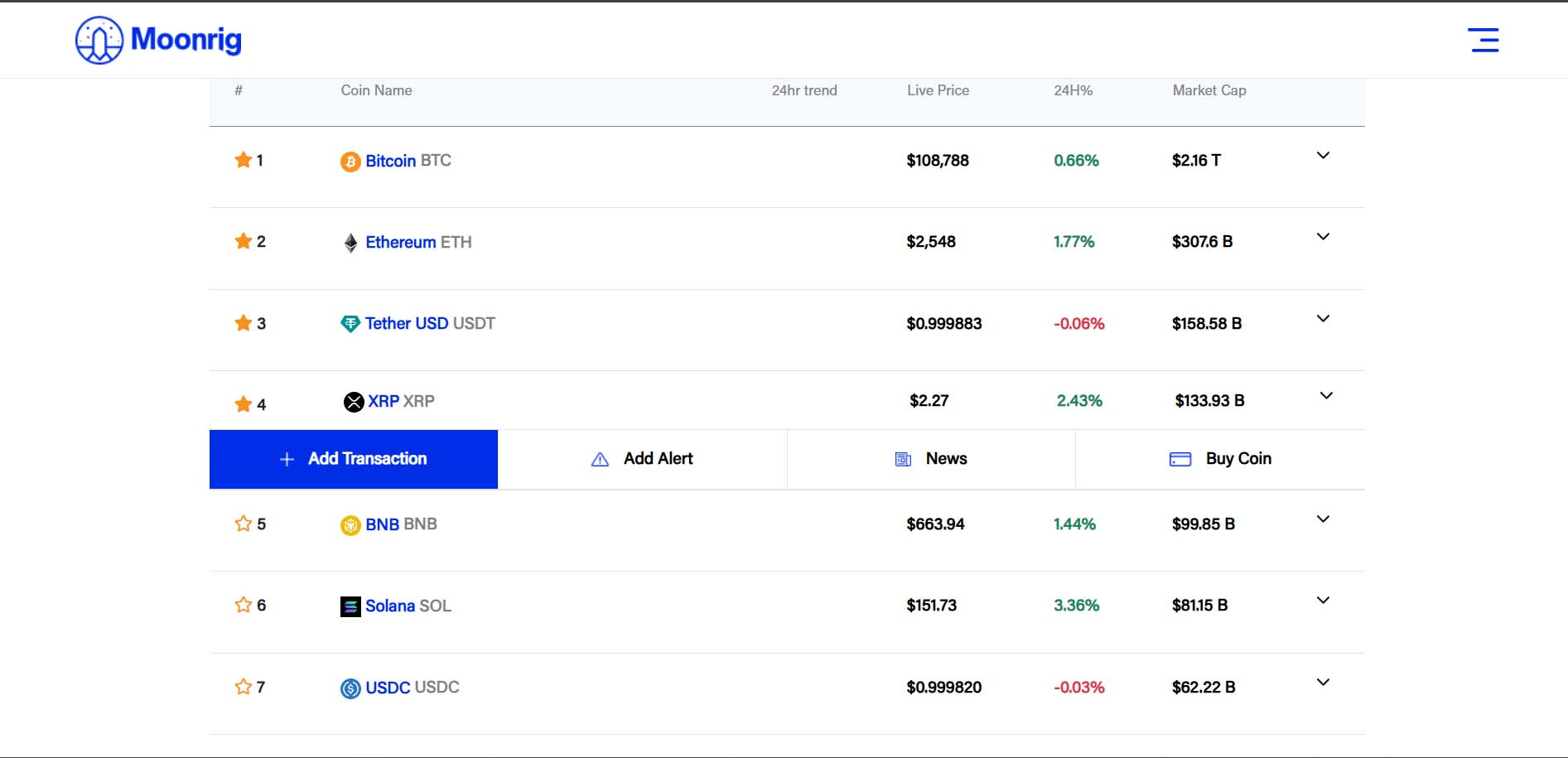 Add Transaction Add this coin to your portfolio with purchase details
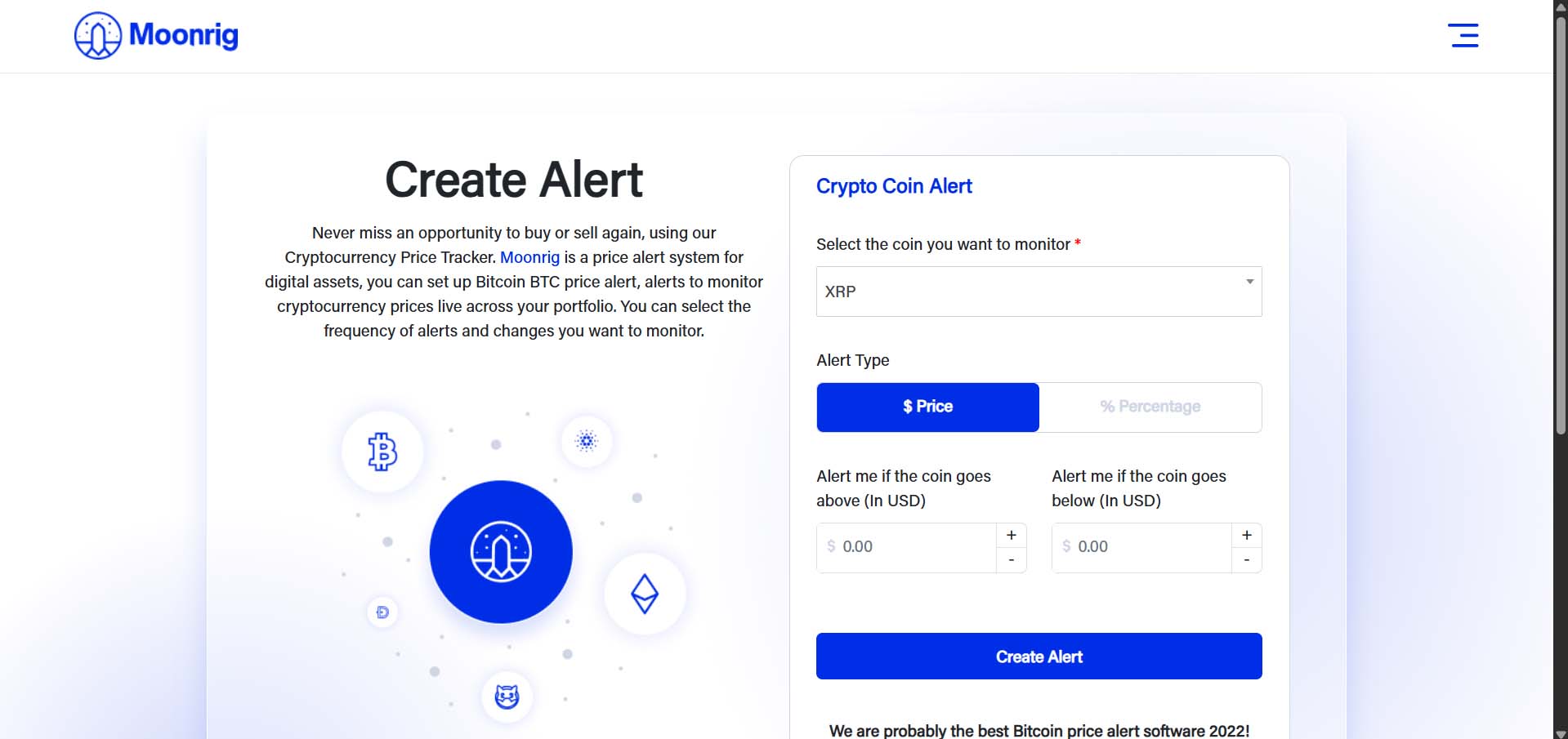
  Add Alert Set a price or % change alert for this coin
 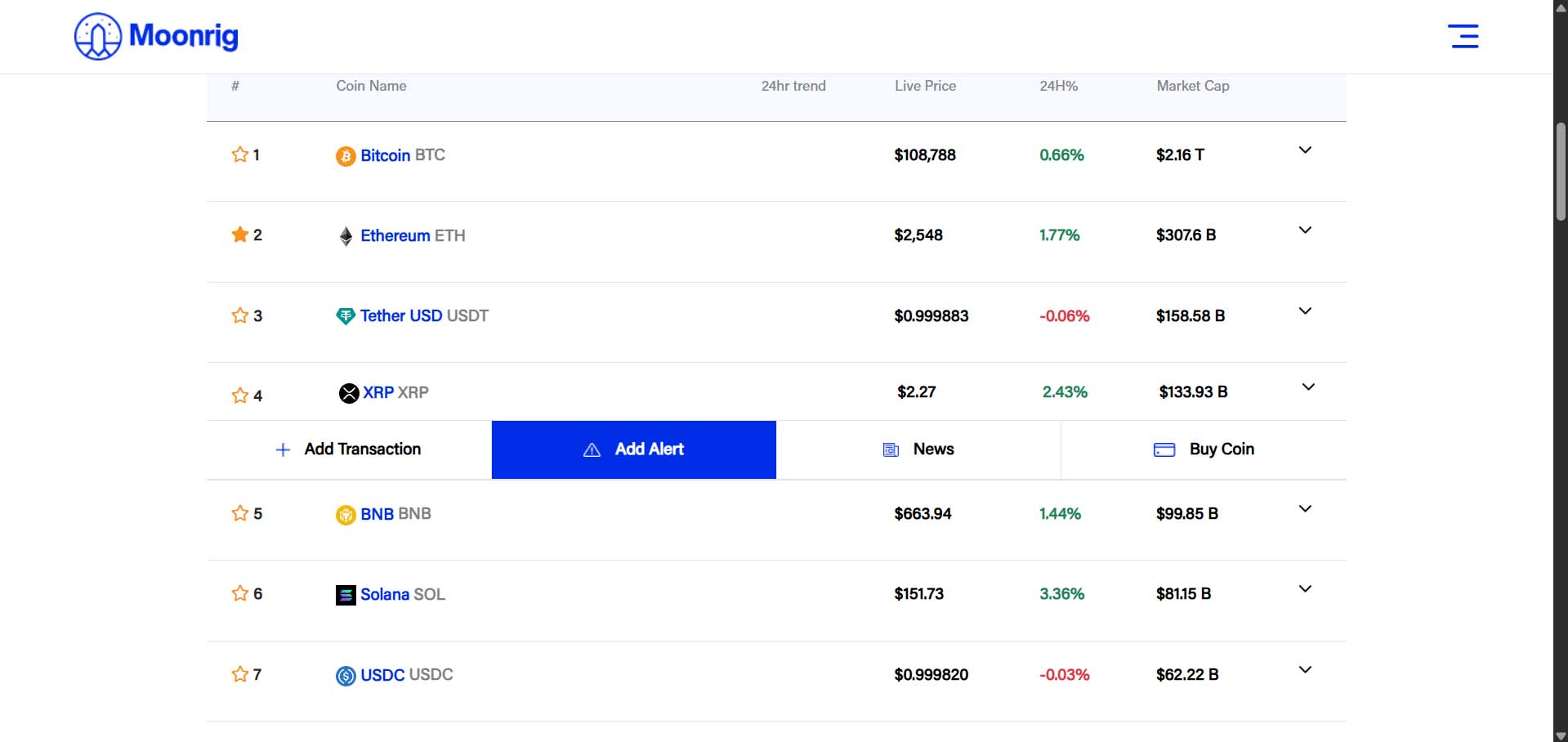 Choose the alert type (either by Price action or by Percentage change) Enter the appropriate values as appropriate and click on ‘Create Alert’
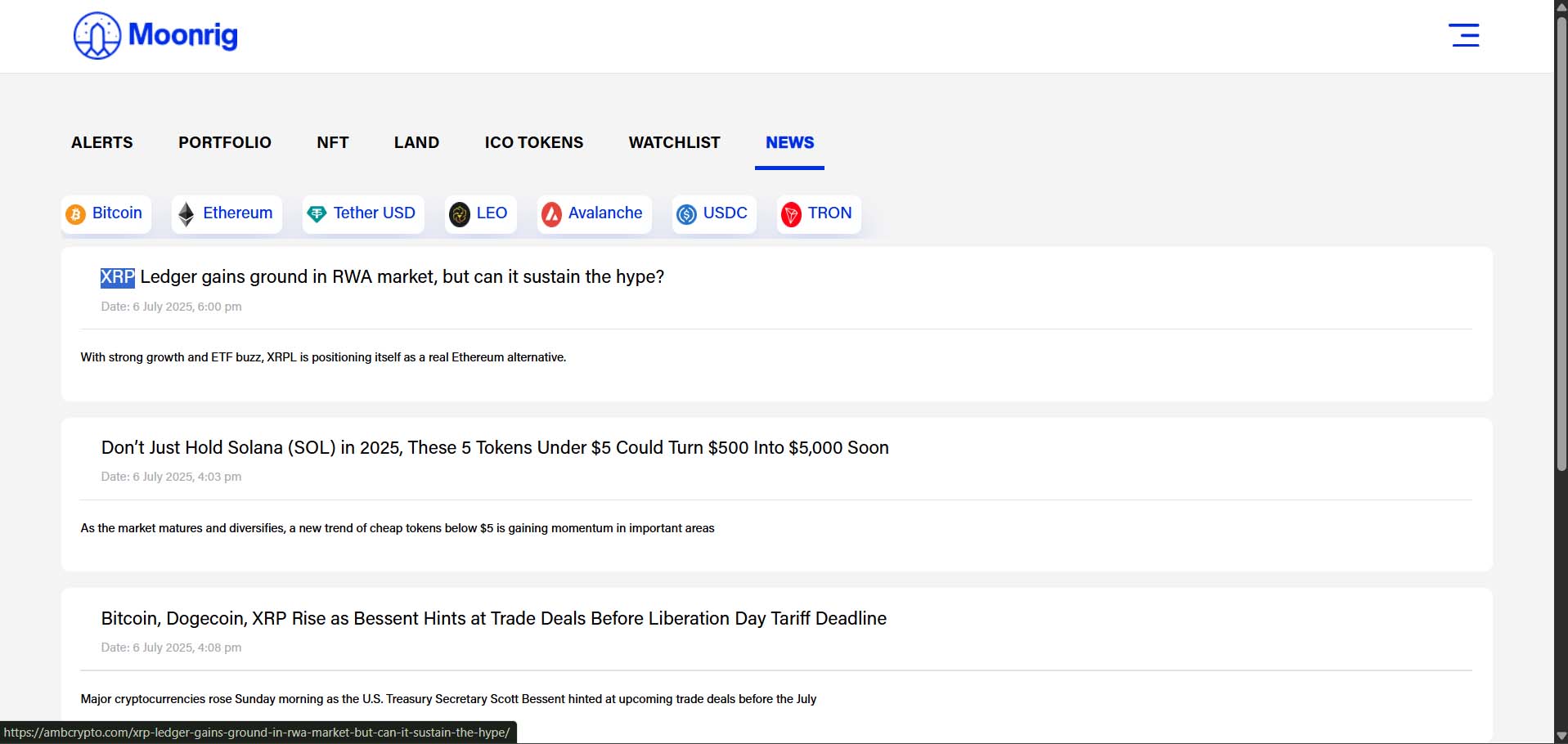
  News View latest news and updates about various coins. When clicking on the ‘News’ button, you will be taken to a new page (new tab in your browser) where news articles related to various coins are listed. Here you can click on a specific coin to see news articles related to that particular coin
  Buy Coin Clicking on ‘Buy Coin’ will open a link or page (currently to Binance) where you can buy this coin. Login to Binance and purchase the coin there. Once the purchase is complete, the coin purchased on Binance is also added to the portfolio on Moonrig (as long as you have connected the API key correctly)