
Log Out
LOGOUT To Log out of the Moonring platform, click on the three-line menu icon (☰) Then click on ‘LOGOUT’ 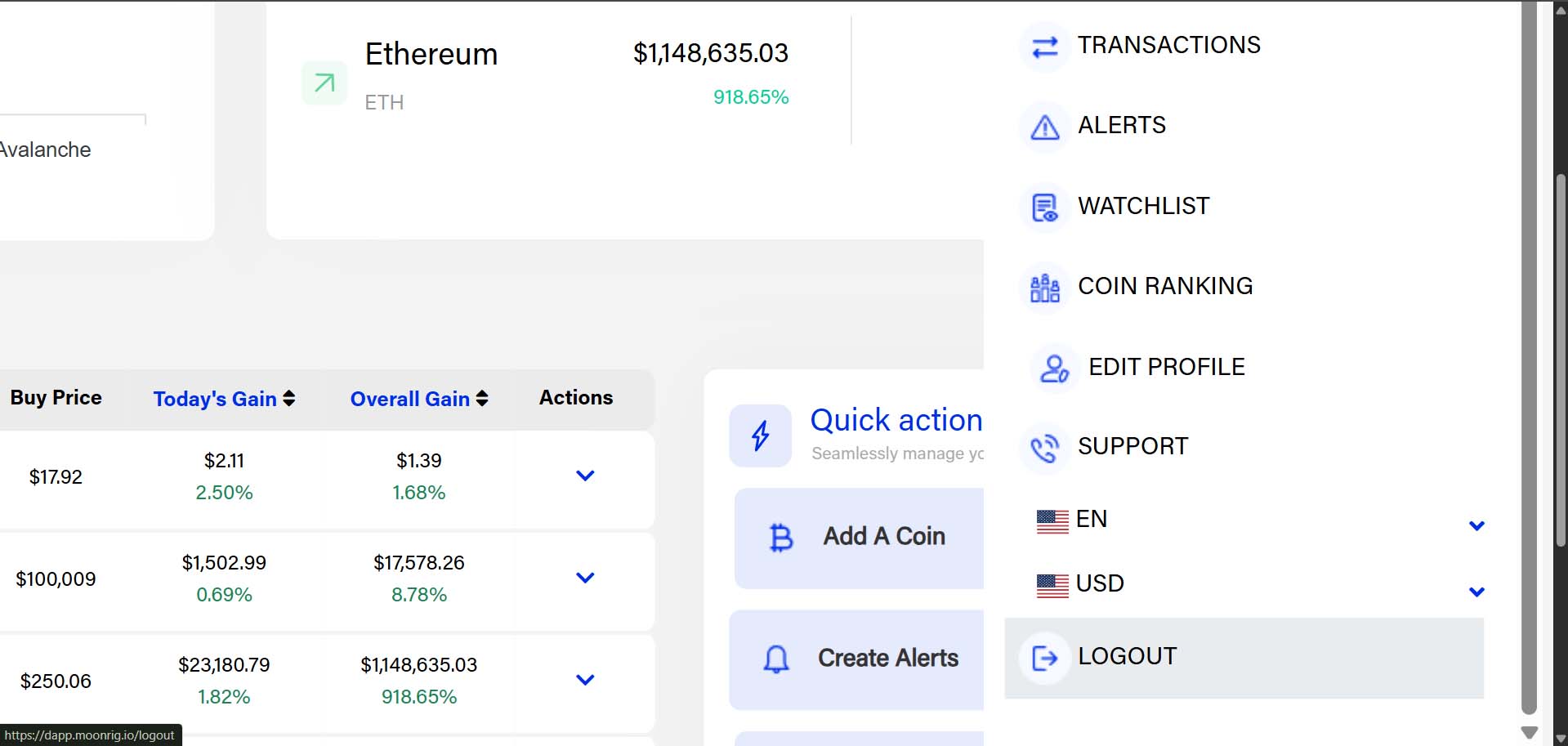 You will then be presented with the option to Logout (at the bottom right of the screen) On clicking ‘Logout’ you will be automatically logged out of the Moonrig site.