Logout Of Your Account
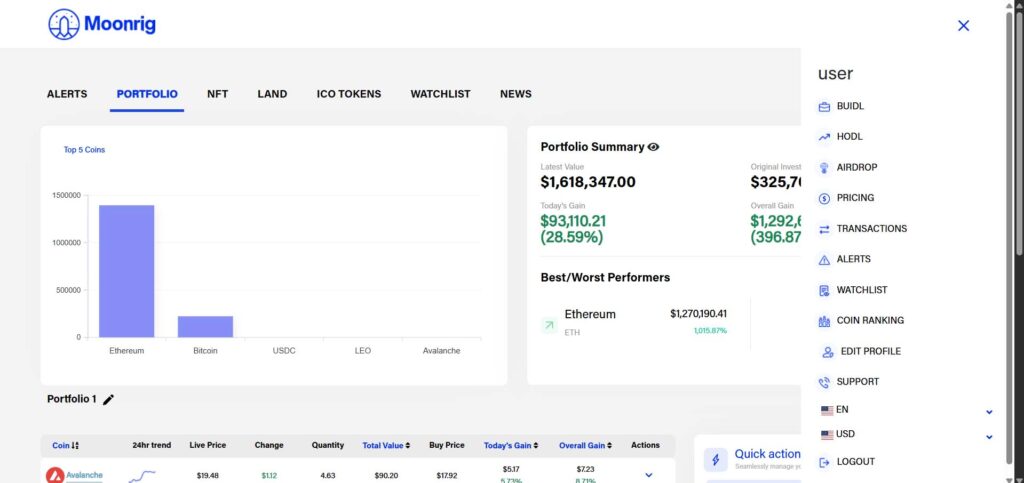
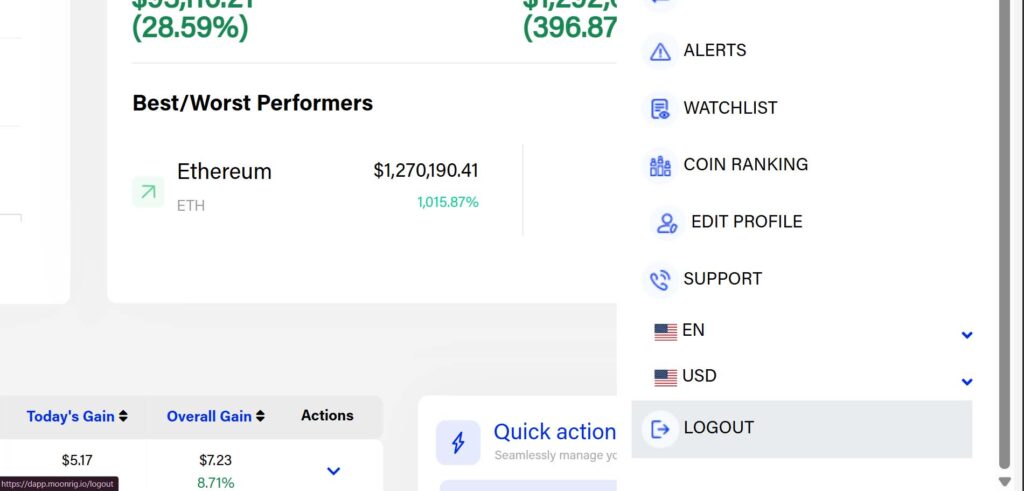
LOGOUT OF YOUR ACCOUNT To log out of your account:
- Tap on the three-line menu icon (☰) in the top-right corner of the screen.
- From the dropdown menu, select “Logout”.
- When the confirmation pop-up appears, tap “Logout” again to complete the process.
You’ll now be safely logged out of the Moonrig dApp.